Registration feeds operations
Applications, forms, payments, permissions, and participant details move into the correct camp, program, and session context.
A staff member calls in sick, the rain moves an activity, and a parent calls because the app says one thing and the plan says another.
Four web modes. Three mobile apps. NFC + QR Bracelets. One set of records underneath.
CampOrganizer is an all-in-one camp management system for summer camps, day and overnight camps, after-school and holiday programs, youth organizations, and university pre-college programs. It brings together work that camps usually manage across separate systems: registration, participant records, forms, payments, staff, session preparation, daily operations, attendance, family communication, learning, incidents, reporting, and optional NFC/QR Bracelets. Owners and administrators manage the organization in Camp Hub. Session leaders run active programs in Session Console. Counselors work from Counselor Mobile on the ground. Families use Family on web and mobile. Participants follow their own program in Explorer. Each role gets an experience designed around its actual work, while the participant, family, staff, and session records underneath stay shared across every view.
CampOrganizer is one role-based platform, not a collection of disconnected portals. The experience changes according to the user's role, organization, permissions, and current session.
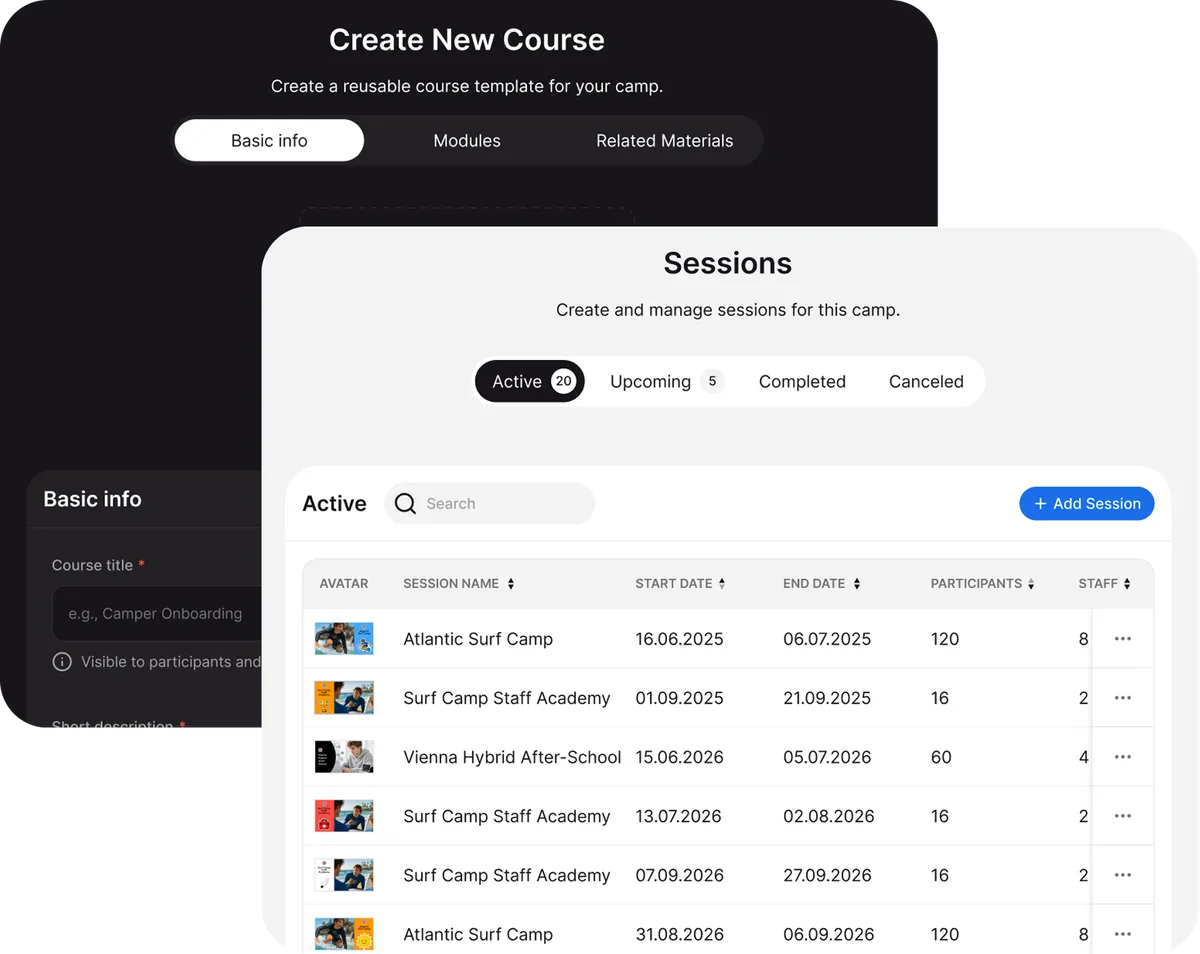
The web control center for owners, directors, and administration. Build the organization, run camps and sessions, and govern people, finances, and forms in one place.
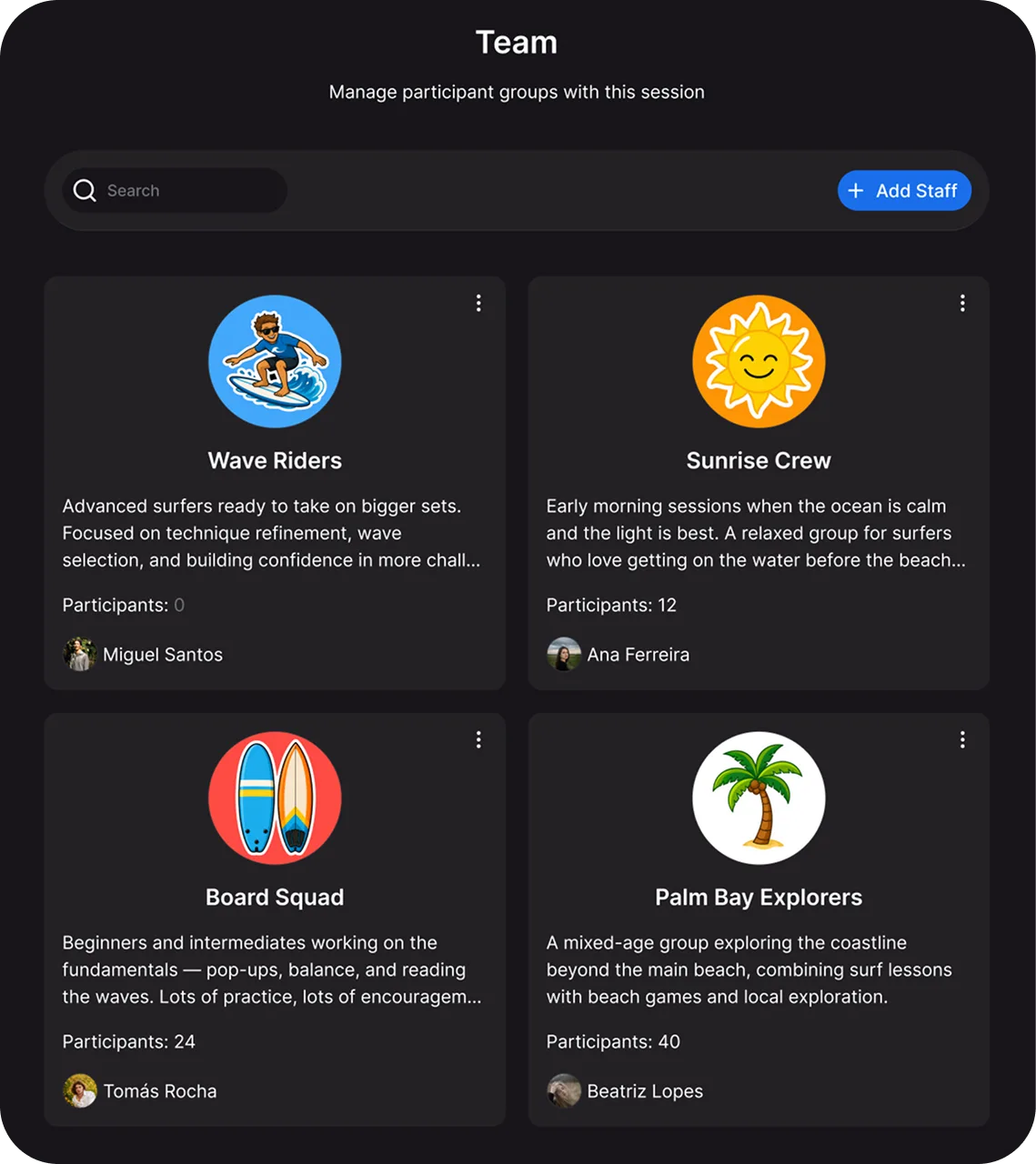
Session leaders run the live program from the web console; counselors work the same day from their phone. Groups, schedule, attendance, and updates, in sync from the desk to the ground.
One reliable place for parents and guardians to prepare and stay in sync. Schedules, payments, forms, and updates, on the web app and on mobile, kept in step with the camp.
Participants follow their own program, on web and on mobile. Personal schedule, groups, learning, achievements, and the camp gallery, in a view built for them.
Many camps still run registration in one tool, payments in another, staff schedules in spreadsheets, family communication through email and group chats, and daily attendance on paper. Each tool solves its own problem. Nobody's tool solves the space between them: a registration copied into a roster by hand, a schedule change announced in three places, a staff member working from last week's list, or a parent calling because the app says one thing and the operational plan says another. The camp director becomes the integration between systems. CampOrganizer replaces that setup with one operating platform.
Participant, family, staff, program, and session records live in one place. Change them there, and every role's view follows.
Registration flows into session preparation and daily operations without rebuilding the same rosters, groups, or communication audiences by hand.
Owners, administrators, session managers, counselors, families, and participants don't need the same interface, and shouldn't have it.
Enrollment, readiness, payments, staffing, attendance, incidents, communication, and reporting stay in context instead of being spread across six tabs and three inboxes.
No copy-paste between systems: a change in one place updates everywhere it appears.
Add camps, programs, and seasons on the same platform instead of bolting on another tool.
A participant registers for a session. Their family completes forms and payments. The participant appears in the appropriate session, roster, and readiness view. The operations team assigns them to a group. Staff see that group in Counselor Mobile. Attendance and activities are recorded during the program. Families receive the relevant updates in Family. Afterward, the organization reviews the session through reports and exports. The participant record follows the workflow instead of being recreated at every stage.
Applications, forms, payments, permissions, and participant details move into the correct camp, program, and session context.
Groups, schedules, attendance, activities, tasks, and responsibilities reach the people actually running the session.
Authorized updates, schedules, and photos appear in Family, without a separate parent communication system.
Attendance, assignments, learning progress, badges, and achievements stay with the participant and the program.
Enrollment, readiness, finance, attendance, incidents, and outcomes are reviewed without reconciling several unrelated systems first.

In many camps, the owner or director is the person who connects every department. Questions, exceptions, missing information, and schedule changes all land on the same desk because no one else can see the complete picture. CampOrganizer creates a shared operating structure so responsibility can stay with the right team.
See which sessions are filling, which requirements remain incomplete, which payments need follow-up, and which operational areas require action.
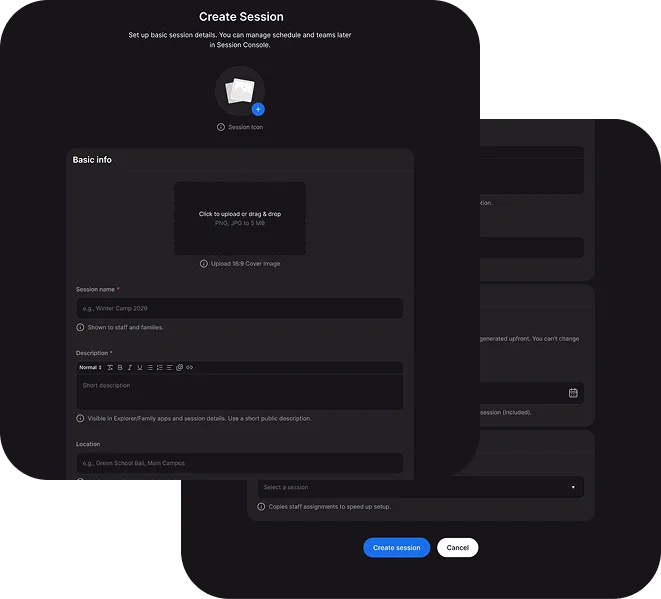
Create repeatable structures, forms, communication, and processes across camps, locations, programs, and seasons.
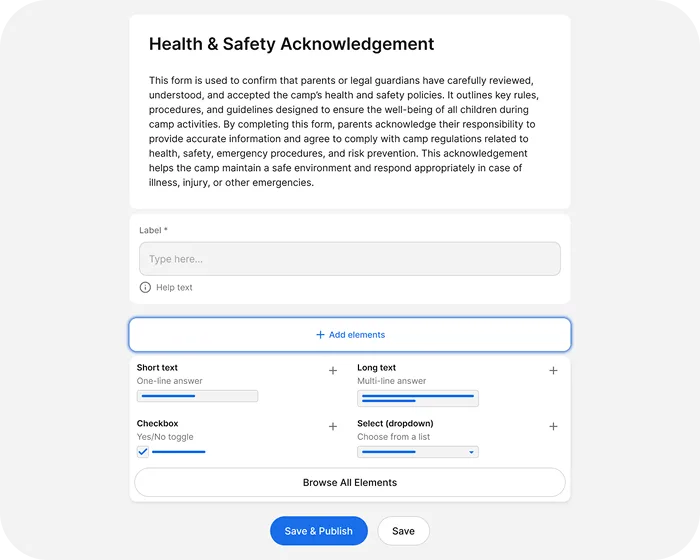
Administrators, session leaders, counselors, and other staff get the tools and information their roles require.
Make onboarding, payments, preparation, schedules, and communication more consistent without adding more routine work to the office.

Keep session structures, schedules, records, reports, and processes inside the organization, not in personal spreadsheets and chat histories that leave when people do.
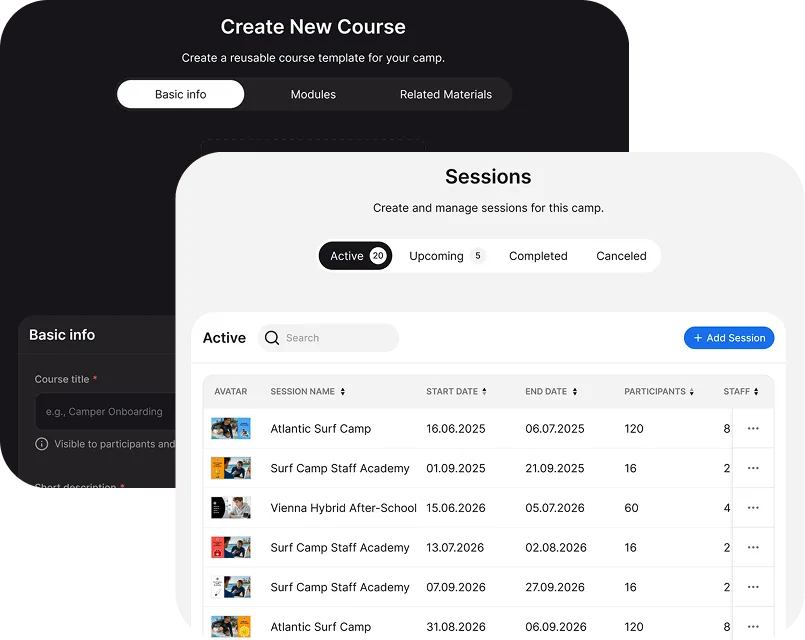
Use shared records, structured exports, operational reporting, and management visibility to support planning and improvement.
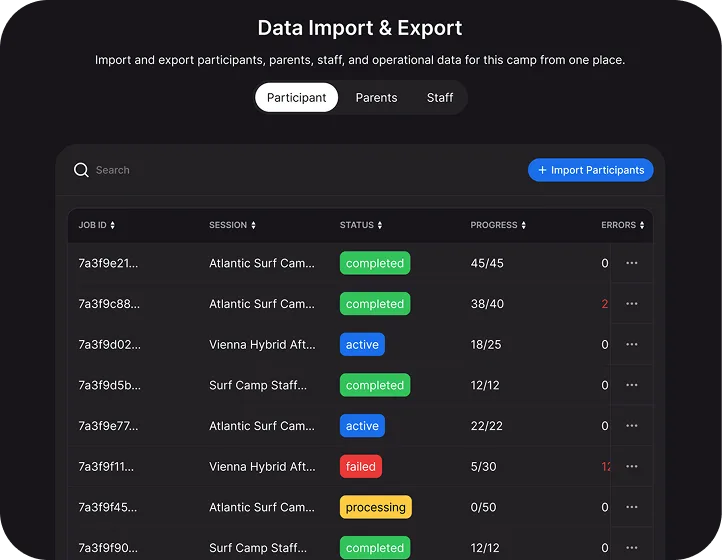
Camp Hub gives leadership an organization-wide view of camps, programs, sessions, people, finances, forms, and communication. It's where the operating structure of the organization is built and maintained.
Registration software helps you prepare for camp. Session Console helps you run it while it's happening. It brings participants, staff, groups, schedules, attendance, activities, incidents, communication, media, learning, and reporting together within one session workspace.
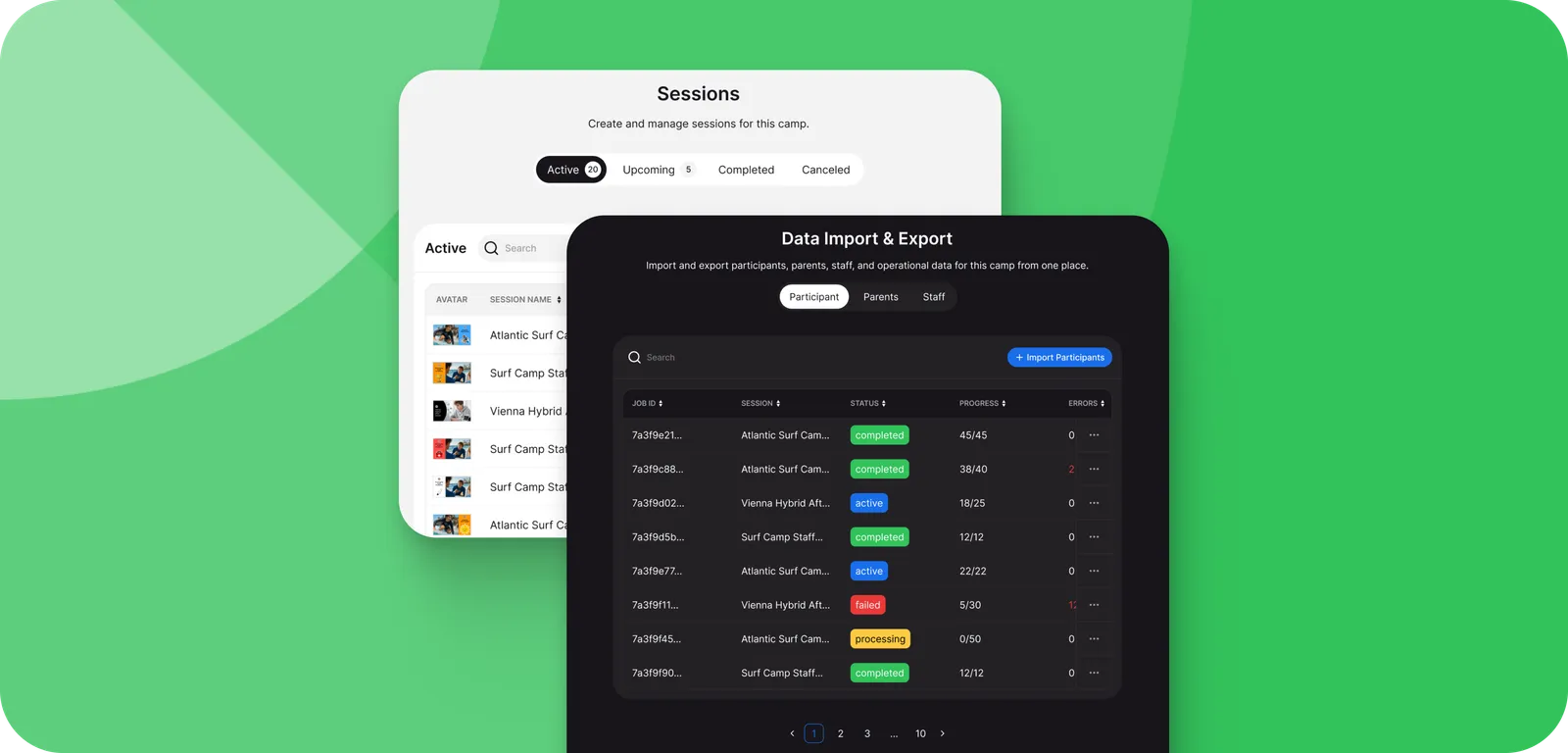
Open the current session and see the participants, families, staff, groups, schedule, and preparation status attached to it.

Organize participants into groups, cabins, teams, courses, or whatever structure the program actually uses.
Manage activities, locations, times, staff responsibilities, and the inevitable operational changes from the same session context.

Track attendance at session, group, course, or activity level, without a clipboard becoming the system of record.
Document an incident against the relevant participant, activity, group, staff member, or session while the details are still fresh.
Keep photos and session updates in the correct program context, and make authorized content available to families.

Manage activities, courses, assignments, achievements, and progress inside the program instead of moving them to a separate learning portal.

Use available reports and exports to review participation, attendance, readiness, incidents, activity, and outcomes.

Counselor Mobile gives frontline staff what they need while they're moving through the program. No walking back to the office, no checking a spreadsheet, no scrolling a group chat for the one message that mattered.
Family is a branded web and mobile experience for parents and guardians, running on the same platform the camp itself uses. Preparation, payments, schedules, communication, photos, and relevant participant information stay in one place.
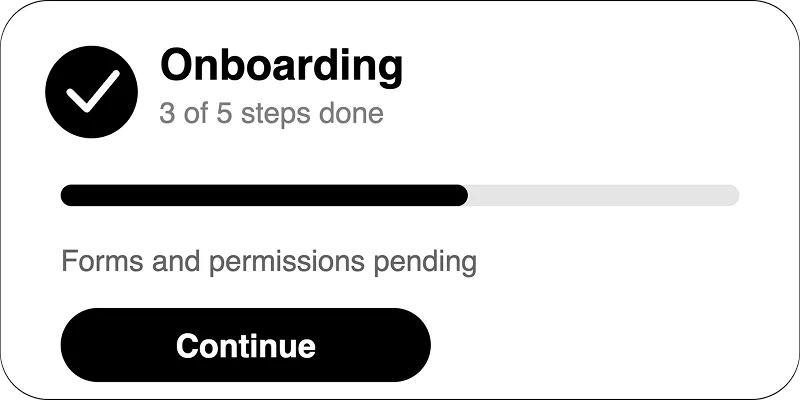
Families can complete onboarding steps, submit required information, review forms and permissions, follow payment status, and see what still needs attention.
They can access updates, schedules, photos, messages, team information, contacts, travel details, pickup information, and other relevant session content.
Invoices, payments, and optional offers remain attached to the correct participant and session.
Where the program makes it available, families can see learning progress, assignments, activities, and achievements.
Web supports detailed preparation. Mobile supports the quick daily check.
Family shows role-scoped information from the same session context the camp team works in, not a separately maintained newsletter that drifts out of date.
Explorer gives children, students, and other participants their own view of the program. Depending on the session and age group, they can follow their schedule, group, activities, learning, assignments, gallery, progress, and achievements.

The activities, times, and information relevant to their own session and group.

Activities linked to learning materials, assignments, outcomes, and progress.

Photos and media made available to the participant's role and session.

A clearer view of where they belong and who they're participating with.
Completed activities, milestones, badges, and achievements visible as part of the participant journey.

Explorer works as both a web mode and a mobile app on the same program structure.

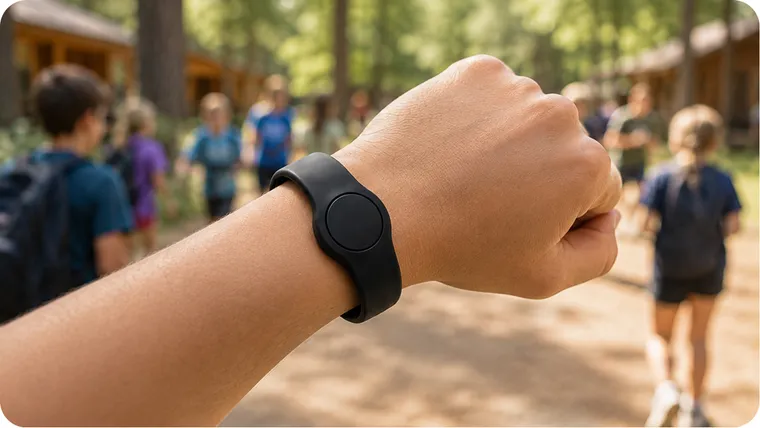
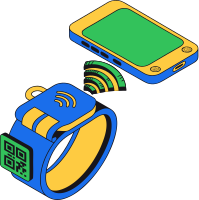
Each CampOrganizer Bracelet is tied to a participant record and works through NFC or QR, depending on the available device and configured workflow.
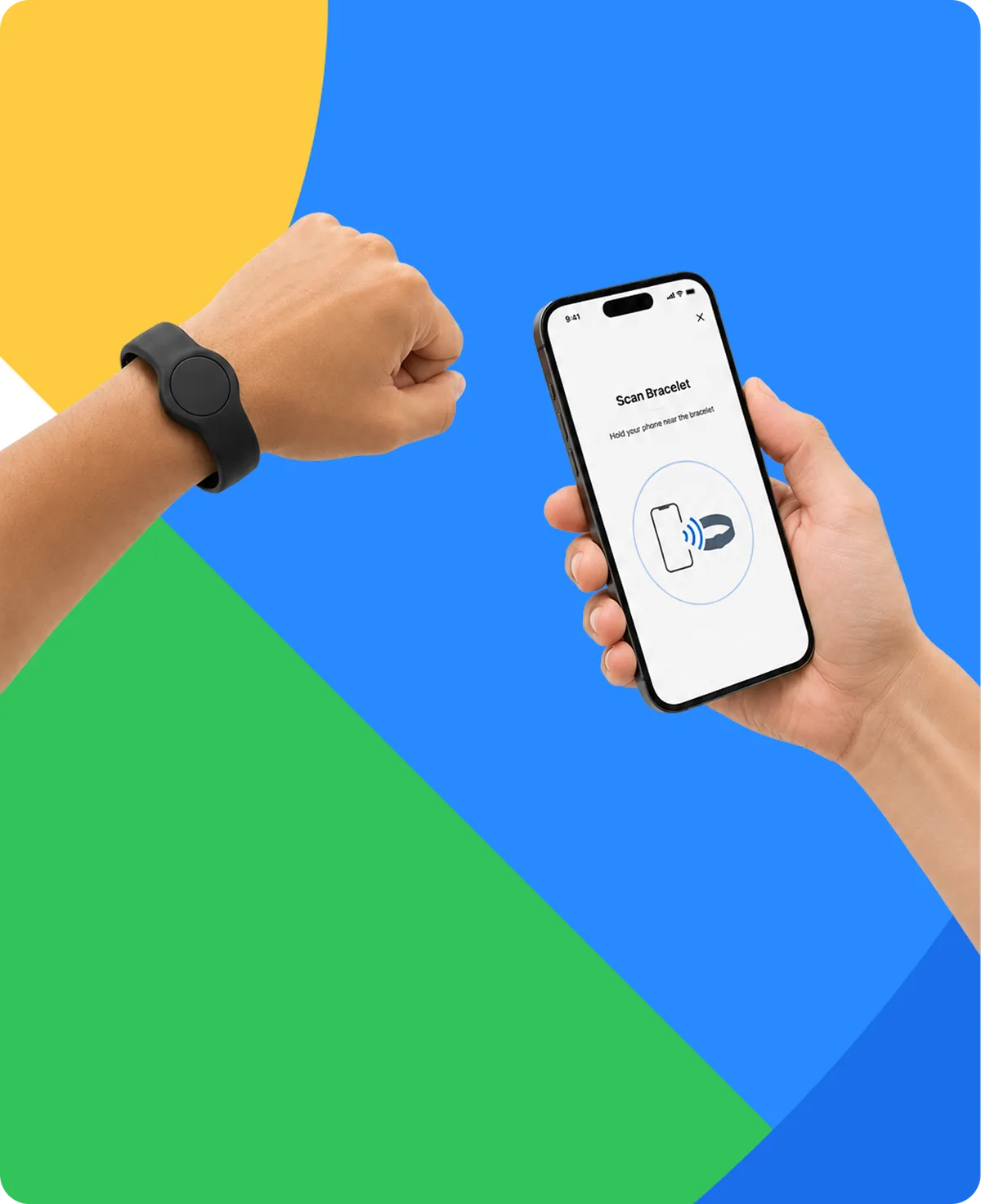
Support faster participant identification, check-in, and handoff to an authorized guardian.
Record attendance against the participant, group, activity, or session without relying only on paper lists.
Make authorized dietary and allergy information available to the staff who need it, in the operational context where it matters.
Record participation in activities and connect on-site challenges to the participant's program experience.
Award badges and achievements that can appear in Family and Explorer.
The QR option works on smartphones with a camera and does not require NFC.
Participants take the bracelet home when the program ends.
CampOrganizer connects the stages of a camp or youth program that are often managed separately.
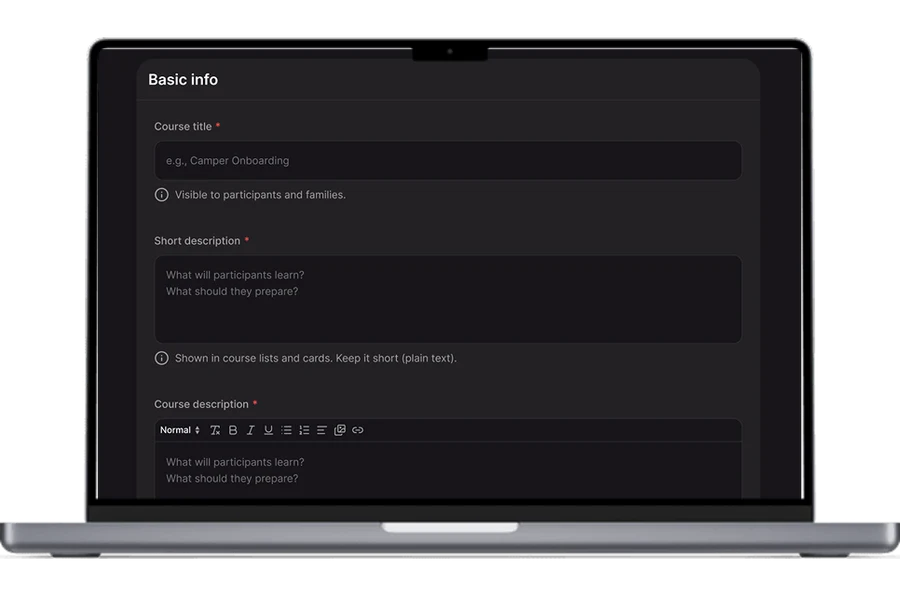
Set up camps, programs, sessions, dates, capacity, pricing, staff structures, forms, activities, schedules, and operating rules.
Collect applications, participant details, family information, forms, waivers, permissions, consent, and payments.
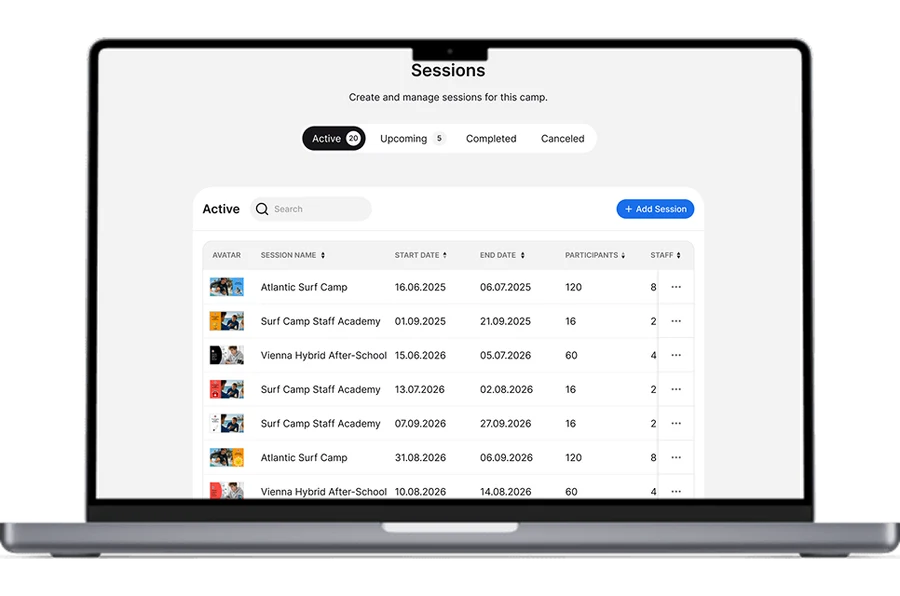
Track missing information, assign participants and staff, build groups, prepare schedules, and confirm readiness.
Deliver onboarding, publish information, collect final requirements, and give every role access to the right session details.
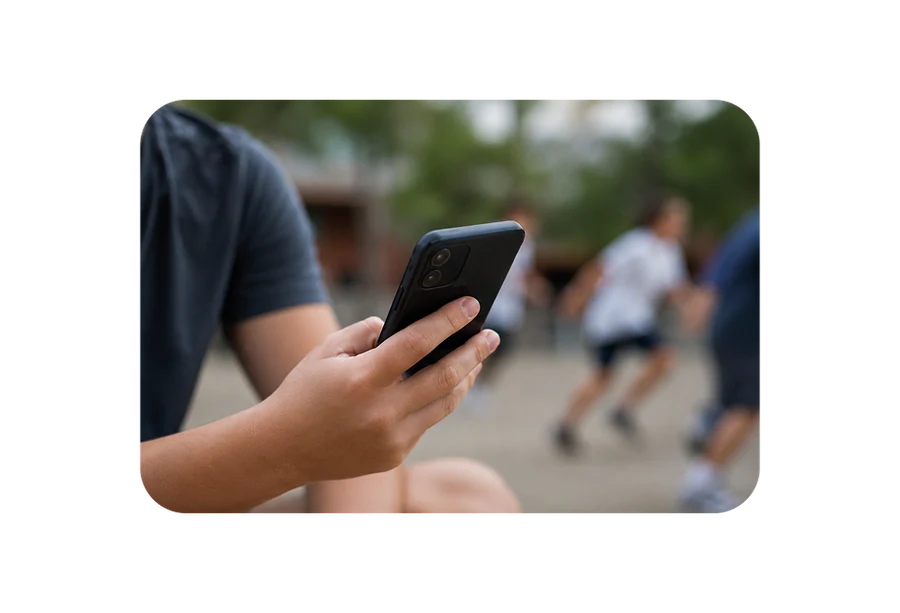
Use Session Console, Counselor Mobile, and Bracelets for schedules, groups, attendance, activities, incidents, communication, and on-site execution.
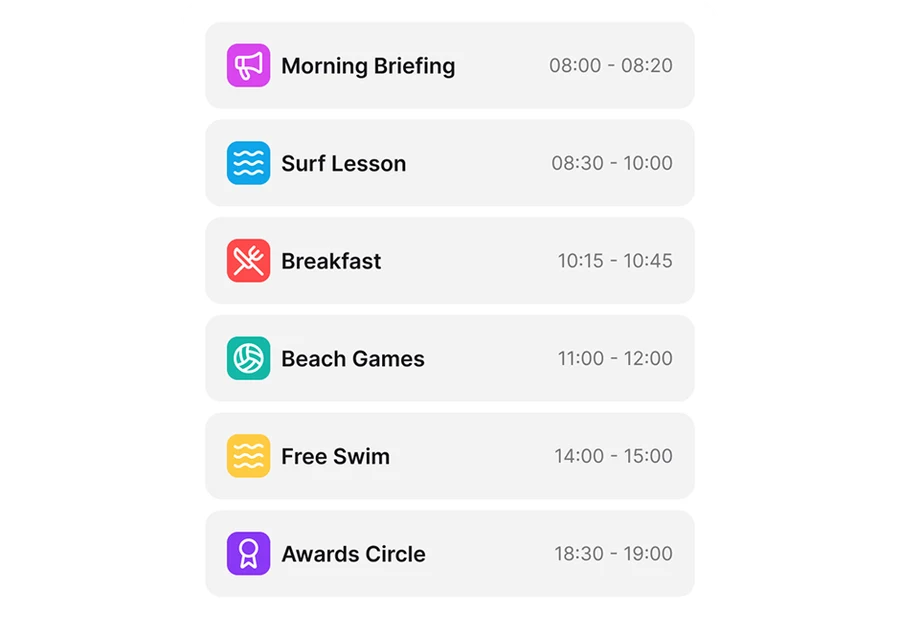
Share updates, photos, schedules, travel details, pickup information, and available learning progress through Family.
Use Explorer, assignments, activities, progress, badges, and achievements to make the experience visible.
Use reports, exports, attendance, finance, incidents, and outcomes to understand the current session and prepare the next one.
Online registration and applications, Participant and family records, Waiting lists, Forms and waivers, Permissions and consent, Readiness tracking, Structured imports and exports
Organization and camp structure, Programs and sessions, Dates and capacity, Groups, teams, cabins, and courses, Schedules and events, Activities and optional offers
Staff records and assignments, Team responsibilities and schedules, Onboarding and briefings, Learning, certificates, and badges, Staff communication

Participant check-in, Group and activity attendance, Authorized pickup information, NFC and QR workflows, Session-level attendance visibility
News and updates, Session information and schedules, Travel and pickup information, Contacts and team information, Photos and galleries, Messages, Payments and offers
Personal schedule, Group and team information, Activities and learning, Assignments and progress, Achievements and badges, Gallery access
Role-based access, Health, dietary, and participant support information, Incident reporting, Participant permissions, Family and guardian information, Operational records tied to the correct session context

Pricing and session fees, Invoices and payments, Participant financial records, Optional offers and add-ons, Financial exports, Available financial reporting
Enrollment, capacity, and readiness visibility, Attendance and operational reporting, Financial records and exports, Structured data exports, Management visibility and analytics capabilities
CampOrganizer is designed for organizations that run structured programs involving participants, families, staff, sessions, schedules, payments, and operational responsibilities.
Seasonal registration, multiple sessions, groups or cabins, staff, payments, family communication, activities, and daily operations.
Arrivals, departures, attendance, changing groups, activities, and authorized pickup.
Residential logistics, groups, schedules, staff responsibilities, family updates, and on-site operations.
Sports, STEM, arts, language, faith-based, and other specialist programs with their own activities, learning, schedules, and achievements.
Rolling registration, recurring groups, attendance, payments, schedules, and year-round communication.
A shared operating structure across programs, locations, staff teams, and participant communities.
Registration, families, student information, permissions, residential or commuter sessions, learning, communication, and reporting.
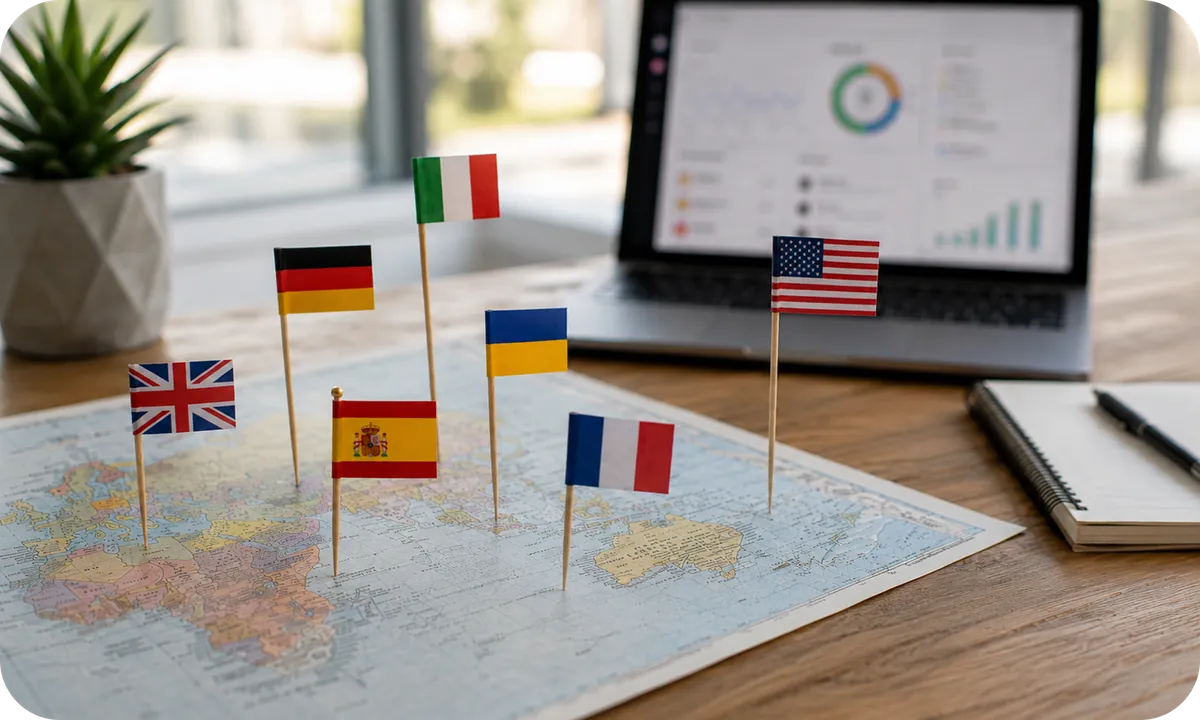
CampOrganizer is built for organizations that work across languages. The interface is currently available in English, German, and Ukrainian, with additional languages rolling out. Staff, families, and participants use the experience appropriate to their role and language without creating parallel operational records. Branding and available white-label options help present relevant family and participant experiences under the identity of your organization.
Camp operations don't happen in a clean demo environment. Participants arrive late. Groups change. A staff member calls in sick. The pickup plan moves. A form is still missing. An activity relocates because of the rain. CampOrganizer is designed around the reality that registration, preparation, communication, and the live session affect one another, which is why the platform follows the program beyond sign-up and into the day itself.
Changing camp software affects more than data. It touches registration, forms, payments, staff processes, family communication, session preparation, and daily operations. CampOrganizer treats onboarding as an operational transition, not a file upload.
Identify the tools, spreadsheets, forms, records, and workflows used today.

Define which participant, family, staff, registration, session, and financial records should be imported.
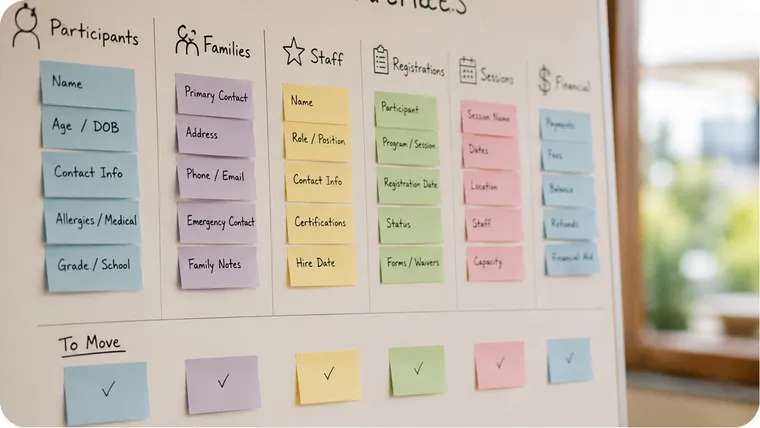
Configure camps, programs, sessions, roles, forms, branding, and relevant operating workflows.
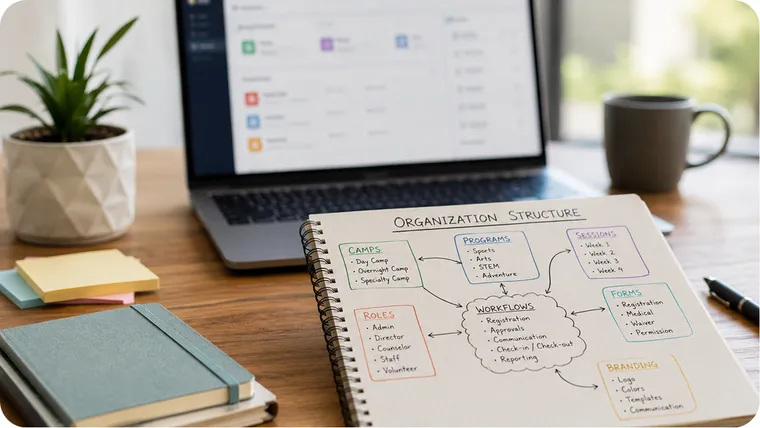
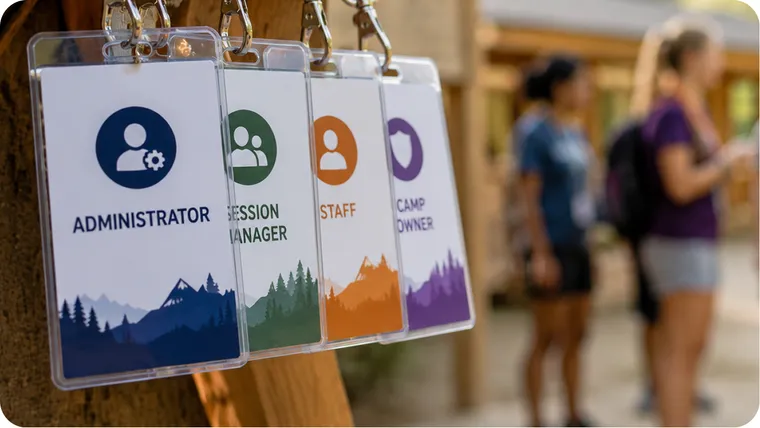
Give owners, administrators, session managers, and staff the access and onboarding they need.
Validate registration, forms, payments, staff access, session preparation, communication, and reporting before launch.
Choose an implementation path that matches your data quality, staffing, current systems, and upcoming sessions., CampOrganizer supports structured imports and exports, and the onboarding team scopes the migration with you.

CampOrganizer's information security management system is certified according to ISO/IEC 27001. Security and privacy shape how access is assigned, how information is stored, and how data can leave the platform.
Most camp systems are built around the period before the program begins. CampOrganizer includes registration and payments, then continues into the session itself.
Session Console supports the period when the program is actually happening: participants, groups, schedules, attendance, incidents, media, learning, and reporting.
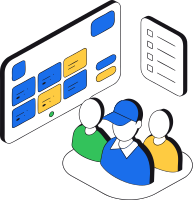
Owners, administrators, session managers, counselors, families, and participants use an app or mode designed around their responsibilities.
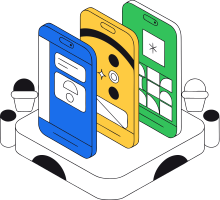
Counselor Mobile, Family Mobile, and Explorer Mobile take the platform beyond the office.
NFC and QR Bracelets link on-site workflows to participant and session records.
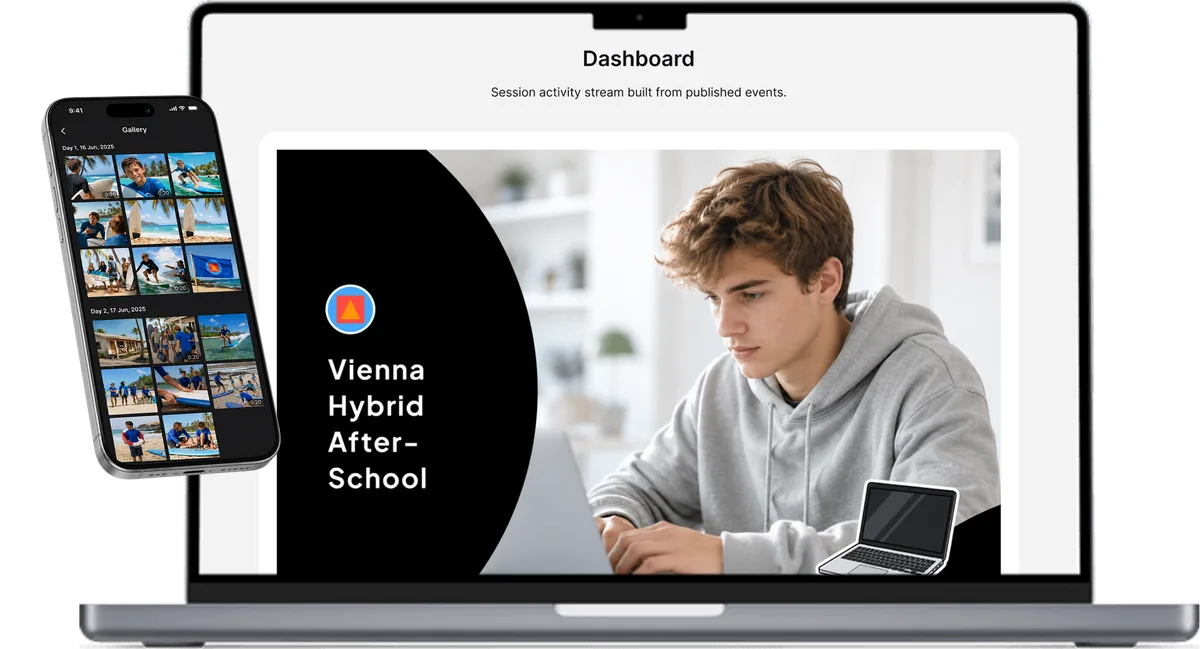
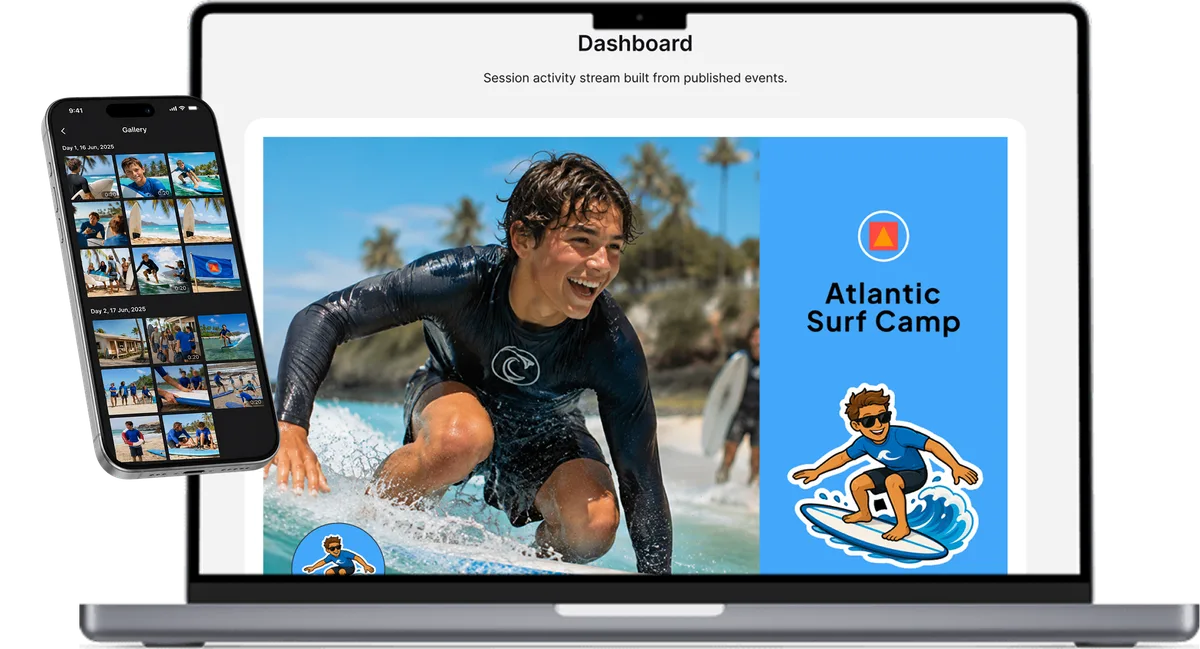
Screens from across the platform, from the control center to the counselor's phone.
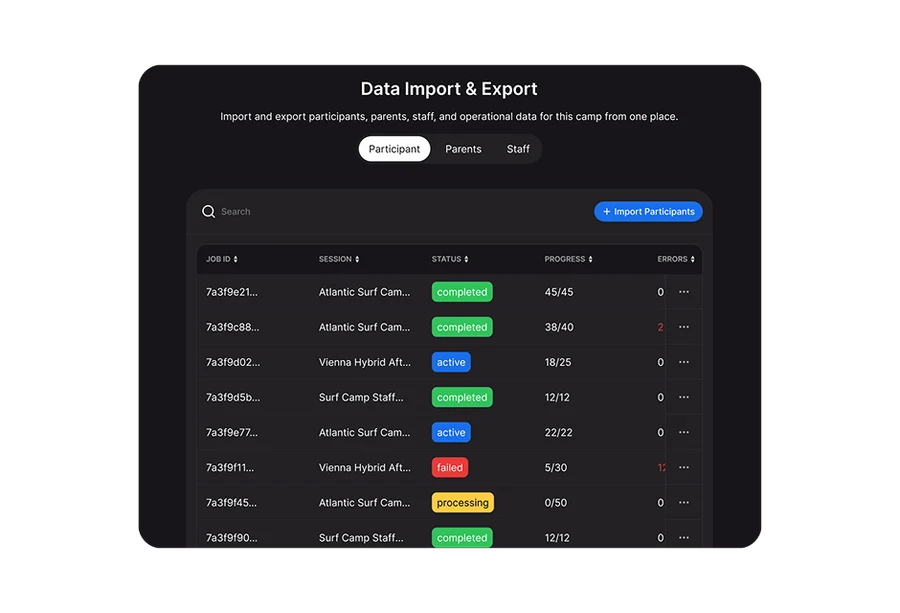
Enrollment, capacity and readiness, exported safely.
Camps, sessions, people, finances and forms in one control center.
The current session with everything attached, and what needs attention first.
Groups, attendance, tasks and updates for staff on the ground.
Schedules, payments and updates, on web and on mobile.
In a 30-minute demo, we'll learn how your organization works and show how CampOrganizer brings registration, staff, daily operations, families, participants, payments, and reporting together around your programs.
© 2026 CampOrganizer. All rights reserved.