Less paperwork. More time with the kids. Your whole day in your pocket.
The tool that takes the routine off your day, not another form to fill in

For a counselor, CampOrganizer is Counselor Mobile: the app that holds your day. Your schedule, your groups, the kids you're responsible for, attendance, messages, and the details you need, in one place, in your hand, wherever you are on site. It's not another layer of admin stacked on top of your day. Instead of writing something down and typing it again at night, you do it once, from your phone, in the flow of the day. Instead of scrolling three chats for the plan, you see the current one. And because the office can already see what it needs, people stop interrupting you to ask. Everything you need to run your day, in the same place you already keep your phone.
The job is the kids. The routine keeps getting in the way.
Before CampOrganizer
A counselor's day is full of small interruptions that add up: where am I supposed to be next, who exactly is in my group today, does this child have an allergy, where do I write down what just happened, which version of the schedule is current, and what was that one message in the group chat that actually mattered. Then the day ends, and the paperwork begins: attendance sheets to copy up, notes to type, and a camera full of photos to sort before you can finally rest. The parts of the job that drain you are almost never the children, they're the admin around them.
With CampOrganizer
CampOrganizer is built to hand those hours back.
Everything in one app, as the day happens

Know where to be, and who's with you
Open the app and see your schedule, your group, and where you need to be next, no printed timetable, no asking around.
Take attendance in a tap
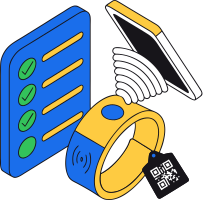
Mark who's here at an activity or a meal on your phone, right there, not on a clipboard you copy up later.

The child info you need, in hand
An allergy, a medication, who's allowed to collect a child, it's on the record and in your app the moment you need it, not in a binder in the office.

Share photos as you go
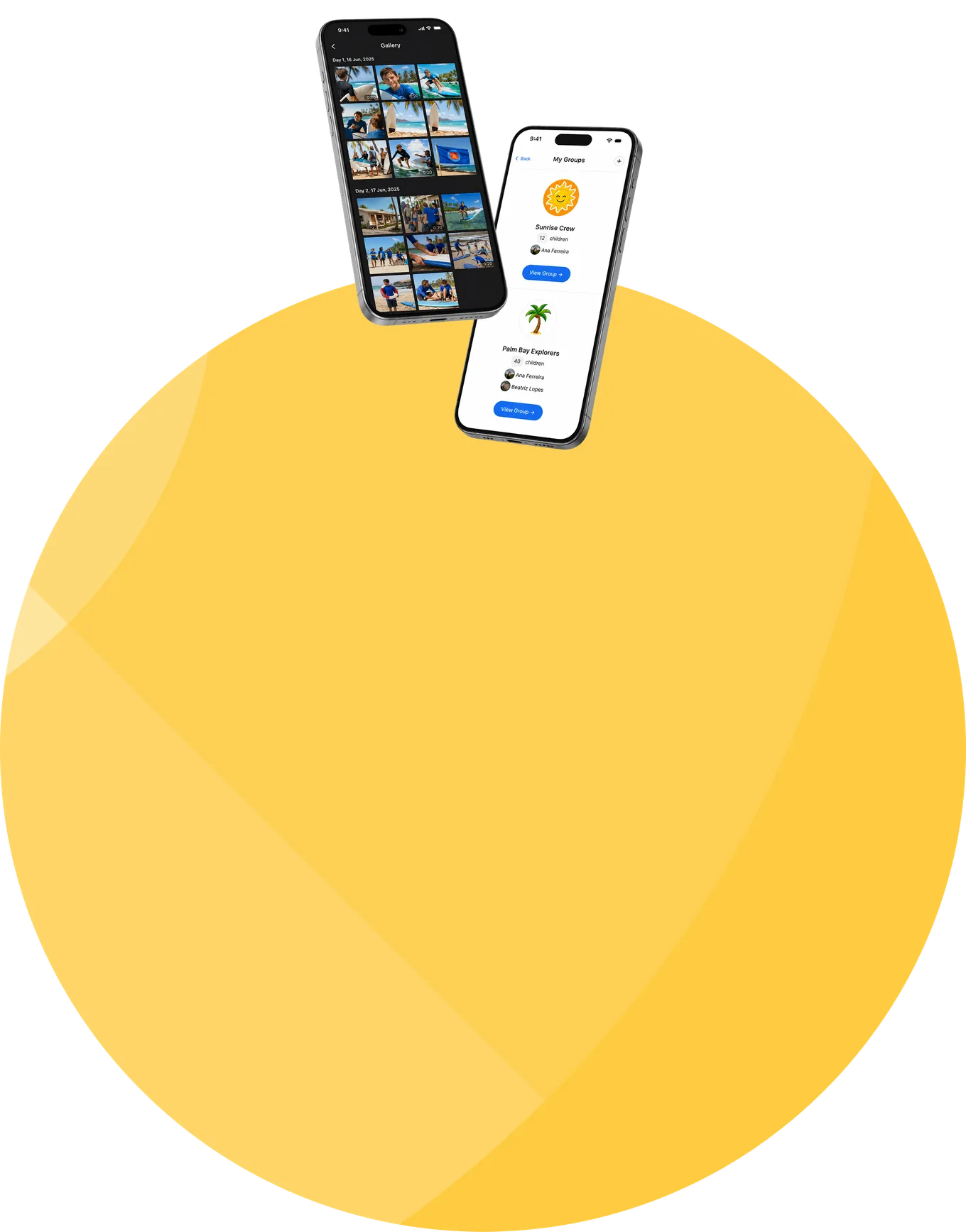
Snap a great moment and share it in seconds, through the day, no camera to empty, no hour of uploads waiting for you at night.
Report something in the moment
If something happens, log or flag it in a couple of taps and get straight back to the kids, no hunting for the right form later, no trying to remember it at nine.

Hand over a day, not a mystery
When shifts rotate, the next person opens the same group, the same notes, the same plan, instead of relying on whatever somebody remembered to mention.

One place for the message that matters
Updates and the day's changes reach you in the app, so you're not scrolling three chats for the one thing you needed to know.
The stuff you wonder about on day one
Where am I supposed to be, and who's in my group?
This child has an allergy, where do I check, fast?
Do I really have to upload all the photos at night?
Where do I write down what just happened?
I'm taking over a group mid-week, how do I know what's been going on?
Do I still need my notebook and a group chat?
How do I know what changed in today's plan?
Is this going to be one more thing for me to fill in?
What if I'm not a tech person?
Everything for the shift. Nothing extra.
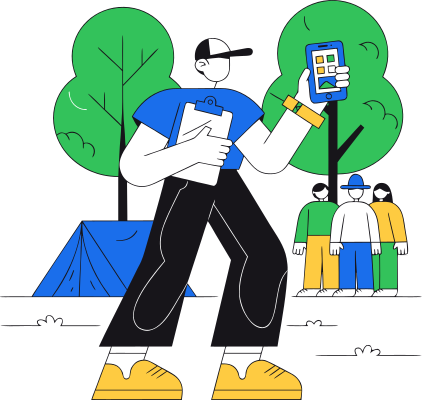
Counselor Mobile keeps the day's tools together: My Day, today's schedule and what's next; My groups, the people you're responsible for; Attendance, a tap at the activity or the meal; Tasks, what needs doing, without a paper checklist; Photos, shared as they happen; Chats and updates, the messages that matter, in context; Report, one clear action when something needs recording; My learning, briefings, courses, certificates, and badges tied to you, not to a PDF folder. Five common actions cover most of the day: check the day, check the group, take attendance, share a photo, file a report. One app. No evening reconstruction.
The important details, in hand and protected
- Right there when it counts The things you must not get wrong, allergies, medications, who may collect a child, are on the record and in your app at the moment you need them. You're never guessing or running to check.
- You see your kids, and what your role needs You work with your own groups and the information your role requires, kept simple and relevant, the app shows what matters for your day, not a wall of everything.
- Handled with care Sensitive details about children are protected and kept private on a platform with certified security management, the information you rely on is information families can trust you with.
It's on your side, not over your shoulder
- Your evenings back No end-of-day sheets to copy and no photo backlog, because it happened through the day. Less catching up after the shift, more time to rest.
- More time with the kids The routine that used to pull you away is handled in a few taps, so more of your day is spent where it should be.
- Less to carry, literally No notebook, no clipboard, no printed lists, just your phone and the day already in it.
- Fewer interruptions Because the office can see what it needs, you're not stopped every hour to report a number or confirm a name.
- An easier start Onboarding, briefings, and what you need to know for your role are in the same app, day one feels prepared, not overwhelming.
- The good moments are easy to share A photo of a great moment takes seconds, and families love it, without it becoming another chore.
Frequently asked questions from counselors and staff
Is CampOrganizer an app I use on my phone?
Do I have to upload photos every night?
Does it replace my notebook and spreadsheets?
How do I take attendance and report incidents?
Where do I see a child's allergy or medication?
Can seasonal staff learn it quickly?
Do I need to be good with technology?
Is it just a way for management to check up on me?
Give your staff a tool they'll actually use
In a 30-minute demo, we'll show how CampOrganizer gives counselors their schedule, their group, and everything they need in one app, with photos shared as the day happens, so your team spends the season with the children, not the paperwork.
© 2026 CampOrganizer. All rights reserved.