The session starts. Now what runs it?

Different questions. Different tool.

Session Console board illustration

Open it and you don't see a settings menu. You see the state of the session, and from that same screen, you run the day: schedule, attendance, health cases, incidents, family communication, and media, without leaving the session you are running. Registration gets people to camp. Session Console runs the camp once they are there.

Day one of the session is where your software abandons you

By the time a session goes live, the registration system has done its job, and everyone is suddenly working from something else: a printed schedule, a clipboard of attendance, a group chat, a folder of medical notes, and the coordinator's memory. When something goes wrong, a missing child, an allergy at the cafeteria, an activity that has to move, there is no single place that shows it. Problems are found late, and the person in charge spends the day reacting instead of leading. Session Console replaces that scramble with one live picture of the session, and the tools to act on it in the same click.

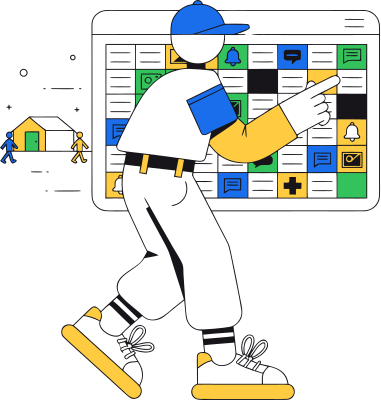
Camp staff checking the schedule board on a tablet

Start the day knowing where to look

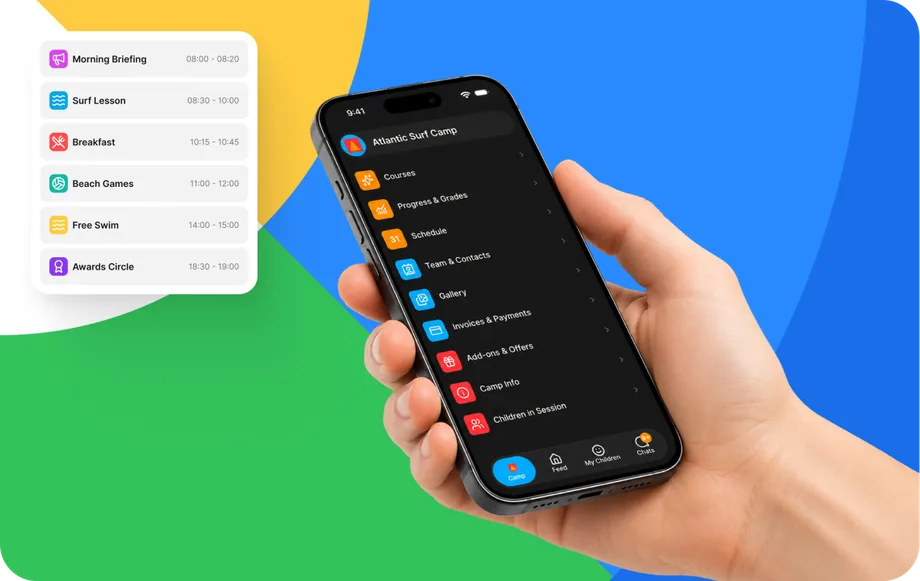
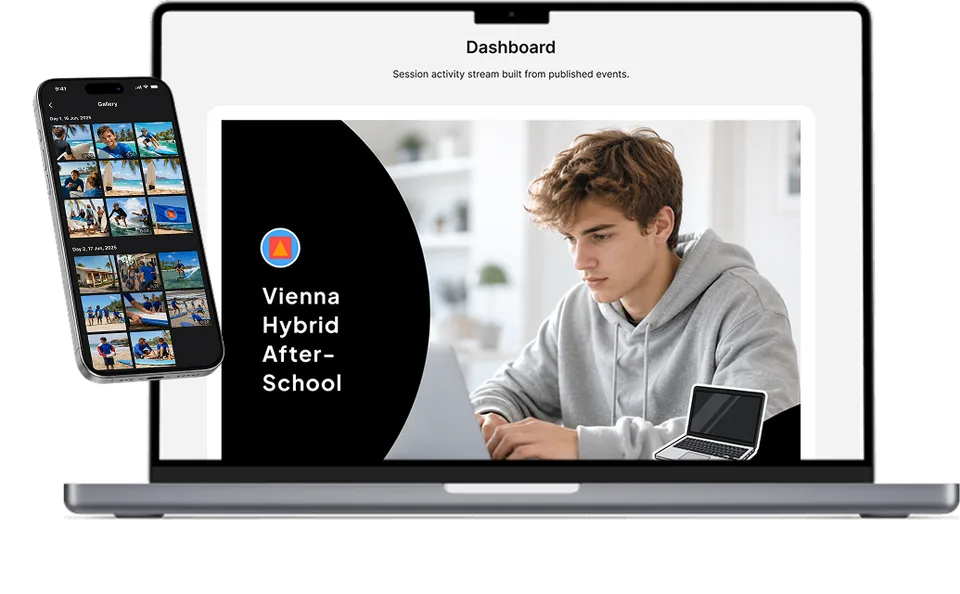
The dashboard is a session-level command center: occupancy, readiness, blockers, and critical alerts in one view, with unresolved issues surfaced first. You don't walk the site to find out what's wrong, the console tells you before it becomes a problem.

Session Console dashboard on a phone in hand

Readiness at a glance

what is ready, what is not, and what is blocking the session right now.

Critical alerts first

the health case, the missing form, the capacity gap, before it becomes an incident.

One click into the workflow

open the affected participant, team, or schedule straight from the alert.

Everything a live session needs. Nothing it doesn't.

  • The session at a glance A live dashboard of occupancy, readiness, blockers, and critical alerts, with unresolved issues surfaced first, so you lead the day from one screen.
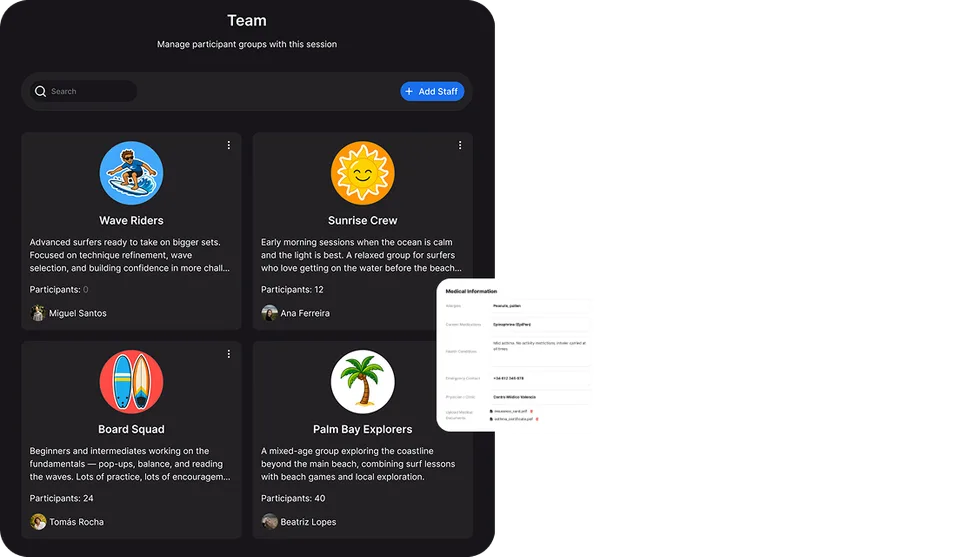
  • Participants, teams, and staff The current roster with profiles, readiness, forms, and contacts, organized into cabins, classes, and activity groups, with the staff responsible for each. Move a participant, and every connected service follows.
  • Schedule and daily operations Run the day's activities, events, and check-ins from the live schedule. Activities, rooms, instructors, and teams stay connected, move what needs to move, and every role sees the current plan.
  • Attendance Track attendance for activities, meals, transport, or any workflow you configure, from the console or from Counselor Mobile in the field.
  • Health and special cases Medication, dietary, allergy, and accommodation cases operated where the session team can act on them, surfaced to the right staff at the right moment, not filed in a binder in the office.
  • Safety and incidents Behavioral, medical, safeguarding, and operational incidents documented against the right participant, activity, and session, while the details are fresh, in a structured workflow.
  • Communication and families Send session announcements, drive the family feed, and track family readiness, with the permissions your organization configured.
  • Learning, media, and reporting Deliver participant courses and staff briefings, manage the session's photo and video gallery with moderation, run session-scoped offers, and generate reports from live session data.

The session team's daily workspace

Session managers and coordinators

Run the whole live session from one command center, see what needs attention and act on it without switching tools.
Program and activity leads

Manage the schedule, activities, and the teams and participants in their part of the session.

Health and safety staff

Operate health and special cases and document incidents, with the sensitive information they need, protected and in context.
Operations staff and instructors

Keep attendance, readiness, communication, and media current as the session runs.
Camp Hub prepares it. Session Console runs it. The frontline apps carry it.

The same participant record flows through the whole platform, nothing is exported, re-entered, or rebuilt.
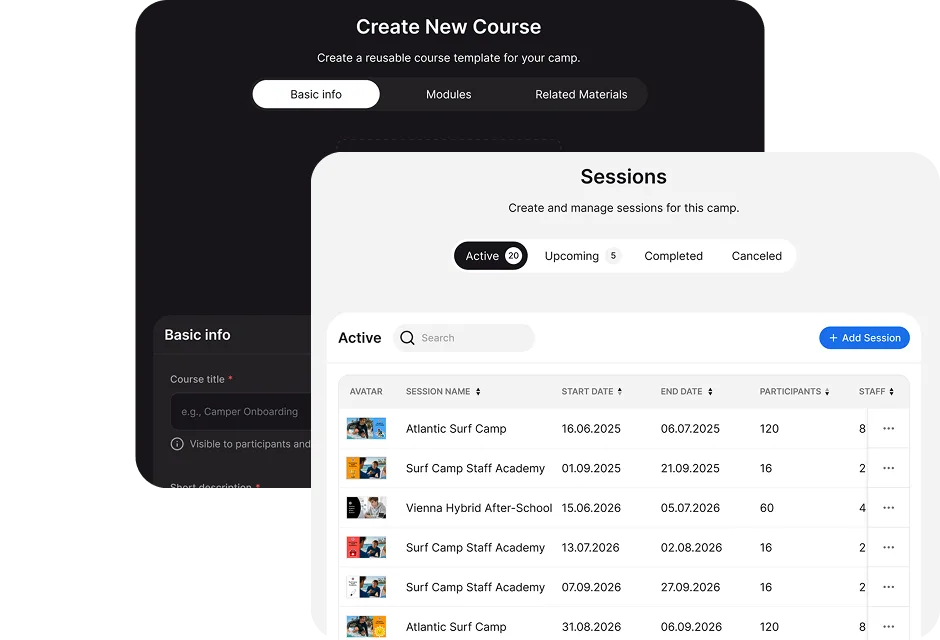
From Camp Hub

the session, its teams, schedule, forms, and rules are defined once and come to life here.
To Counselor Mobile

the day's plan, groups, and tasks reach frontline staff in their pocket, and their attendance and reports flow back into the console.
To Family and Explorer

the schedule, updates, media, and learning you manage here surface to families and participants automatically.
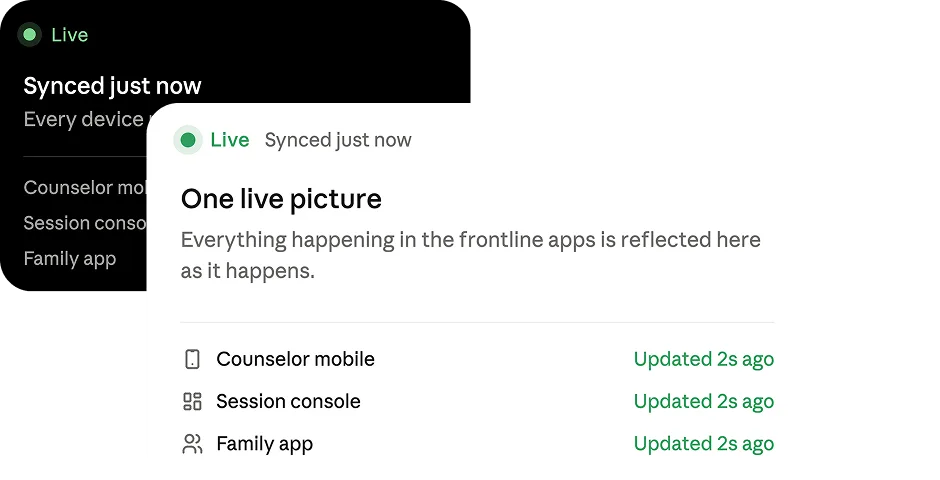
One live picture

everything happening in the frontline apps is reflected in the console as it happens, the person running the session sees reality, not yesterday's report.

The session is where safety actually happens, so this is where it is run

  • Health cases where they can be acted on Medication, dietary, allergy, and accommodation cases are operated inside the session and surfaced to the staff responsible, the critical detail is in front of the right person at the right moment.
  • Incidents documented in context An incident is logged against the participant, activity, and session while the details are fresh, a clear, accountable record instead of a note someone tries to reconstruct at nine in the evening.
  • Sensitive data, protected and scoped Most users see only their assigned sessions, teams, and participants. Health and special-category information is classified, encrypted, and shown only to the roles that require it, with the most sensitive data revealed only on an explicit, logged basis. Broader access remains an explicit administrative decision.
  • Certified security management Data is encrypted in transit and at rest, and CampOrganizer's information security management system is certified according to ISO/IEC 27001:2022 by an independent certification body, covering both standard and white-label deployments.

Lead the session. Don't chase it.

One live picture, not five sources

Occupancy, readiness, blockers, and alerts in one place, instead of a schedule, a clipboard, a group chat, and someone's memory stitched together at 7 a.m.
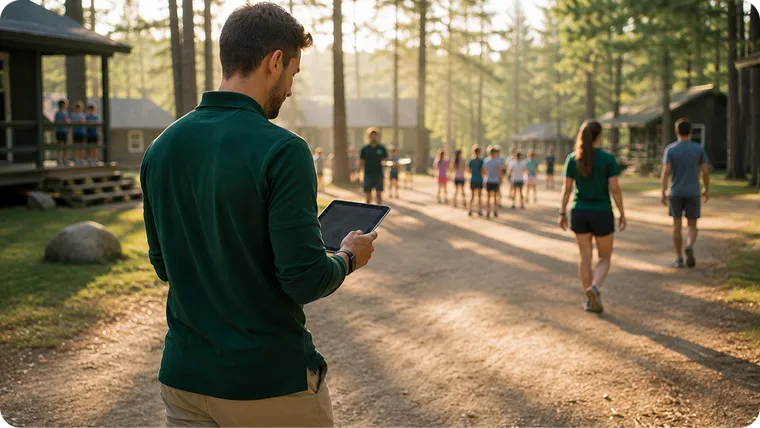
Problems surfaced before they become incidents

The health case, the missing form, and the capacity gap show up as alerts while there is still time to act, not in the debrief afterward.
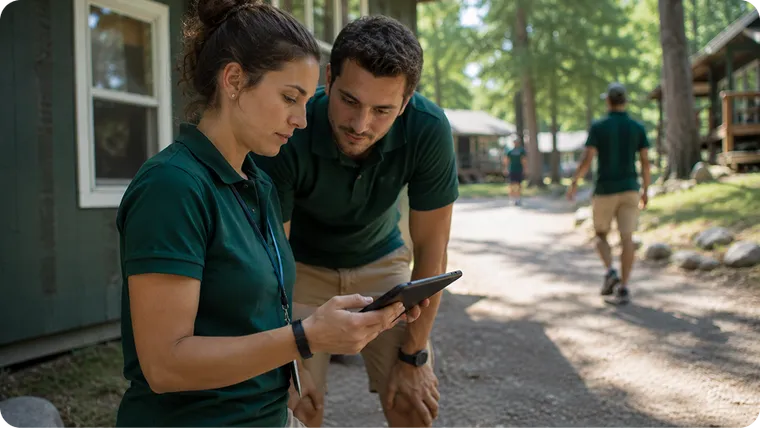
The session-centric difference

Most platforms stop at registration. CampOrganizer runs the session itself, so the promise of a connected platform is kept where it matters most: on the ground, in real time.
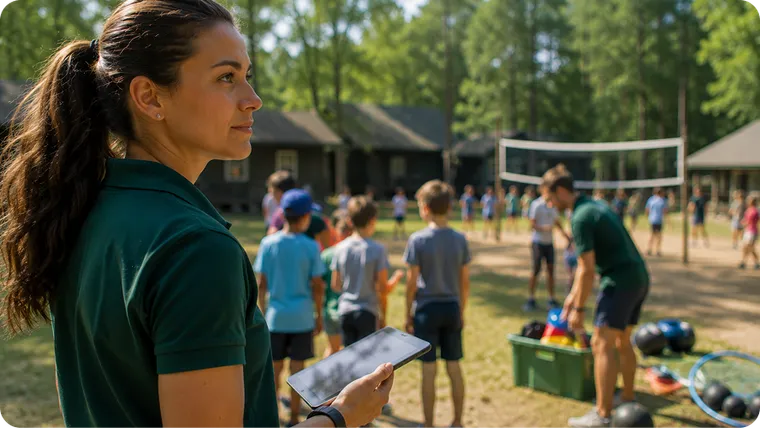
Duty of care that holds up

Health cases and incidents are operated and recorded inside the live session, accountable as it happens, not reconstructed after the fact.
Frequently asked questions about Session Console

What is Session Console?
Session Console is CampOrganizer's web command center for a running session: a live dashboard of occupancy, readiness, blockers, and alerts, plus the schedule, participants, teams, staff, health cases, incidents, communication, and media of that session.
Is Session Console a separate product?
No. It is one of CampOrganizer's four web modes, the one designed for running a single live session. It uses the same records as Camp Hub; nothing is exported or rebuilt.
How is it different from Camp Hub?
Camp Hub is where you build and govern the organization, registration, finance, staff, forms, analytics. Session Console is where you run one live session, today's roster, schedule, attendance, incidents, and communication. Camp Hub prepares; Session Console operates.
Who uses Session Console?
The people running the live session: session coordinators, operations managers, program and activity leads, head counselors, learning coordinators, and, where permitted, medical staff and instructors.
Can it replace our spreadsheets and clipboards?
Yes. Daily participant lists, attendance sheets, schedules, team assignments, and operational reports live connected in one workspace, updated live as the session runs.
Can I manage health cases and incidents during the session?
Yes. Health and special cases are operated where staff can act on them, and incidents are documented against the participant, activity, and session, with sensitive data protected and scoped by role.
How is sensitive health data protected?
It is classified, encrypted, and shown only to the roles that need it, with the most sensitive data revealed only on a logged basis. CampOrganizer's information security management system is certified according to ISO/IEC 27001:2022 by an independent certification body.

See the session run from one screen

© 2026 CampOrganizer. All rights reserved.