Counselor Mobile: the session, in your staff's pocket

The frontline staff app

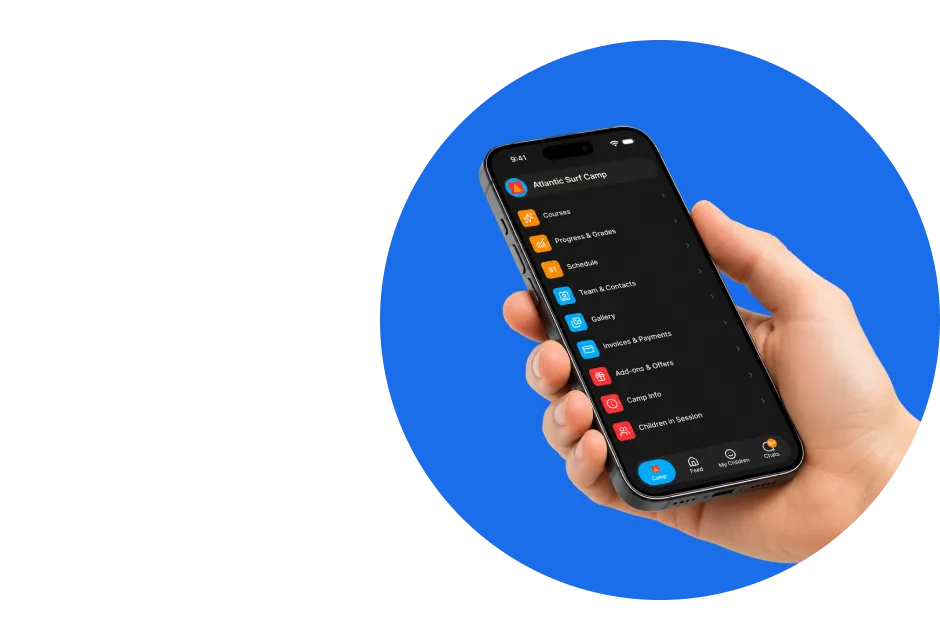
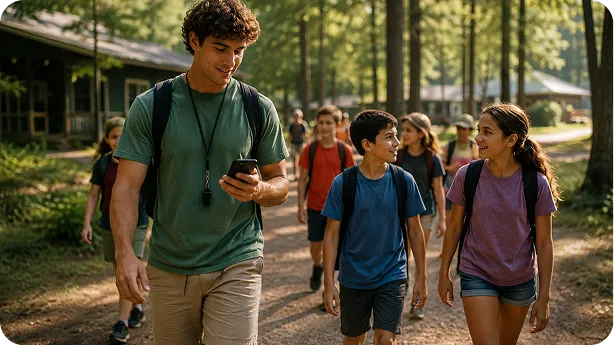
Counselor Mobile is one of CampOrganizer's mobile modes, the one for the people on the ground. It is not another administrator dashboard. It is the operational mobile workspace for frontline staff: the counselors, teachers, instructors, coaches, cabin leaders, activity leaders, and volunteers who deliver the program every day. It is the operational companion to Session Console: the console is the command center on a big screen for the person running the session; Counselor Mobile is that same live session in the pocket of the person who is actually with the children. Open it and you see your day, your Teams, and what needs doing, then act on it: mark attendance, complete a task, check a child's allergy, capture a photo into the session gallery, message the right person, log an incident. Without walking back to an office or a laptop. The person with the children all day should not have to work from a clipboard and their memory.

Running the day from a clipboard and a group chat

Before Counselor Mobile

Most camps still ask counselors to carry the operation in their heads. The counselor is the one who knows what actually happened today, and the one with the fewest tools to record it. They get printed participant lists that are outdated by lunch. Paper attendance sheets, reconstructed at the end of the day. A schedule pinned to a wall. The allergy list locked in the office. Tasks arriving by shout or WhatsApp. And hundreds of photos on a personal phone, uploaded after midnight. That means stress, mistakes, lost details, and less time with the children.

With Counselor Mobile

Counselor Mobile replaces those disconnected tools with one controlled workflow, so the day is run and recorded where it happens.

Their whole day, in one app

  • My day A cross-session daily dashboard: what is happening today, across every session they work in, so a counselor starts the day knowing exactly what is ahead.
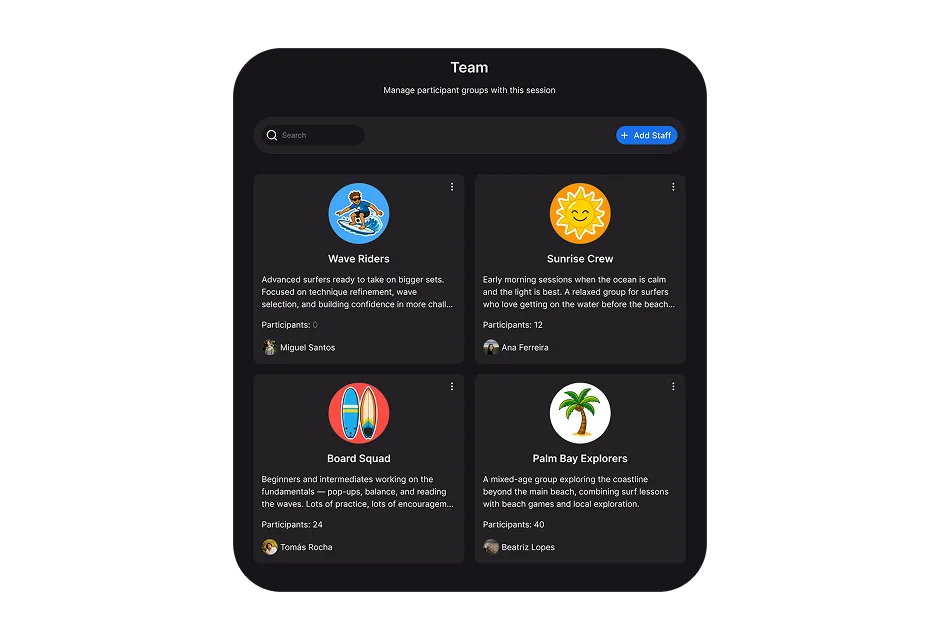
  • My Teams and rosters Only the Teams and children assigned to them, no scrolling through someone else's groups. The roster they need to run the day, so they always know who is in their care.
  • Attendance in seconds Mark and review presence from the phone, from where they are, for activities, meals, transport, or other configured workflows, so attendance is real-time and accurate instead of reconstructed after the fact.
  • Tasks and briefings The tasks assigned to them for the session, plus operational reminders, so nothing is missed on a busy day.
  • Schedule and events Where their Team should be, when activities begin, and what changed during the day, so they run the current plan, not yesterday's printout.
  • Activities Activity details, participant lists, and related resources, one tap away.
  • Chats and the feed Message the right person or group through the channels the organization permits, and follow the session's official feed of announcements, communication in one place, not scattered across personal apps.
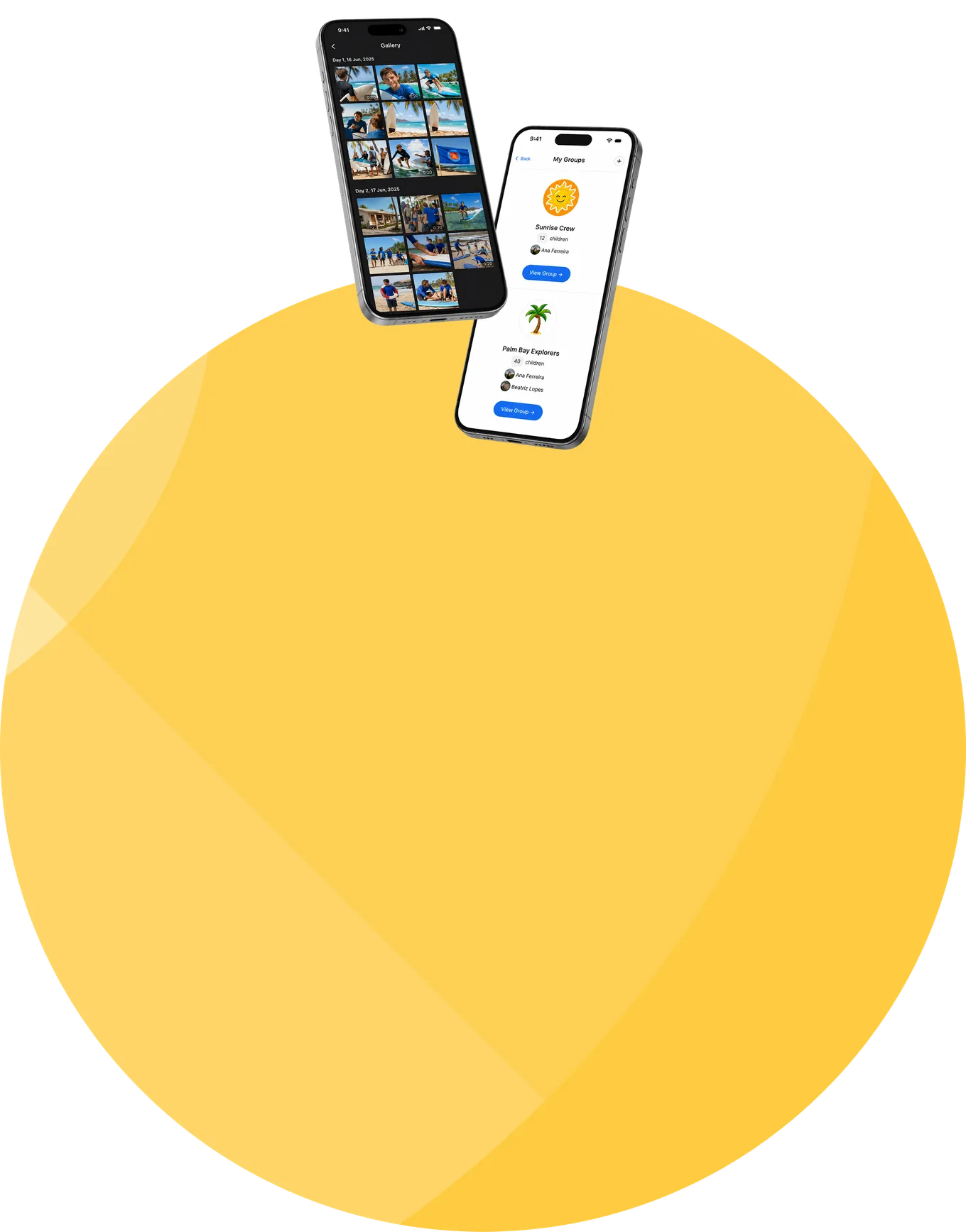
  • Photos and media Capture photos and video straight into the session's gallery, throughout the day. Memories reach families through the platform continuously, no personal camera roll, no late-night photo marathon.
  • Quick child and guardian profiles Open a child's operational profile, allergies, medical notes, who to contact, or their guardian's profile, in the moment something happens.
  • Reports and incidents Log a behavioural, medical, safeguarding, or operational report from where it happened, against the right child and session, while the details are fresh.
  • My learning, badges, and certificates Staff onboarding, mandatory training, courses, badges, and certificates, completed in the app, travelling with the counselor from session to session.

The command center and the frontline, in sync

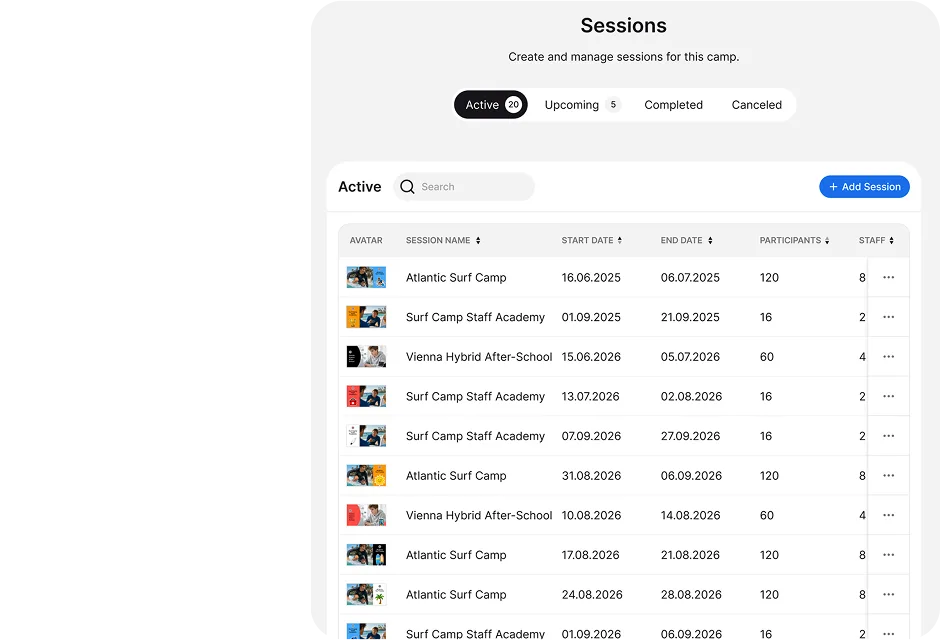
Camp Hub prepares the organization. Session Console runs the live session. Counselor Mobile gives frontline staff exactly the part of that session they need, and the same participants, Teams, and schedule stay connected across all three.

From the console to the frontline

the day's plan, Teams, tasks, and briefings the session team sets in Session Console reach each counselor's phone.

From the frontline to the console

attendance, reports, and photos a counselor records flow straight back into the console's live picture.

One live session

what happens on the ground shows up in the command center as it happens, so the person running the session sees reality, and the counselor works from the current plan.

The information staff need, protected and in the right hands

  • Sensitive profiles, scoped to the role A child's allergies, medical notes, and emergency contacts are available to the counselor responsible for them, in the moment they are needed, and shown only to the roles that require them. Access is limited through role, Team, and field-level permissions; frontline staff never receive organization-wide administrative access.
  • Contact with children is a controlled permission Reaching a child through the platform is governed by an explicit, recorded permission, so a counselor's communication is deliberate and accountable, not open by default.
  • Recorded where it happens Attendance and incident reports are logged against the right child and session as they happen, creating an accurate, accountable record instead of one reconstructed from memory.
  • Certified security management Data is encrypted in transit and at rest, and CampOrganizer's information security management system is certified according to ISO/IEC 27001:2022 by an independent certification body, covering both standard and white-label deployments.

Give the people on the ground the right tool

The day, run where it happens

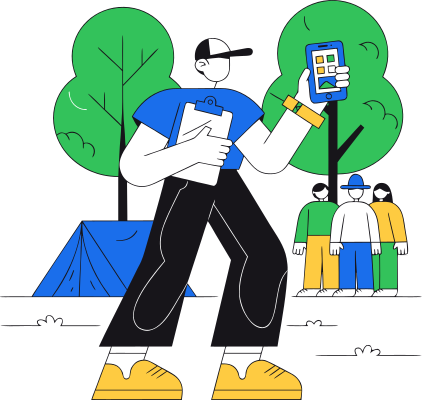
Attendance, tasks, schedule, and profiles in the hand of the person with the children, the day is managed on the ground, not reconstructed at a desk.
Accurate because it is immediate

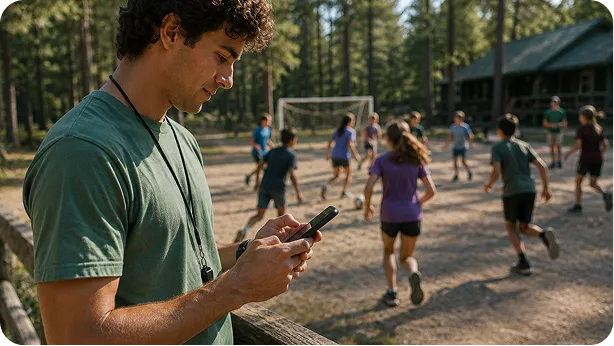
Attendance marked in the moment and incidents logged where they happen are more accurate than anything written up hours later.
One app, not a clipboard and three chats

The schedule, roster, tasks, comms, and photos in one place. No paper lists, no personal spreadsheets, no stitching WhatsApp and memory together.
More time with the children

Every minute not spent copying information or hunting for a document is a minute spent supervising, teaching, and supporting participants, which is the job.

Staff readiness that is provable

Briefings, training, and certificates travel with the counselor, so duty-of-care readiness is recorded, not assumed.
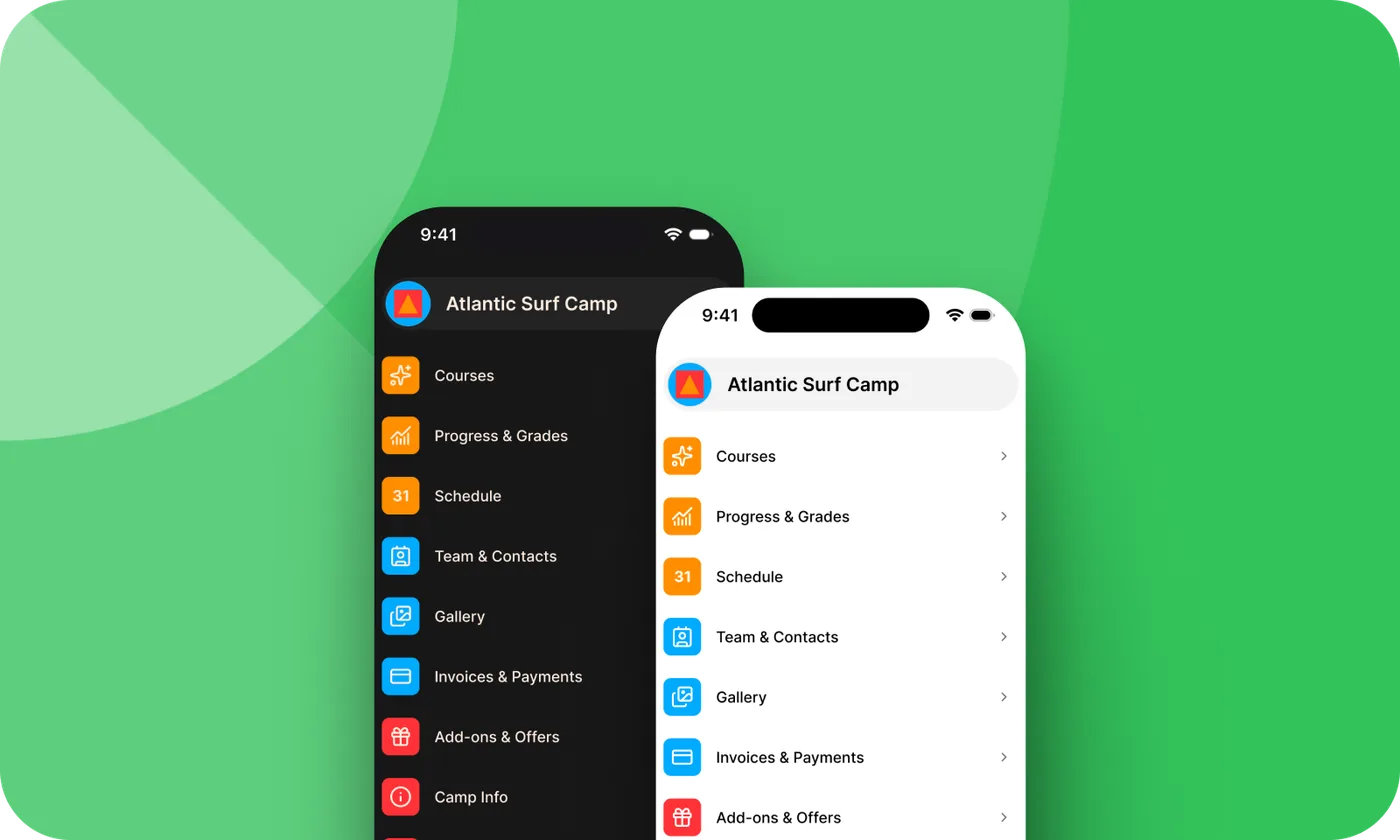
The counselor app shown on two phones

Frequently asked questions about Counselor Mobile

What is Counselor Mobile?
Counselor Mobile is CampOrganizer's app for frontline staff: a counselor's day, Teams and rosters, attendance, tasks and briefings, schedule, chats and feed, photos, quick child and guardian profiles, and reports, in one mobile app.
Who uses it?
Counselors, teachers, instructors, coaches, cabin leaders, activity leaders, and volunteers, the people who are with the children during the session. It is the frontline companion to Session Console, which the session team uses to run the session.
How is it different from Session Console?
Session Console is the command center on a big screen for the person running the session; Counselor Mobile is the same session in the pocket of the staff on the ground. They stay in sync.
Does every counselor see every child?
No. Access is limited to assigned sessions, Teams, and participants, with role and field-level permissions on sensitive information. Frontline staff do not receive organization-wide access.
Can counselors take attendance on the phone?
Yes. Counselors mark and review presence for their Team quickly, from where they are, for activities, meals, transport, or other configured workflows, and attendance flows straight into the session's live picture.
Can staff see a child's allergies and emergency contacts?
Yes. A child's operational profile, allergies, medical notes, and who to contact, is available to the responsible counselor and scoped to the roles that need it.
Can counselors take photos for families?
Yes. Photos and video are captured into the session's gallery throughout the day, so they reach families through the platform continuously, not from a personal camera roll after midnight.
Can staff log an incident from the app?
Yes. Reports and incidents are logged from where they happen, against the right child and session, while the details are fresh.

Put the session in your staff's pocket

© 2026 CampOrganizer. All rights reserved.