How CampOrganizer works: one season, from the first registration to the final report
One record. Every role sees their part of it.
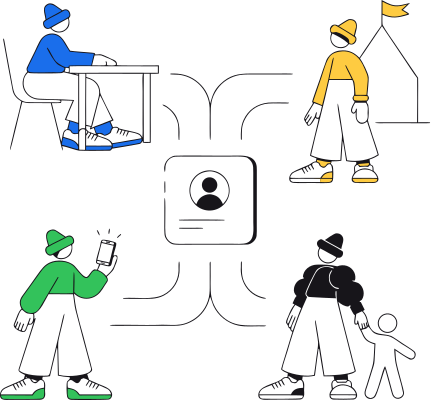
Before the walkthrough, the one principle everything below depends on: CampOrganizer is one platform presented differently to every role. Owners and administrators work in Camp Hub. The session team runs the live program in Session Console. Counselors carry their day in Counselor Mobile. Families follow their child in Family. Participants, where the program enables it, use Explorer. Optional NFC/QR Bracelets connect the physical site to the same records. What makes it work is what's underneath: the participant a family registers is the same record the coordinator plans with, the counselor opens, and the parent follows. Change it once, and every role's view follows. Keep that in mind, and every step below is the same story: the record moves forward; nobody rebuilds it.
How a season runs, step by step

The season starts at a desk, months before day one
Everything begins in Camp Hub, the control center where the organization is built, run, and governed. The team creates the camps, programs, and sessions, dates, capacity, pricing, then the structure around them: registration paths, forms and agreements built from reusable fields, staff roles and permissions, event types, and the communication that will reach families later.

A registration that becomes the real record
A parent opens the registration flow the camp configured, on the camp's own branded experience, and registers their child. What they submit becomes the participant record the camp actually works from: no one re-types the child into another system.
Work the exceptions, not the whole list
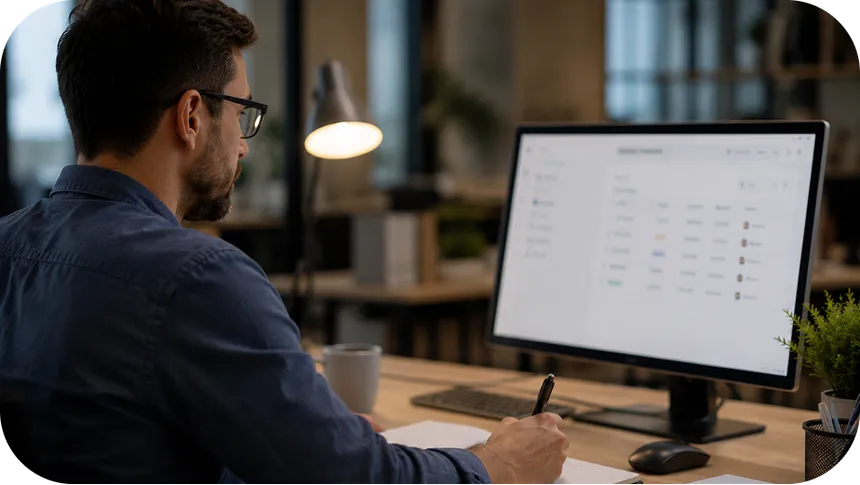
As registrations arrive, the operations team watches the session fill, and, more importantly, watches readiness. A registered participant is not always a ready participant: Camp Hub surfaces which records still need attention, missing forms, incomplete consents, open payments, absent travel details, so the team chases only the families that are actually incomplete, with targeted reminders instead of blasting everyone.
The handoff is a continuation, not an export
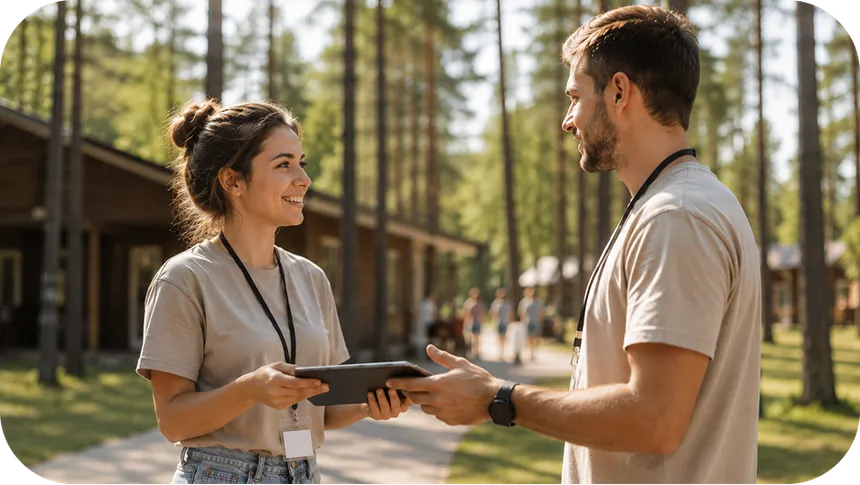
Most camp software retires the day registration closes. This is where CampOrganizer keeps working. When the session starts, Session Console receives everything prepared in Camp Hub, participants, staff, teams, schedules, rules, as a continuation, not an export. The participant doesn't become a new record. The staff member doesn't need a second identity.

The people with the children don't work from a clipboard
The counselors delivering the program aren't at a desk, so their part of the session is in their pocket. Counselor Mobile shows each staff member their day, their teams and rosters, their tasks and briefings. Attendance is marked in seconds, from where they are. A child's operational profile, allergies, medical notes, who to contact, is one tap away for the responsible staff member, and scoped to the roles that require it. Photos go straight into the session's gallery through the day. An incident is logged where it happened, while the details are fresh.
The parent sees the day instead of imagining it
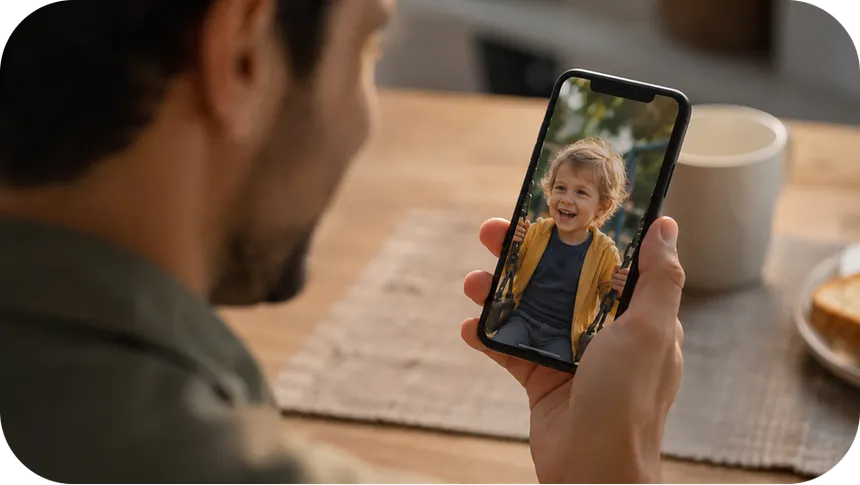
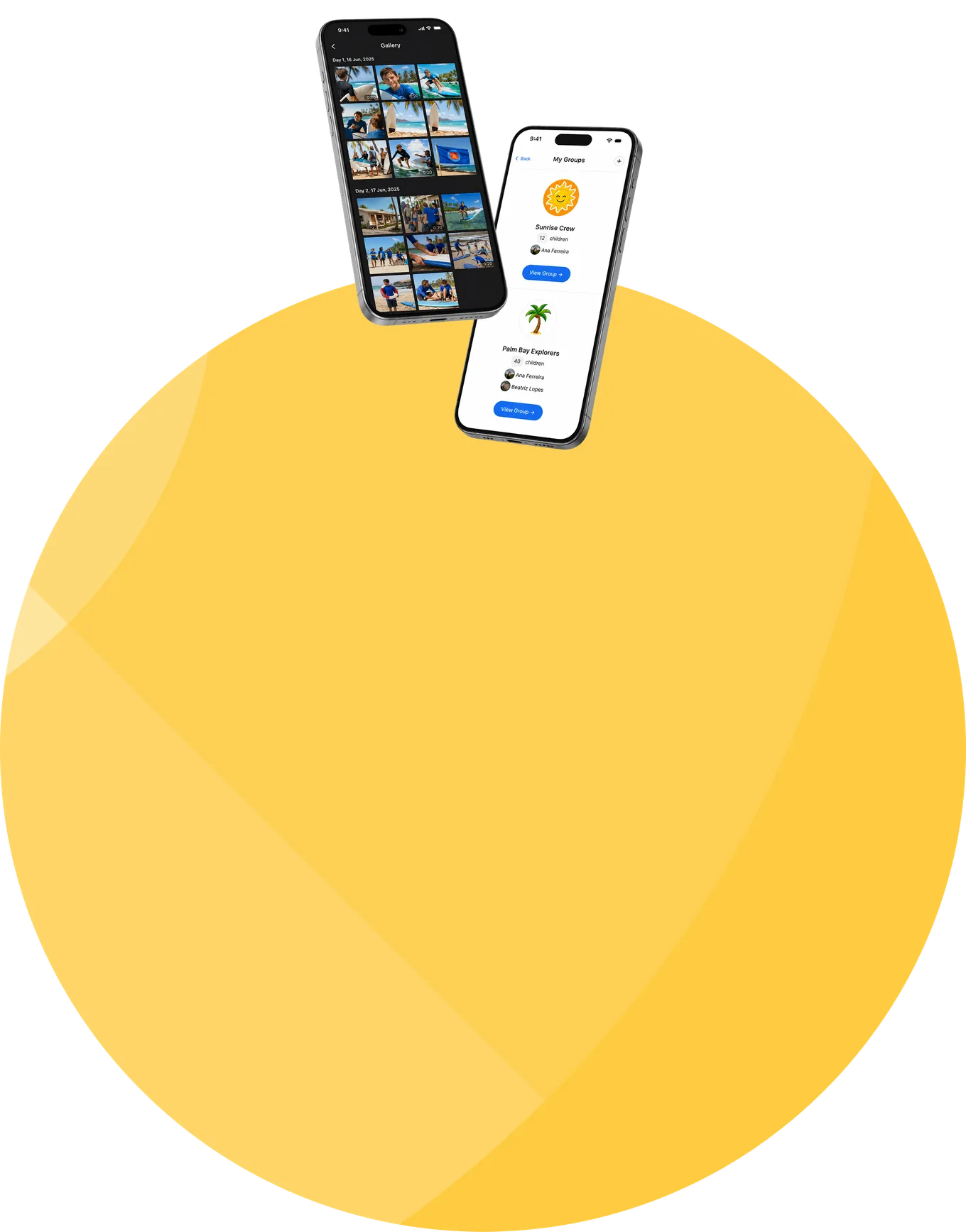
While the session runs, the parent's app fills with the day: the feed, the photos from the program, the schedule and what's coming, the staff caring for their child. Allergies and dietary needs recorded back in Step 2 have travelled with the child to where meals are served. When a parent genuinely needs to reach someone, there's a private channel to the right staff member, and, where the program allows it, to their child, instead of a counselor's personal number.
For programs where the student is the user
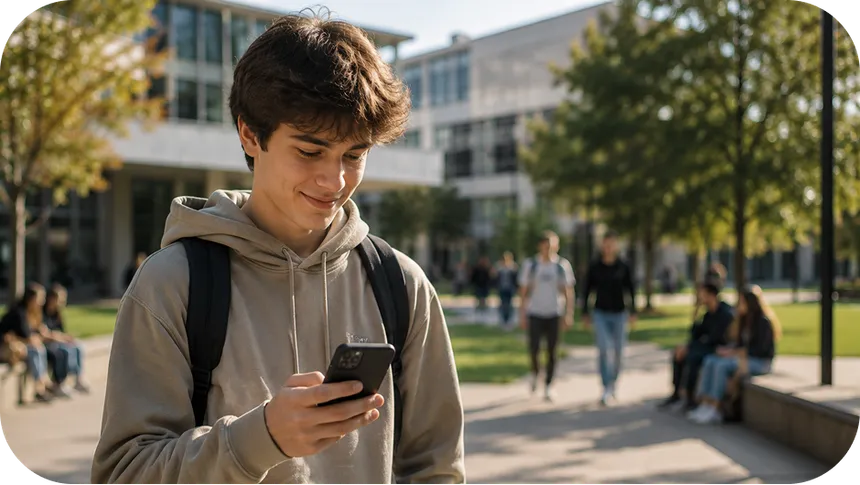
Where the program enables it, older students, pre-college and university programs, academies, the participant has their own seat: Explorer. Their day and schedule, their team, their courses and assignments, their progress, badges, and achievements, the feed and the gallery. They arrived prepared, because onboarding and pre-arrival learning reached them in the same app weeks earlier.
The season ends. The record doesn't.
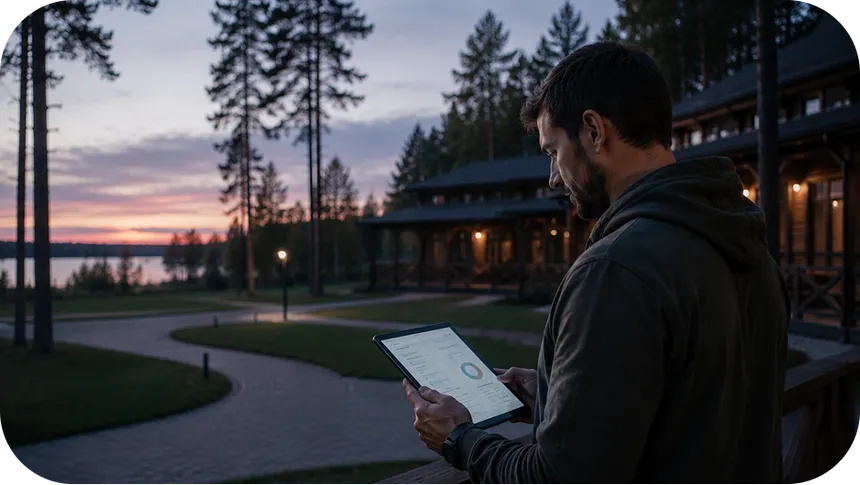
When the session closes, everything it produced, enrollment, attendance, finance, incidents, outcomes, is already in the platform, because it was recorded where it happened. Leadership reviews the season through reports and analytics, exports clean, machine-readable data when needed (with approval by a second, different Camp Manager for exports containing special-category data), and answers next year's questions from this year's evidence.
The same record, protected the whole way
The walkthrough above is also a journey of sensitive data, children's health details, family information, incident records, and protection travels with the record at every step.
- Scoped by role, at every step Each role sees its part and only its part: the counselor their assigned teams, the parent their own child, the participant their own program. Health and special-category information is classified, encrypted, and shown only to the roles that require it.
- Contact with children is a controlled permission At every step where an adult can reach a child through the platform, that contact is a deliberate, recorded permission, never open by default.
- Recorded where it happens Attendance, consents, and incidents are captured in the moment, against the right child and session, an accountable record, not one reconstructed from memory.
- Certified security management Data is encrypted in transit and at rest, and CampOrganizer's information security management system is certified according to ISO/IEC 27001:2022 by an independent certification body, covering both standard and white-label deployments.
Frequently asked questions about how CampOrganizer works
Do we have to use every app and every step?
Where does our team spend most of its time?
Does the handoff from registration to operations require an export?
How do allergies and medical details reach the right people?
What happens when the plan changes mid-session?
Can we start mid-way, for example, with registration already done elsewhere?
How long does it take to get running?
See these eight steps with your own program
© 2026 CampOrganizer. All rights reserved.