Cabins and rooms
Residential groups with their own roster, assigned staff, and check-in.
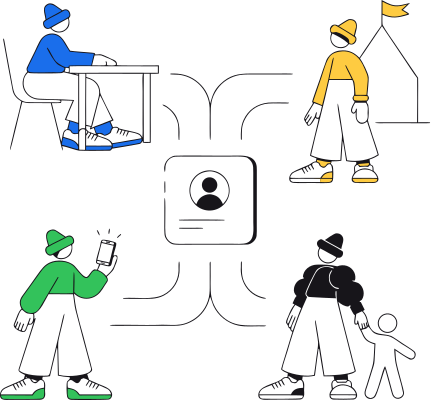
A session might hold three hundred participants. But no program runs as one big roster, it runs in cabins, classes, cohorts, houses, color teams, and activity groups, each with its own people, responsible staff, schedule, learning, and communication. In most organizations, every department rebuilds those groups on its own. The spreadsheet has one list, the course tool another, the chat a third, and by week two they disagree. Course access is assigned one child at a time. Event audiences are picked by hand. Invite links create accounts somebody has to sort out later. CampOrganizer brings all of that together in one entity: the Team. A Team is a reusable group of participants and assigned staff, and that single membership controls which courses, events, chats, and welcome services people receive, and which children a frontline staff member can see. Call it a cabin, a class, a cohort, a house, or a squad, the Team represents whatever structure your program already uses. A Team is not a label on a spreadsheet. It's who belongs together, what they receive, and who is responsible for them.
Residential groups with their own roster, assigned staff, and check-in.
Participants grouped for activities and learning, with the right content reaching exactly its members.

Opt-in groups that run alongside the main schedule, without duplicating anyone's record.

The people responsible for a group, given the right access to that group and no more.
Set up the cabin, class, cohort, or activity group, in the language your organization already uses.

Connect the teachers, instructors, counselors, or specialists who work with these participants.

Assign existing participants directly, import them in bulk, or let new ones arrive through the Team's invite link.

Attach the courses, events, chats, and welcome services that come with membership.

Share the Team-scoped link. Whoever accepts enters the intended group and receives everything configured for it.
Teachers and counselors without broader roles see the children in their Teams, nothing more.

The same group carries learning, events, communication, points, and staff responsibility through the season.

Define a consistent group structure across sessions and see how participants, staff, and services are organized throughout the program.

Create Teams, manage membership, assign staff, connect services, and keep every group ready for delivery.

Work with clearly defined groups in the web app or Counselor Mobile, their participants, their courses, their chats, without searching the whole session roster.
Assign a course or set an event audience by attaching it to the Team, once, instead of enrolling and re-selecting the same participants module by module.

Join the right Team, see their group, and receive the courses, events, and chats prepared for it.

a new participant enters the correct Team with its welcome services ready.

courses assigned to the Team reach its participants.

activities use the Team as their audience.

chats follow the same group and its authorized staff.

teachers and counselors see the children in their assigned Teams.
frontline staff work from their groups and their participants.
participants see their Team, its members, its experiences, and its points where enabled.
Counselors work with cabins, teachers work with classes, activity leaders work with groups, not with one undifferentiated session roster. And whatever your organization calls those groups, the Team speaks your language.
A Team-scoped invite puts a new participant into the intended group with courses, events, and chats already waiting, not into an unassigned account an administrator has to sort out later.
Frontline staff are scoped to their own children, and talking to children requires its own explicit permission. Shared responsibility still works, co-teachers, lead and assistant, specialists, without anyone getting more access than their role carries.

Attach a course, event, chat, or staff member to the Team and reuse the same membership everywhere. The more participants, courses, and chats you run, the more repetitive work this removes.

The Team is the shared definition of the group, instead of five tools maintaining five slightly different lists.
A named Team with its own identity and points gives participants something to be part of, and gives the program its friendly competition.
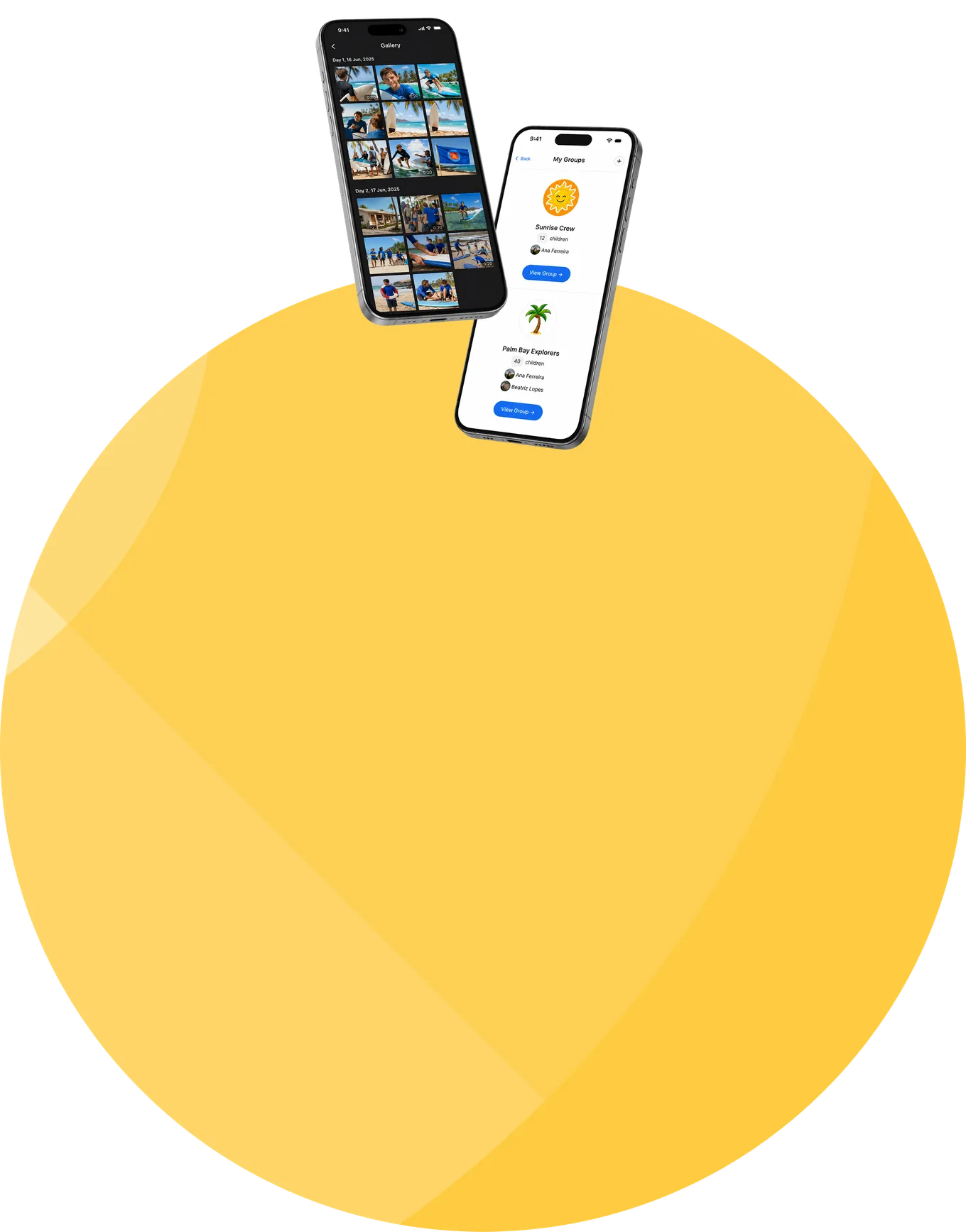
In a 30-minute demo, we'll show how Teams connect participants with the right staff, courses, events, chats, and invite links, while frontline visibility stays limited to the children each person is responsible for.
© 2026 CampOrganizer. All rights reserved.