Explorer Mobile: the participant's own app

The participant's own app, in their pocket

Explorer Mobile is one of CampOrganizer's mobile modes, and it is designed for the people attending the program, not the people managing it. Explorer web is the fuller surface for coursework, assignments, and the detailed view; Explorer Mobile is the participant's today cockpit: what is happening now, what is next, and what to do about it, in a few taps. They share one account and the same information. What a participant does on the web shows up on their phone, and their progress and achievements travel with them, so there is one record of their journey, in two forms, each built for its moment. Explorer Mobile turns participants into active members of the program instead of passive recipients of instructions. The program should live in the participant's hand, not only on a schedule pinned to a wall.

Their whole program, day to day

  • My day A today cockpit: what is happening now and next, so a participant always knows where to be, without asking.
  • My schedule A fast event layer for the session, so the participant can check the day and what is coming at a glance, including changes as they happen.
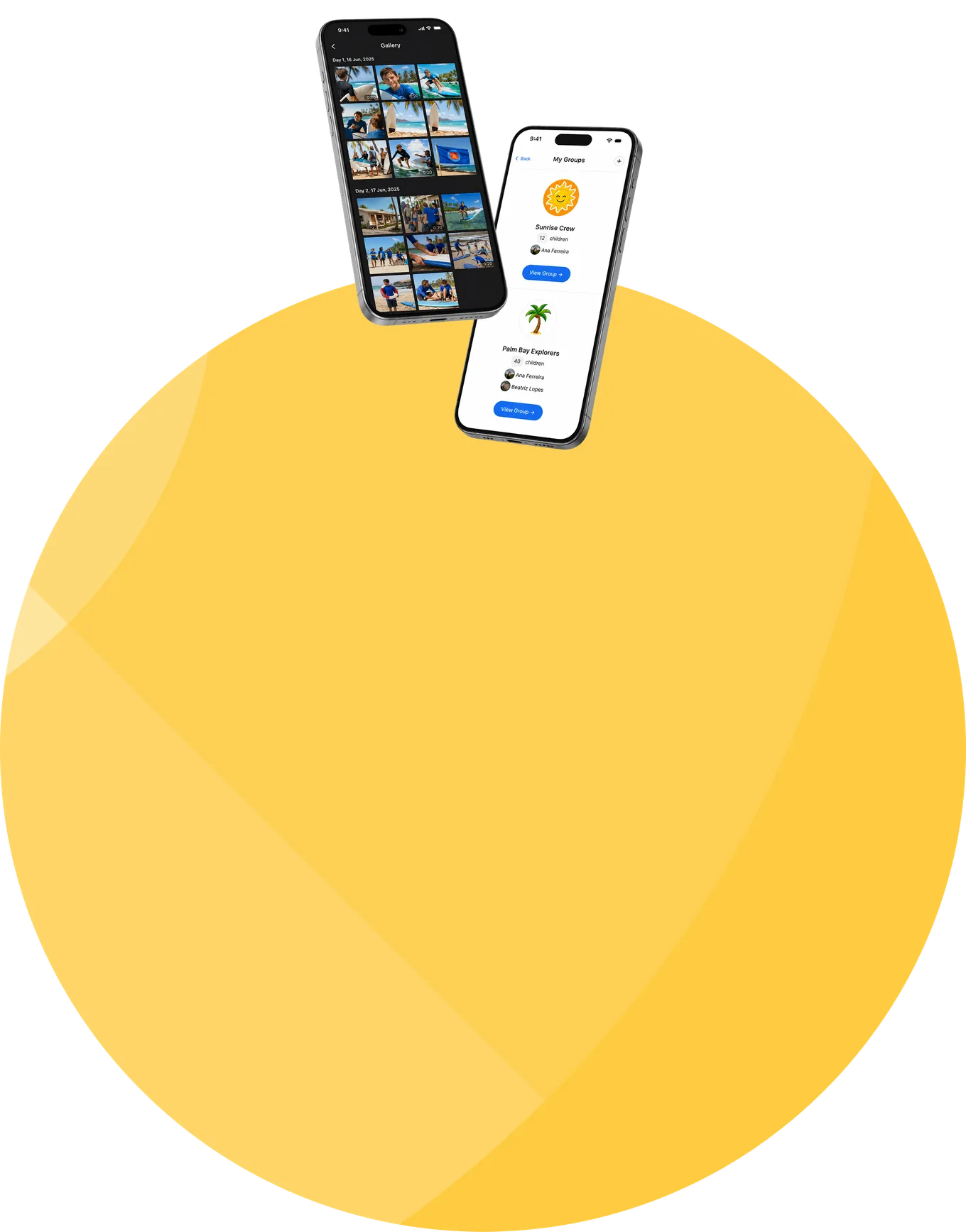
  • My team The group they belong to, their cabin, class, or crew, and who they share the program with. A place to feel part of something, not just a name on a list.
  • Learning and assignments Their courses, homework, quizzes, and assignments on the go, so learning is something they carry with them and complete when it fits.
  • Progress and achievements Their badges, milestones, and progress, front and center, so effort is visible and the program feels like a journey worth continuing.
  • Feed and chats The participant feed and the conversations available to them, in a communication space built for participants and kept appropriately safe.
  • Gallery The photos and video shared with them from their session, their own memories, in their pocket.
  • Bookings and offers The optional activities and extras open to them, requested straight from the app.
  • Session info and contacts The session's reference details, contacts, and support, including the emergency line, in one place.

One journey, not just one week

Before the session

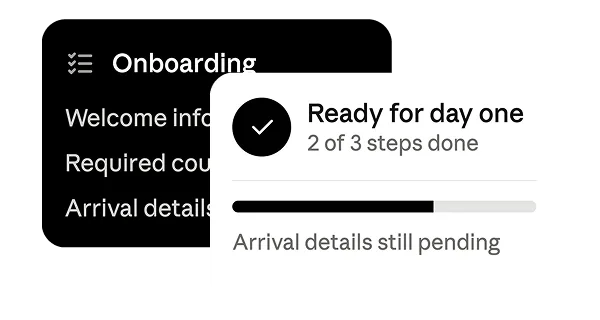
Explorer helps participants arrive ready: welcome information, onboarding tasks, required courses, and arrival details, so the first day starts with confidence, not confusion.
During the session

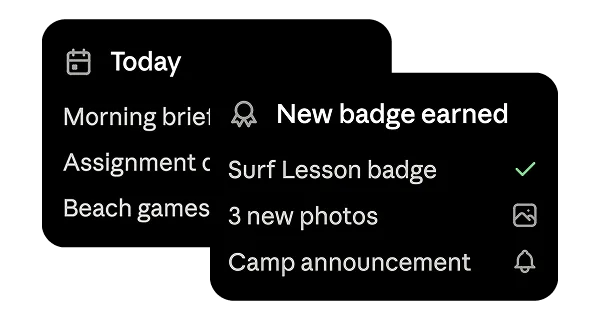
Explorer is the participant's daily guide. Open the app, check today, find the next activity, catch the announcement, finish the assignment, see the photos, celebrate the badge. Everything stays connected to the current session.
After the session

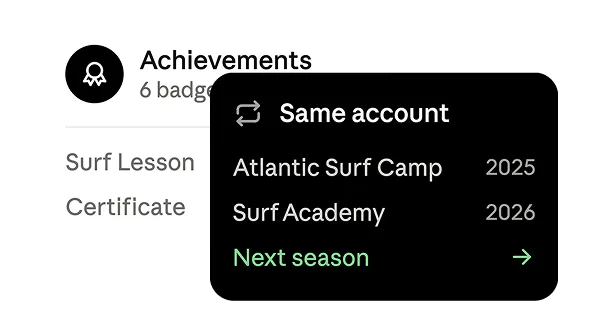
The relationship doesn't end when the last activity does. Achievements, certificates, memories, and galleries stay with the participant, and the same account carries into future sessions and continuing programs.
Explorer on the web, Explorer Mobile in their pocket

Explorer comes in two forms that share one account and the same record, each built for a different moment.
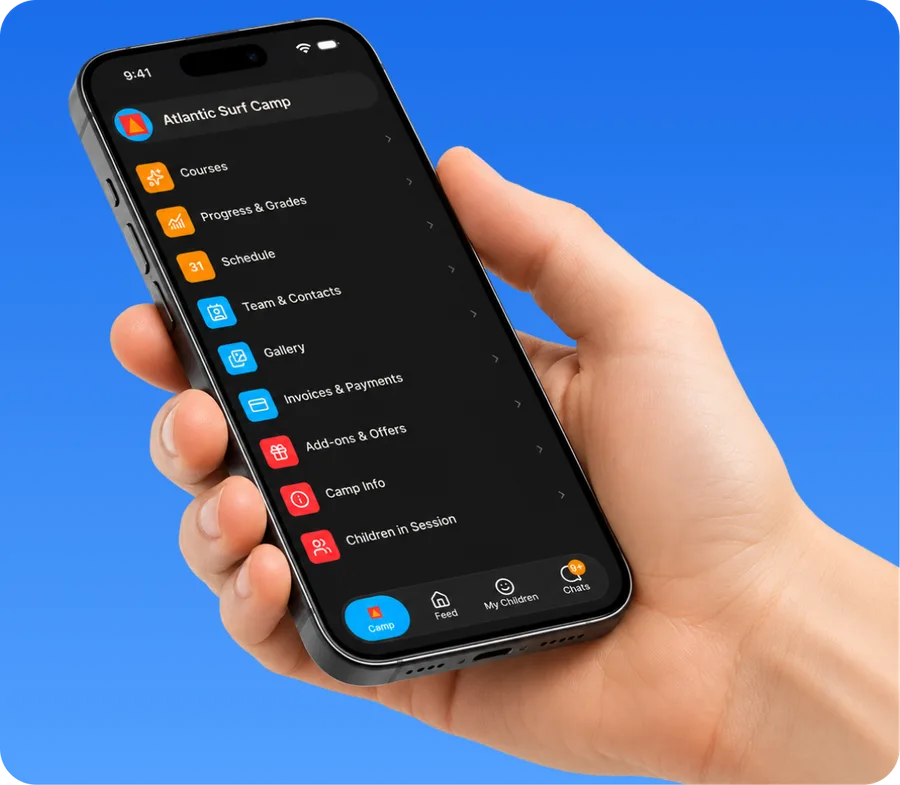
Explorer Mobile app on a phone

Web for the depth

registration tasks, longer forms, coursework, and the full picture on a big screen, ideal before arrival.

Mobile for the day

the today cockpit, schedule, feed, and achievements, wherever they are.

One account, one record

what they do on one shows up on the other, and their progress travels with them.

Built for participants who run their own program

Explorer Mobile is at its most powerful where participants engage with their program directly: older students and teens, pre-college and university youth programs, and learning-oriented or hybrid programs, where the participant runs their own day. For a young summer camp, it is optional. A camp that wants children outside and off screens can keep Explorer light or leave it to staff and families, and the platform still runs the whole camp. Explorer Mobile is there when a participant experience adds value, and out of the way when it does not.

Four teenage participants

A participant space that is safe by design

  • Communication kept appropriately safe Participant chats are part of a communication model built around safeguarding: staff join a participant's chat only with an explicit, recorded permission to contact children, so a participant's space is not open to just anyone.
  • Each participant sees their own A participant sees their own schedule, team, learning, and content, scoped to them and their role, not the whole session. Administrative and sensitive operational information stays with staff, where it belongs.
  • Their data, protected A participant's information and submissions are encrypted in transit and at rest, and shown only to the roles that require them, on a platform whose security management is certified to ISO/IEC 27001:2022 by an independent certification body, covering both standard and white-label deployments.

Give the participant their program, in their hand

Ownership, not supervision

Their day, learning, and bookings in their pocket, so the experience fits how young adults and teens actually operate.
Motivation that travels with them

Badges, milestones, and progress front and center, so the program feels like a journey, not a schedule someone else keeps.

Belonging, not just a roster

A team to be part of and a feed to follow, so a participant feels connected to the program, not managed by it.

One record, everywhere

What a participant does on their phone is the same record staff and families see, so their journey stays consistent across web and mobile, and across sessions.
Frequently asked questions about Explorer Mobile

What is Explorer Mobile?
Explorer Mobile is CampOrganizer's participant app: a today cockpit, the schedule, the team, learning and assignments, progress and achievements, feed and chats, gallery, and bookings, in the participant's pocket.
How is it different from Explorer on the web?
They share one account and the same record. Explorer web is the fuller surface for registration tasks, longer forms, coursework, and the detailed view; Explorer Mobile is the day-to-day cockpit, schedule, feed, and achievements.
Who uses it?
Participants, campers, students, trainees, and older teens. It is most valuable where participants engage with their program directly, such as pre-college and university youth programs and learning-oriented programs.
Does Explorer Mobile replace printed schedules?
Yes. Participants always have their latest schedule, including changes, in their pocket, so there is no dependence on notice boards, paper handouts, or screenshots.
Can participants do coursework on their phone?
Yes. Participants carry their courses, homework, quizzes, and assignments in the app and complete them when it fits.
Can they see their progress and achievements?
Yes. Explorer Mobile puts badges, milestones, and progress front and center as part of the participant's journey.
Is participant communication safe?
Yes. Participant chats are part of a safeguarding-first model: staff join a participant's chat only with an explicit, recorded permission to contact children.
Does Explorer Mobile work together with Family?
Yes. Parents use Family; participants use Explorer. Both stay connected to the same participant and the same session, so families follow the same journey the participant lives.
Do young children have to use it?
No. Explorer Mobile is optional. A young camp that wants children outside can keep it light or leave it to staff and families, and the platform still runs the whole camp.

Put the program in the participant's hand

© 2026 CampOrganizer. All rights reserved.