Camp Hub: the control center for your organization

The organization-level workspace behind the whole platform

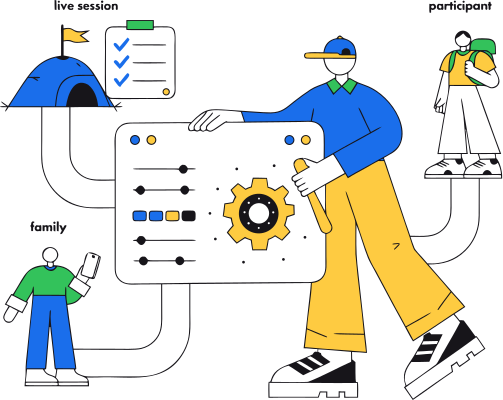
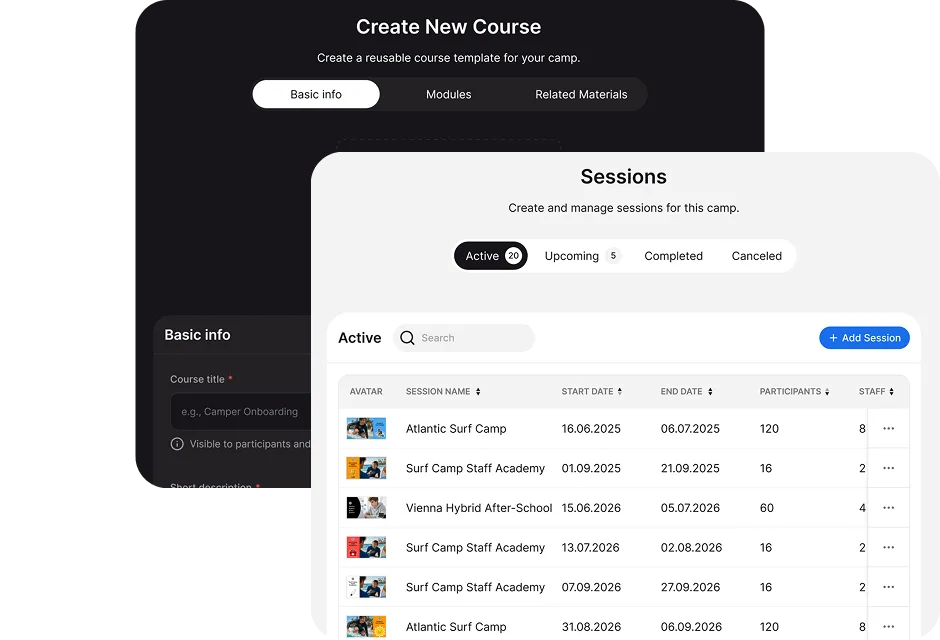
Camp Hub is one of CampOrganizer's four web modes, the one your leadership team lives in. Where Session Console runs a live session, and Family and Explorer are the experiences for parents and participants, Camp Hub is the control center: the place you structure the organization, set the rules, manage the people, handle the money, and see how it is all going. Everything you configure here flows outward. A session you create becomes the program staff run in Session Console and Counselor Mobile. A form you build becomes what families complete in Family. A permission you set decides who can see and do what across every app. Camp Hub is where the organization is defined, and the rest of the platform is that definition in motion. Build the season in Camp Hub. Run the session in Session Console.

The camp director should not be the integration between systems

Before Camp Hub

Many organizations run registration in one tool, participant records in spreadsheets, staff in another file, payments in a separate dashboard, forms in an external service, and family communication through email and group chats. Each tool may work on its own. The problem is everything between them: a registration copied into a roster, a payment matched to a name by hand, a form response checked against a spreadsheet, a family reminded manually, and a director who has to ask three people before knowing whether the program is actually ready.

With Camp Hub

Camp Hub brings the organization-level work into one operating context. Participant, family, staff, program, and session records stay connected as the organization moves from setup and registration into preparation, live delivery, reporting, and the next season, so the connective work stops being someone's unpaid second job.

The whole organization, in one workspace

  • Admissions and enrollment Run inquiries and applications through a CRM-style pipeline, review and admit participants, manage session placement and waiting lists, and turn a lead into an enrolled family without leaving the platform.
  • Programs, sessions, and teams Structure the organization into camps, programs, and sessions, set capacity, dates, and pricing, and organize participants into teams, groups, or cabins, whether you run one seasonal camp or several programs across locations.
  • Readiness and exceptions A registered participant is not always ready to arrive. Camp Hub surfaces which records still need attention, missing forms, incomplete consents, open payments, absent documents or travel details, so the team works the exceptions instead of checking every participant by hand.
  • People and permissions Manage participants and families, invite and assign staff at the camp and session level, and control exactly who can see and do what across every app. One staff identity can carry different responsibilities across several sessions.
  • Forms, documents, and learning Build registration, medical, and consent forms from reusable fields, collect and store documents with versioned agreements, and set up the program's courses, assignments, and certificates. Published revisions preserve the context in which information was collected.
  • Schedule and operations templates Define reusable event types once and build the session calendar, so activities, check-ins, and meetings are set up consistently across sessions and seasons.
  • Communication and the feed Publish updates, drive the family feed, send onboarding reminders, and target communication to the right camps, sessions, families, or staff, including filtering by registration or readiness status.
  • Finance and billing Track revenue, receivables, and refunds, manage pricing, offers, and optional add-on services, and keep the financial picture connected to the participants and sessions it comes from, so no one matches names between a registration list and a payment list.
  • Analytics, reports, and data See the organization's numbers, build governed reports from your own fields, keep generated reports as point-in-time snapshots, import existing records, and export clean, machine-readable data whenever you need it.
  • Branding, integrations, and governance Apply your branding and white-label options, connect the tools you use, and operate the security, compliance, and trust controls that keep the whole thing accountable.

From an empty organization to a session ready to run

1

Build the structure

Create the camp, programs, sessions, dates, capacity, and reusable settings.
2

Configure registration and data collection

Set up the registration paths, forms, pricing, and onboarding requirements for each session.
3

Add the team

Invite the people who run the organization and give each person the role their work requires.

4

Open registration

Families enter through the configured registration experience, and applications, payments, forms, and consents stay connected to the correct session.
5

Monitor enrollment and readiness

See which sessions are filling, which families are progressing, and which participants are not yet ready, while there is still time to act.
6

Hand the session into live operations

Session Console receives the participants, staff, teams, schedules, and preparation context already established in Camp Hub. The live team starts from a prepared session, not an exported spreadsheet.
7

Review, improve, reuse

After delivery, use reports and analytics to understand what happened, then copy and adapt the programs, forms, and operating patterns that worked instead of rebuilding the organization every season.
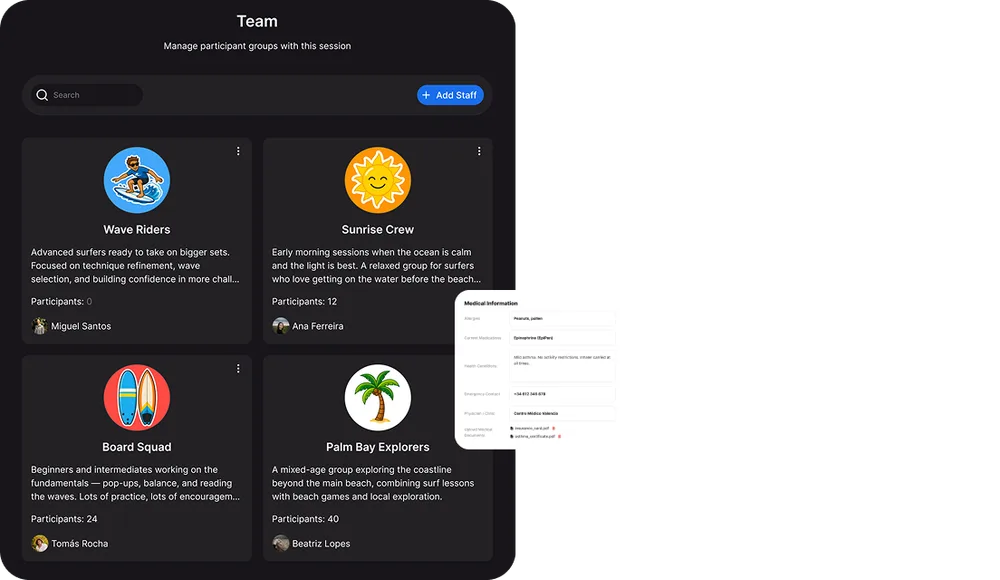
Build the operation in one place. Run the live session in another.

Camp Hub

Is scoped to the organization. It answers: What programs are we running? Which sessions are filling? Which participants are ready? Which families need follow-up? Which records, forms, payments, and settings apply?
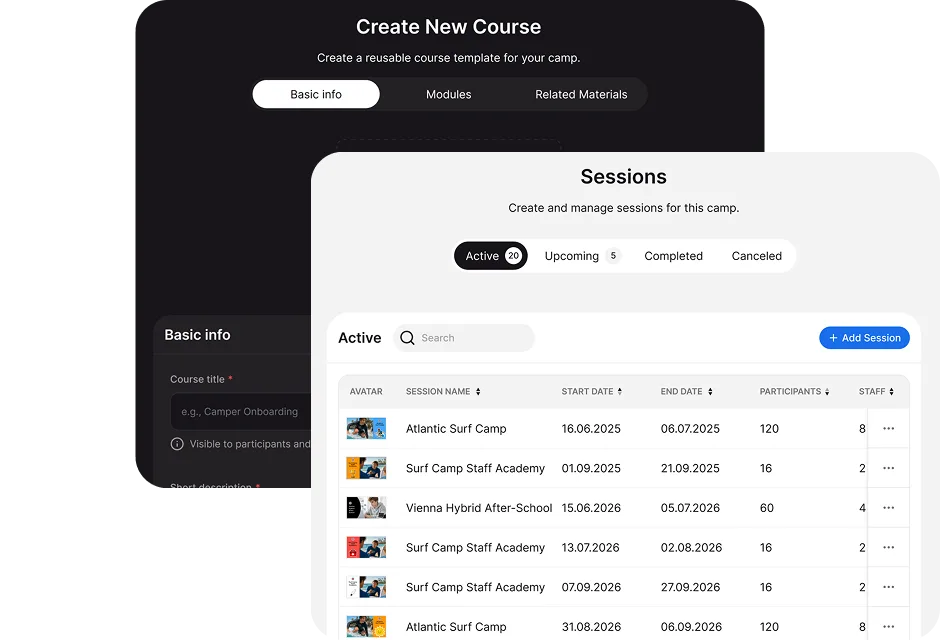
Session Console

Is scoped to one active session. It answers: Who is here? Which group are they in? What is happening today? Who is responsible? What requires action now?

One workspace, the right access for each leader

Owners and directors

See and govern the whole organization, control elevated access, oversee governed sensitive-data exports, and lead from live numbers rather than a stack of tools.

Camp managers

Run staff, sessions, and operational setup across the camp, and keep every program ready for delivery.

Coordinators, registrars, and admissions

Own applications, session placement, waiting lists, onboarding, and family follow-up, and move families from inquiry to ready-for-day-one.

Finance and operations

Track revenue, receivables, balances, and add-ons, manage pricing and offers, and keep the operation clean and reportable.

Data, reporting, and compliance

Create governed report templates, review snapshots, run imports and exports, and support audit and data-portability requirements.

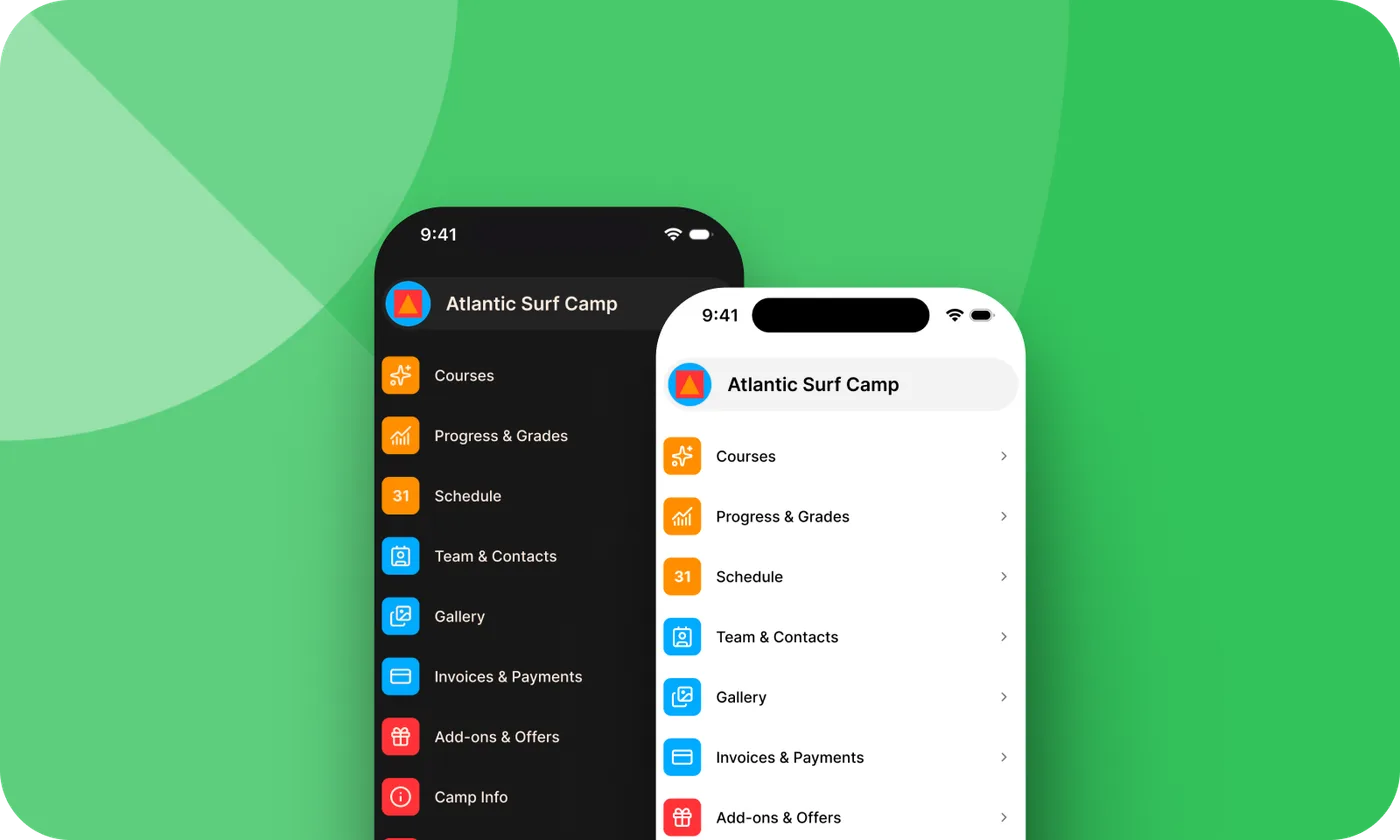
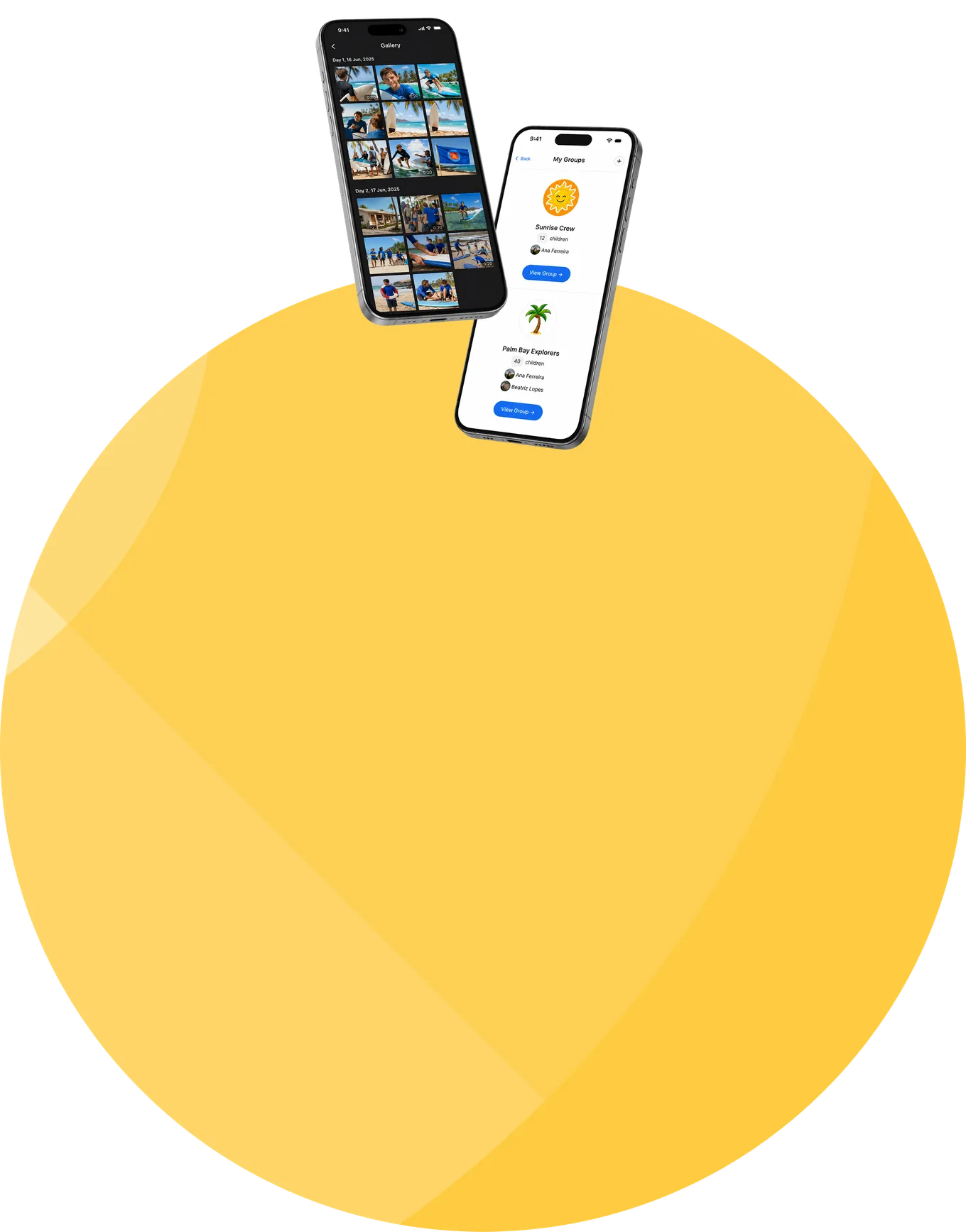
CampOrganizer family app shown on two phones

Configure it in Camp Hub, run it everywhere

Camp Hub is the source. What you set up here is what every other surface uses, so nothing is configured twice and data is never re-keyed.
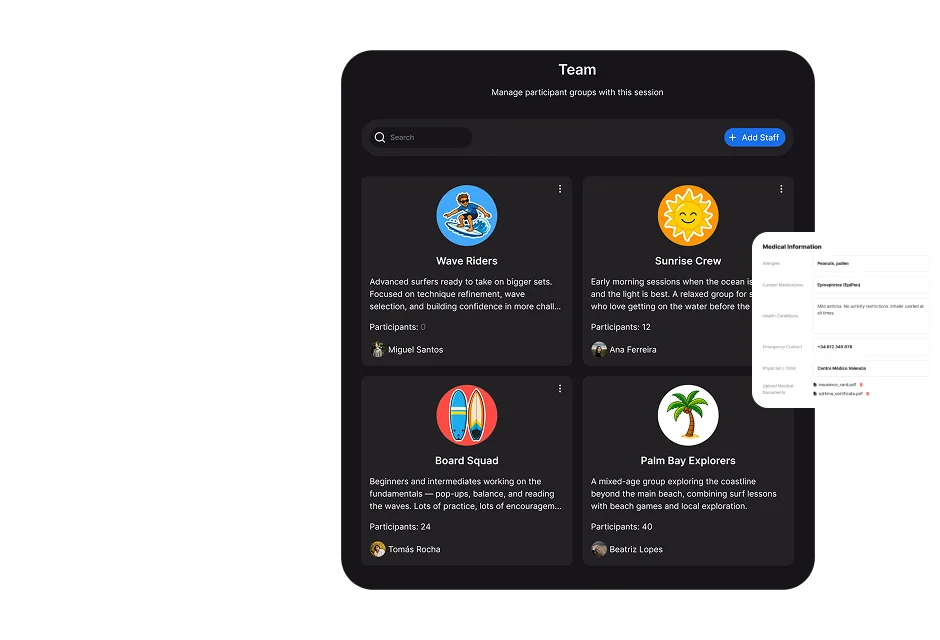
Into Session Console

prepared participants, staff, teams, schedules, and rules become the live operation session managers run on the ground.
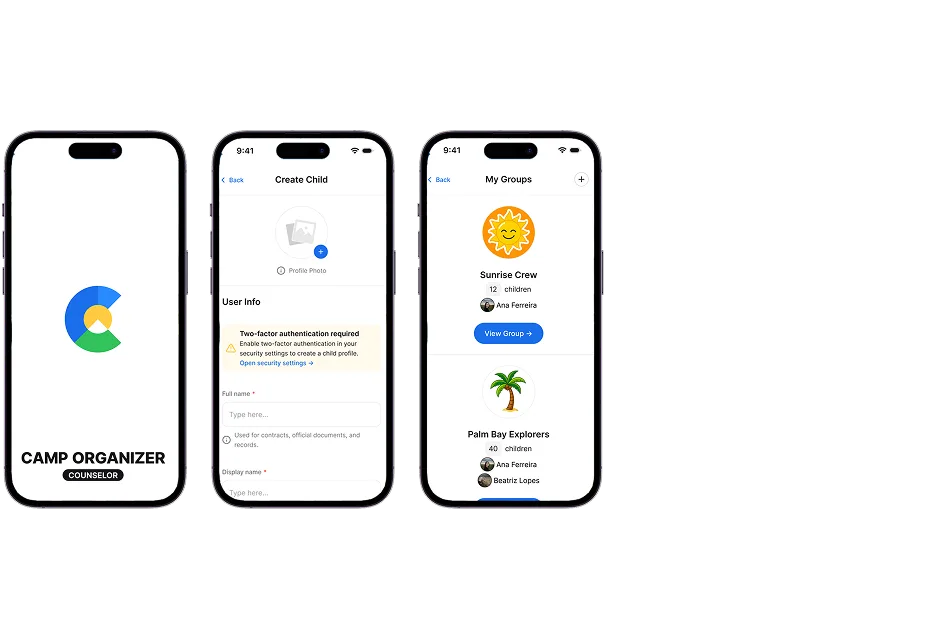
Into Counselor Mobile

staff assignments, groups, and the day's plan reach frontline staff in their pocket.
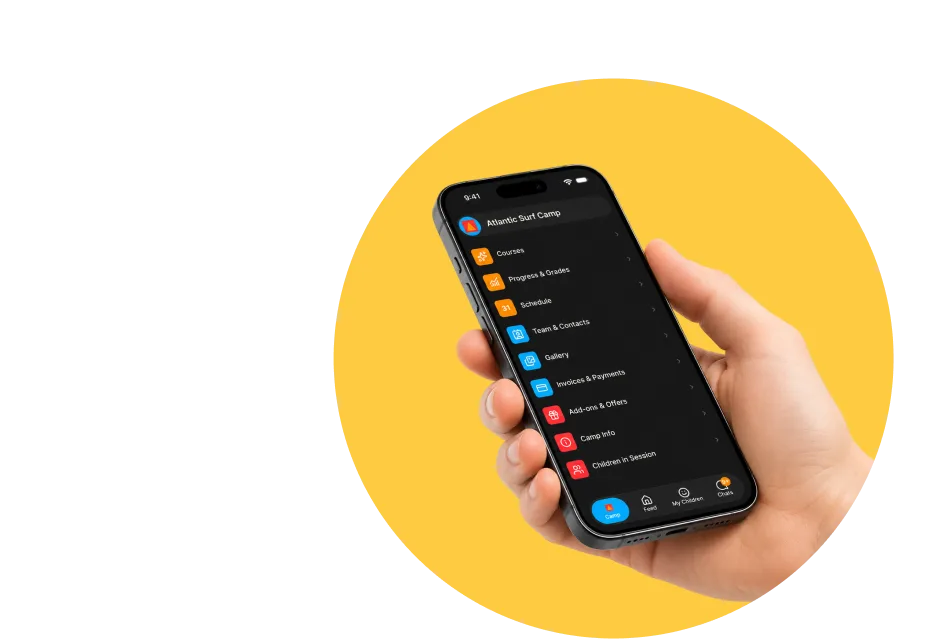
Into Family and Explorer

the forms, schedule, updates, and learning you configure become what parents and participants see and do.
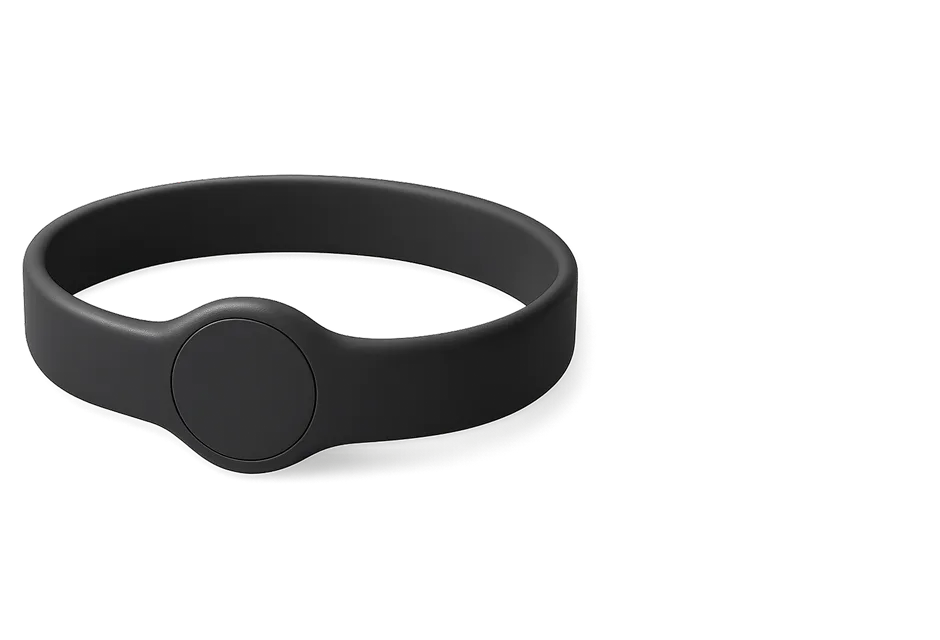
Into Bracelets

participant and session records provide the context for configured NFC and QR workflows.
Into reports and analytics

reusable fields become governed report columns, and platform activity becomes trusted metrics and comparisons.
From every app, back to Camp Hub

attendance, submissions, payments, and engagement flow back into the same records, so your dashboards reflect reality, not a re-typed copy.

Organization-wide control without organization-wide exposure

Camp Hub carries broad administrative capability over participant, family, staff, and financial information. That makes access design part of the product, not an afterthought.

  • Access that follows responsibility Every role's access across every app is set here. Camp-level authority stays separate from session-level responsibility, so being trusted to run one session never quietly grants access to the whole organization, and elevated roles are assigned deliberately, never acquired indirectly.
  • Sensitive data protected at the field level Access to a participant record does not automatically reveal every sensitive field. Health details, protected form responses, and incident records follow their classification and field-level access policy, and access to the most sensitive information is scoped and audited.
  • Your data, and a clean way out Owners and administrators can export the organization's data from Camp Hub in structured, machine-readable formats. An export containing special-category data requires approval from a second, different Camp Manager before generation, so portability is built in without letting one account walk out with the most sensitive information.
  • Certified security management Data is encrypted in transit and at rest, and CampOrganizer's information security management system is certified according to ISO/IEC 27001:2022 by an independent certification body, covering both standard and white-label deployments.

An organization that does not have to be rebuilt every season

The whole business in one workspace

Admissions, programs, people, forms, money, communication, and analytics live in one place, so leadership stops jumping between systems that disagree.
Set up once, used everywhere

What you configure in Camp Hub flows to every app automatically, so there is no re-keying and no drift between tools.
Readiness before day one

The organization sees missing requirements and operational gaps while there is still time to resolve them, and works the exceptions instead of the whole list.
Govern from the center

Permissions, branding, security, and compliance are operated once for the whole organization, so control is real, not scattered across one overloaded admin account.

Institutional memory

Forms, fields, templates, and operating patterns carry into the next season, so the operating model stays with the camp instead of disappearing into personal files and the knowledge of one long-serving administrator.
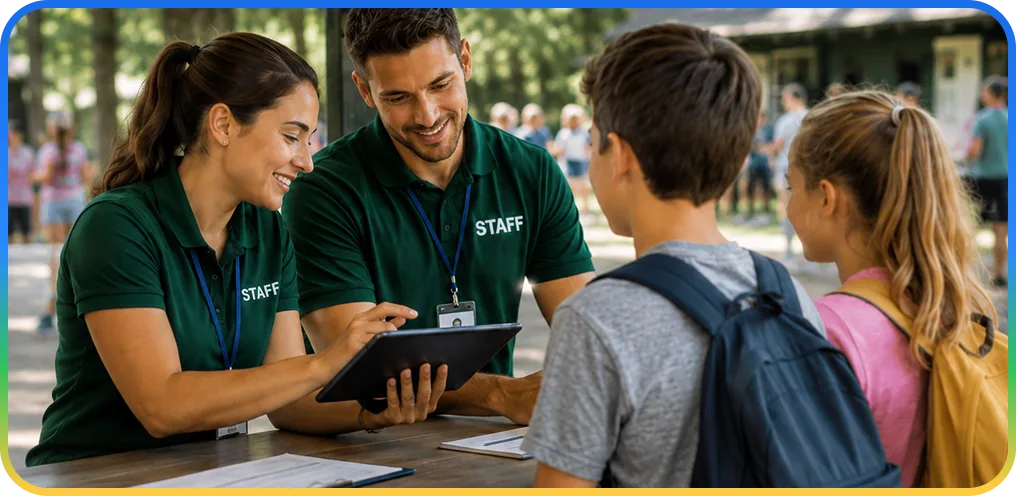
Camp staff helping a family register on a tablet

Frequently asked questions about Camp Hub

What is Camp Hub?
Camp Hub is CampOrganizer's web control center for owners, directors, and managers: the place you set up and run admissions, programs and sessions, people, forms, communication, finance, analytics, and governance for the whole organization.
Is Camp Hub a separate application?
Camp Hub is a role-based mode of the CampOrganizer web platform. It works with the same connected records used by Session Console, Family, Explorer, and the mobile apps.
How does Camp Hub relate to Session Console and the other apps?
Camp Hub configures the organization and prepares each session; Session Console runs a live session; Counselor Mobile, Family, and Explorer are the frontline and consumer apps. All of them run on the records defined in Camp Hub, and their activity flows back into it.
Can I manage multiple camps, programs, and sessions?
Yes. Camp Hub structures the organization into camps, programs, and sessions, with capacity, pricing, and role-based access across all of them, whether you run one seasonal camp or several programs and locations.
Does Camp Hub handle admissions and finance?
Yes. It runs admissions through a pipeline, including placement, waiting lists, and readiness, and tracks revenue, receivables, refunds, balances, and add-on services, connected to the participants and sessions they come from.
Can we create our own forms and fields?
Yes. The Form Builder supports reusable fields and organization-specific forms for registration, profiles, consent, health, travel, onboarding, surveys, and learning, with versioned agreements and field-level access on sensitive data.
Can we import existing data, and export all of it later?
Yes. Structured imports bring existing participant, family, staff, and financial records in. Exports provide a practical, machine-readable way out, with approval by a second, different Camp Manager before an export containing special-category data is generated.
How is data and access governed?
Every role's access across every app is set in Camp Hub, sensitive data is classified and encrypted, camp-level and session-level access remain separate, and security and compliance controls are operated centrally, on a platform certified to ISO/IEC 27001:2022.
Can I apply my own branding?
Yes. Camp Hub manages branding and white-label options for the relevant web and family experiences. The exact scope is defined during setup.

See the control center behind the whole platform

© 2026 CampOrganizer. All rights reserved.