Build the camp day once, and everyone sees their part of it

The camp day, in one schedule instead of five copies

Most camps already have a schedule. The problem starts when the program begins. The office maintains a spreadsheet. A printout hangs on the wall. Counselors remember their own version. Families follow a group chat. Then rain moves an activity or an instructor calls in sick, several copies become wrong at once, and somebody spends the afternoon retyping and re-announcing the same change. CampOrganizer turns the day into one connected schedule. Your team defines reusable event types, builds each session across its days, and decides who sees, and who can book, every activity. From that one source, staff get their operational schedule in Counselor Mobile, participants see their own day in Explorer, families follow theirs in Family, and feed updates and reminders keep the right people informed. The schedule is not a list of times. It's how the day actually runs.

One schedule, the right slice for everyone

  • Reusable event types Define your recurring building blocks once in Camp Hub, title, icon, color, default visibility, booking and notification behavior. Activities, check-ins, meals, meetings, competitions, excursions: built once, not rebuilt for every session.
  • Build every session across its days Create each session's schedule, place events on its days, and move or edit them as the program takes shape. Every session keeps its own timetable, all managed from the same place.
  • A view for every role The same underlying schedule becomes an operational view for staff and a scoped view for participants and families. Each person sees their part of the day, not the whole organization's calendar.
  • Activity booking for participants and families Open activities up for booking where the program allows it: free-for-all or capacity-limited, included or tied to a paid add-on, confirmed instantly or held for approval.
  • One change, every view follows Move an activity, shift its time, or change its availability once. Counselor Mobile, Explorer, Family, and the feed stay on the same current day, the schedule people see never drifts from the actual state of the program.
  • The day announces itself Scheduled events generate feed items and send reminders by push and email, before or after the event, as configured. The day's activities reach participants and families without your team running a parallel content calendar for the same information.
  • Reuse proven schedules Copy a session's schedule into the next one and adjust what differs, instead of starting from a blank grid every season. Event types and copied schedules carry the operating model your team has already refined.
  • Weather next to the plan See the forecast alongside the day you're planning, the outdoor activity and the reason to move it, on one screen.

One schedule, every kind of day

A full camp day

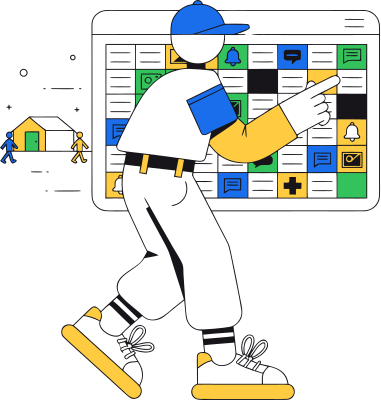
Activities, meals, and free time laid out once and seen the right way by staff, families, and participants.
A recurring club

Copy last week's day, adjust it, publish, and regulars simply see the update, without rebuilding the calendar.
An off-site trip or special event

A single event with its own roster, timing, and assigned staff, living on the same schedule as everything else.

Many groups at once

Each group sees only its own slice of the day, generated from one master plan instead of separate spreadsheets.
From an event type to a day everyone can follow

1

Define your event types

Set up reusable event types in Camp Hub with their identity, default visibility, booking rules, and notification behavior.

2

Build the session schedule

Place events across the session's days using the types your organization has already defined.

3

Set visibility and booking

Decide which roles see each event, and whether participants or families can book it.

4

Publish the right views

Staff get the operational schedule in Counselor Mobile, participants see their day in Explorer, families follow theirs in Family.

5

Let the day announce itself

Feed items and scheduled reminders keep the right audience informed as activities approach or change.

6

Change the event, not the copies

When plans move, edit the same event, instead of distributing a new spreadsheet, screenshot, PDF, or chat correction.

7

Reuse the setup next time

Copy the schedule into another session and adjust what differs, rather than rebuilding the program from scratch.

The same day, shown the right way to each person

Operations and session managers

Build event types and session schedules, manage visibility and booking, and update the operational day from one place.

Counselors and frontline staff

Run the program from the live schedule on their phones, not from a printed copy or a message history.

Participants

See their own day in Explorer and book the activities made available to them.
Families

Follow their child's day in Family, get updates and reminders, and book activities where the program allows it.

Directors and program leaders

See how the program is structured across sessions, while each audience works from its own view of the same schedule.


The schedule is the backbone of the day, not a standalone calendar

Into Counselor Mobile

frontline teams get the live operational schedule for their responsibilities.

Into Explorer

participants see their own day and book available activities.

Into Family

families get their view of the schedule, plus feed items, reminders, and booking.

Into feed and notifications

scheduled events generate updates and reminders without recreating the same information in another tool.

Into booking, offers, and finance

an activity that requires an add-on stays connected to the participant's offer and financial context.
Into attendance

the activity people were expected at stays connected to their operational day.

Into session operations

events live alongside the session, its dates, its people, and the workflows used to run it.

Children's schedules are visible only to the people who should see them

  • Visibility built into events Event types carry default visibility for staff, participants, families, and the feed, and individual events can override those defaults where the program requires it.
  • Role- and relationship-aware views Participants and families receive a view prepared for their role, not the raw operational schedule. Relationship-based access means a family sees the schedule of its own child, and staff access follows their operational responsibilities.
  • Staff details stay with staff Internal operational information doesn't leak into the participant or family view just because it belongs to the same event. One schedule, different views, without exposing every detail to every audience.
  • Encryption and certified security management Data is encrypted in transit and at rest using industry-standard controls. CampOrganizer's information security management system is certified according to ISO/IEC 27001:2022 by an independent certification body, covering standard and white-label deployments within the published certified scope. The certificate and certified scope are published on the Trust page.

Build the day once, and stop re-announcing it

One schedule instead of five copies

The current day lives in one connected system, not a spreadsheet, a wall printout, a shared calendar, and a group chat that disagree by lunchtime. A moved activity updates the same record, not another detached version of the plan.
Staff don't run on a stale version

Counselors work from the live schedule on their phones, so an operational change is something the team sees, not a rumor passed between groups.
Families stay informed without a parallel process

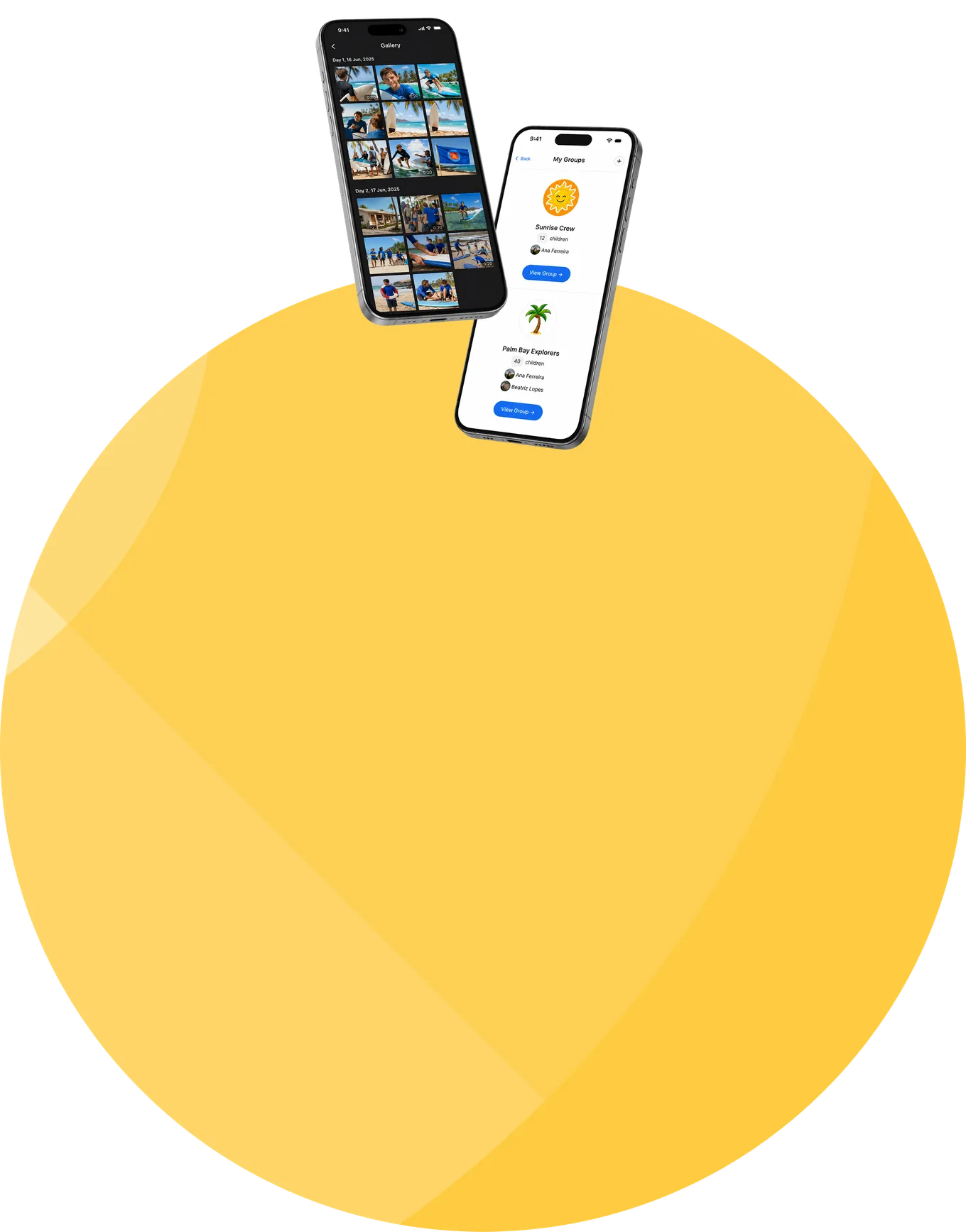
Each family gets its own view of the day, plus feed updates and reminders, which retires the second tool and the daily "what's happening today?" messages.
Participants act on the schedule

Where enabled, the schedule isn't just something participants read, it's where they choose and book their activities.

Setup gets faster every season

Reusable event types and copied schedules mean the next session starts from your proven structure, not an empty grid.

The schedule continues into operations

Events carry booking, reminders, staff execution, and attendance context, instead of ending as passive calendar entries.
Frequently asked questions about camp scheduling and events

Is CampOrganizer camp scheduling software?
Yes. CampOrganizer builds each session's schedule from reusable event types and delivers the right view to staff, participants, and families, as part of the operational platform, not as a separate shared calendar.
Can we reuse activity and event setups?
Yes. Event types defined in Camp Hub carry identity, visibility, booking, and notification defaults, and a complete schedule can be copied from one session to another and adjusted. Each session keeps its own days and events on the same reusable catalog.
Do staff, participants, and families see the same schedule?
They work from the same underlying schedule, but they don't see the same information. Staff get the operational view, participants see their own day in Explorer, and families get their view in Family.
Can participants or families book activities?
Yes, where the program allows it. Booking supports open activities, capacity limits, activities that require a paid add-on, and requests confirmed instantly or held for approval.
What happens when the schedule changes?
Your team updates the existing event, and the staff, participant, family, and feed views stay on the same current day. Configured reminders and feed updates, including push and email, reach the affected audience without a manual re-announcement.
Can events repeat?
Recurring patterns are built by placing an event type across the relevant days, and a copied schedule carries the whole pattern into the next session. Individual occurrences are then adjusted where they differ.
Can scheduled activities be connected to attendance?
Yes. A scheduled event provides the context for attendance and the participant's operational day, rather than sitting in a disconnected calendar.
Can activities require payment or an add-on?
Yes. Where configured, an activity requires an add-on and stays connected to the participant's offers and financial context.
How is children's schedule information protected?
Event visibility, role-aware views, and relationship-based access limit schedule information to the right audience. Data is encrypted in transit and at rest, and CampOrganizer's information security management system is certified according to ISO/IEC 27001:2022.
How is this different from a shared calendar?
A shared calendar displays dates and times. CampOrganizer builds the day from reusable event types, shows it differently to each role, takes activity bookings, sends the updates and reminders itself, and carries the event context into attendance and the rest of the operation.

Run every camp day from one live schedule

In a 30-minute demo, we'll show how CampOrganizer replaces whiteboards, printed timetables, spreadsheets, shared calendars, and repeated chat updates with one connected schedule for staff, participants, and families.

© 2026 CampOrganizer. All rights reserved.