One forms engine for every camp form, waiver, and document

Where camp paperwork becomes operational data

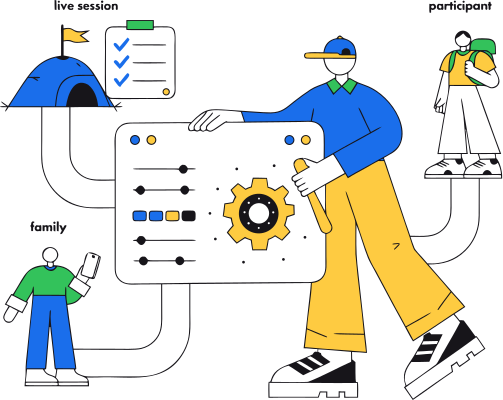
Most camps already have forms. The problem is what happens after somebody submits one. The health form becomes a PDF in an inbox. The waiver lives in a separate signing service, undated. Travel details land in a spreadsheet. A counselor gets forwarded a copy. And when something changes, nobody is certain which version is current, or which families still owe what. CampOrganizer replaces that with one forms engine. Your team defines reusable fields, builds the forms each program needs, assigns them to the right session or workflow, and follows every submission through review. Waivers and agreements are versioned, so acceptance stays connected to the exact document the person saw at the time. Some forms update the durable participant or family profile used across the platform. Others stay as independent submissions tied to a person, program, session, or activity. Long-lived profile data and one-time questionnaires coexist without mixing their purposes. The form is not the destination. It's how trusted information enters the program.

A form system built for operations, not just submissions

  • Build the forms your program needs Design registration, health, consent, onboarding, activity, survey, and learning forms with your own fields, sections, options, and requirements, and adapt them as programs change, without commissioning development for every new question. Publishing a change creates a controlled new revision; information already submitted keeps the structure it was collected with.
  • A reusable field catalog Every field is a catalog entry with a stable identity, type, data classification, and access policy. Shared core fields sit alongside your camp-scoped custom fields, and the same definition keeps collected data meaning the same thing across forms and profiles, which is also what lets a later form prefill from the profile instead of asking again.
  • Six form types, one authoring experience Standard forms, profile forms, child forms, session applications, quizzes, and static content are built in the same Form Builder. One tool covers intake, onboarding, participant records, learning, assessment, and your program-specific workflows.
  • Profile-backed and submission-backed forms Profile-backed forms update the durable participant or family record. Submission-backed forms stay as distinct responses tied to their person and context. Each keeps information where it belongs, the allergy on the profile, the feedback survey with the session it was about.
  • Versioned waivers and agreements Acceptance is recorded against the exact version presented to the person. Which document, accepted by whom, in which context, established from the record, not reconstructed from an undated PDF and an email thread.
  • Consent captured as structured data Permissions and consent choices are collected as classified fields, not buried in free text or attachments. A choice a parent made becomes something you can filter on, follow up on, and gate operational access with, instead of text somebody has to read manually.
  • Review before information becomes operational Submissions move through a review workflow: authorized staff accept them, reject them, or return them for correction, with resubmission and cancellation policies set per workflow, because a one-time medical form should not behave like homework. Raw answers become data your team can rely on.
  • Supporting documents Files stay attached to the participant or workflow they belong to, with controlled sharing, instead of becoming detached email attachments or forgotten files in shared folders. Submissions and records export in managed, machine-readable formats when you need them.

The forms every program actually runs on

Medical and health forms

Allergies, medications, and conditions captured as structured, protected fields, not a PDF someone has to read and re-type.

Waivers and consents

Liability, media, and activity consents, versioned and recorded against exactly what each family agreed to and when.

Custom program forms

Dietary preferences, kit sizes, travel details, pickup permissions, whatever your program needs, built from your own fields.

Filled once, reused everywhere

A family completes a form once and it follows the participant into the next session, so regulars never start from a blank page.

From a blank form to reviewed, useful information

1

Define the information

Create or reuse field definitions. Each one carries its type, classification, and access policy from the start.

2

Build and publish the form

Arrange the fields into the structure the workflow needs, then publish. Later changes create a new controlled revision, they never silently alter what people already submitted.

3

Place it in the right context

Use the form in registration, onboarding, a participant profile, a session application, an activity, or a learning workflow.

4

Route it to the right person

Parents complete forms for a child, participants complete their own, and authorized staff step in where the process needs support.

5

Collect answers, consent, and files

The person fills in the information, records agreement acceptance where required, and attaches supporting files where the form asks for them.

6

Review and request changes

Staff review the response in context, accept it, reject it, or send it back for correction and resubmission.

7

Use the result

Profile forms update the durable record. Submitted forms stay as traceable responses. Completion, consent, and document status feed readiness, communication, safety, learning, and reporting.

The right form, filled by the right person, seen by the right people

Operations and registrars

Build and publish forms, manage revisions, chase what's missing, and review submissions across programs and sessions.

Health, safety, and specialist teams

Work with the sensitive information their responsibility requires, without the full registration record being opened to every member of staff.

Session and frontline staff

Receive the operational details the program needs, while unrelated answers and sensitive fields stay out of reach.

Families and participants

Complete the forms meant for them or their children, record permissions and acceptance, attach what's requested, and see what still needs attention.

Owners and directors

One consistent way of collecting information across the organization, instead of every team, camp, and season growing its own forms and spreadsheets.


Collect information once, use it where it matters

Into registration

parent and participant forms collect what the program journey starts with.

Into profiles

profile-backed forms update the durable record and prefill later forms.

Into readiness

required forms, consent, agreements, and document status show up as follow-up items before arrival.

Into operations

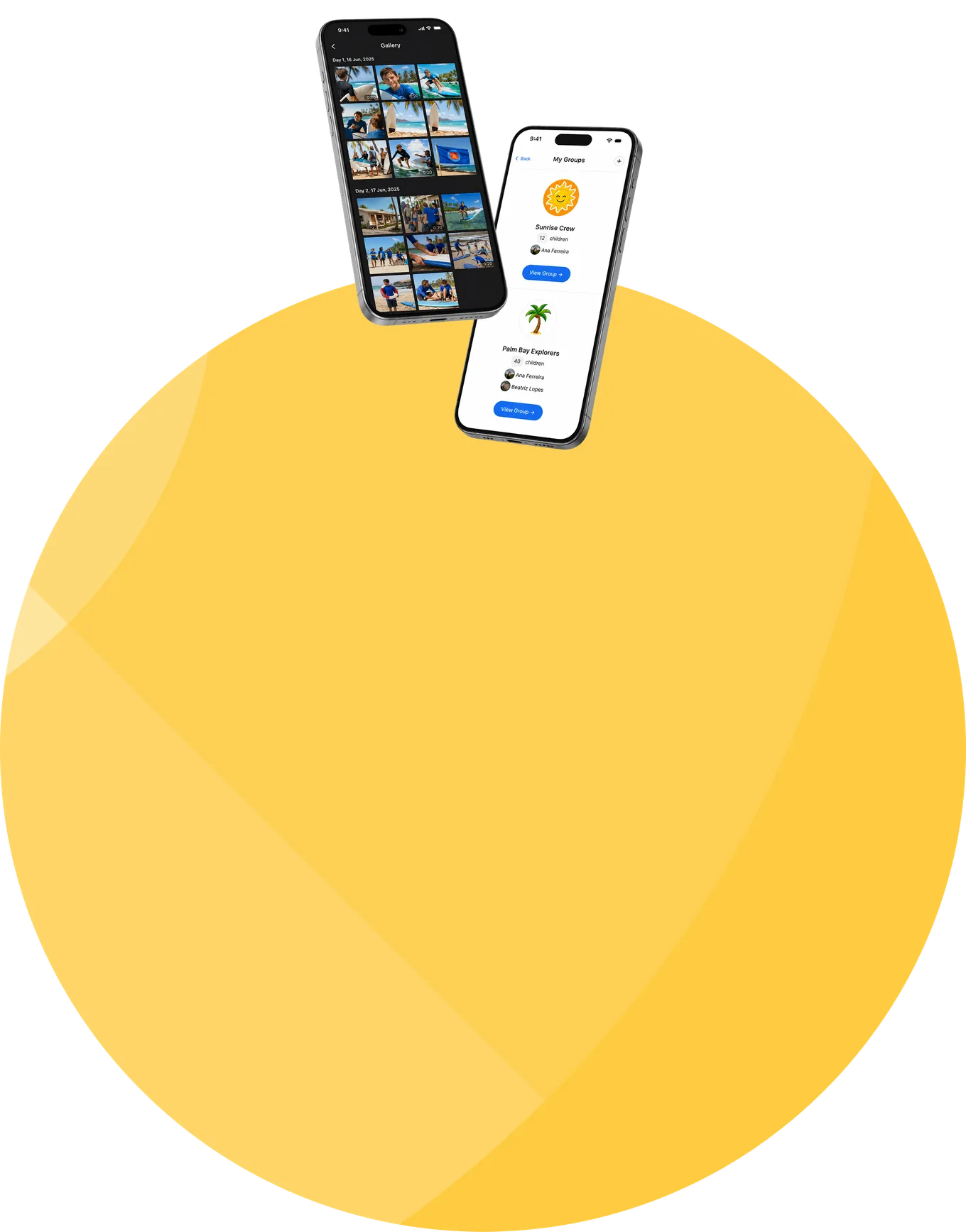
Session Console works with the reviewed information while preparing and running the session, and Counselor Mobile hands frontline staff the slice their role requires.

Into Family

families complete assigned forms and see which requirements are still open.

Into safety workflows

health, dietary, permission, and guardian information stays connected to the correct person and session.

Into learning

the same foundation runs quizzes, assignments, surveys, and structured activities.

Into reporting

completion, review, and readiness status are visible without reconciling a separate form tool.

Sensitive information protected at field level

  • Field classification and protected storage Every reusable field carries a data classification. Sensitive and special-category information, including health and allergy data, receives stronger storage protection, is masked by default, and is revealed only through an authorized, logged action.
  • Role- and field-based access Access differs by role and by field: the same answer can be editable for a parent, readable by the health specialist, limited for frontline staff, and hidden from roles that don't need it.
  • Versioned agreements and traceability Acceptance stays associated with the person and the agreement version. Published revisions preserve the structure information was collected with, and changes, reviews, and protected-field reveals are recorded for accountability.
  • Encryption and certified security management Data is encrypted in transit and at rest using industry-standard controls, with additional application-level protection for selected sensitive fields. CampOrganizer's information security management system is certified according to ISO/IEC 27001:2022 by an independent certification body. The certificate and certified scope are published on the Trust page.

Less chasing, cleaner information, records you can rely on

One engine, not five disconnected tools

Registration forms, health information, consent, waivers, learning activities, and document requests run on one forms foundation, instead of being reconciled across a signup tool, an inbox, an e-sign service, shared folders, and spreadsheets.

Waiver acceptance you can establish

Versioned agreements turn "we think they accepted something" into a record: this person, this version, this context.

Ask once

Reusable fields, durable profiles, and prefill mean a family that told you about the allergy in March doesn't retype it in June, and returning families aren't strangers every season.
Reviewed before it's trusted

The review workflow catches incomplete, incorrect, or inconsistent answers before live operations start relying on them.

Missing requirements surface early

Outstanding forms, consent, agreements, and documents show up in the readiness context in time to resolve them, not on day one.

Need-to-know by default

Field classification and role-based access give frontline teams the operational details they need without handing them every answer a family ever submitted.
Frequently asked questions about camp forms, waivers, and documents

Does CampOrganizer include a form builder?
Yes. The Form Builder covers registration, onboarding, profiles, health information, consent, surveys, activities, quizzes, and other program-specific workflows, built with your own fields and reusable definitions, not a fixed template. Your organization defines camp-scoped custom fields alongside shared core fields, and each definition keeps its type, meaning, classification, and access policy wherever it's used.
What types of forms can we build?
Standard forms, profile forms, child forms, session applications, quizzes, and static content, all through one authoring foundation. The right type depends on whether the information should update a durable profile, remain a distinct submission, back a registration, or be part of a learning workflow.
Can forms be reused across different programs and sessions?
Yes. Different programs, sessions, age groups, and delivery models use different forms while sharing the same underlying field definitions where it makes sense, different questions, one consistent data foundation.
What is the difference between a profile form and a submitted form?
A profile-backed form updates durable information on the participant or family record. A submission-backed form stays a distinct response tied to its person, session, program, or activity.
Can CampOrganizer handle waivers and consent?
Yes. Agreement acceptance is recorded against the exact version presented to the person, and consent choices are captured as structured, classified information in the participant and program context.
Can families and staff both complete forms?
Yes. A form is routed to its audience and subject: parents or guardians complete forms for a child, participants complete their own, and authorized staff support the process where appropriate.
Can our team review and approve submissions?
Yes. Authorized staff review responses in context, accept, reject, or return them for correction, with resubmission and cancellation policies set per workflow.
Can we collect documents and files?
Yes, where document collection is configured. Supporting files stay associated with the participant or workflow they belong to, instead of scattering across email and shared folders.
How is sensitive form data protected?
Fields carry a data classification, and access is controlled by role and by field. Sensitive and special-category information receives stronger storage protection, is masked by default, and is revealed only through an authorized, logged action, with an information security management system certified according to ISO/IEC 27001:2022.
How is this different from a PDF or a generic form tool?
A PDF or a generic form tool usually stops at "submitted." In CampOrganizer, reusable fields, controlled revisions, versioned agreements, review status, participant context, readiness, and the downstream workflows all work on the same information, so a submission is the beginning of its useful life, not the end.

Turn camp paperwork into information your whole program can use

In a 30-minute demo, we'll show how CampOrganizer replaces disconnected forms, PDFs, waivers, spreadsheets, and document folders with one forms system built around your own fields and workflows, from collection and review to readiness and live operations.

© 2026 CampOrganizer. All rights reserved.