Their day and schedule
What's happening today and what comes next, a personal timetable that updates the moment plans change, instead of a printed schedule that's wrong by Tuesday.

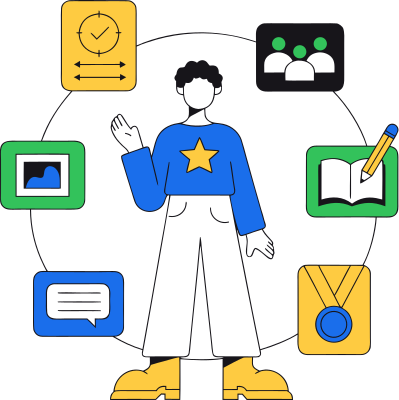
CampOrganizer has four web modes, each built for the people who actually use it. Camp Hub runs the organization. Session Console runs the session. Family keeps parents in the loop. Explorer is for the person the whole program exists for: the participant. Open it and the dashboard answers the questions every participant asks a dozen times a day, what's happening now, what's next, what still needs my attention. Around that core sits everything that makes up their program: schedule, team, courses and assignments, progress and achievements, the feed, chats, the gallery, bookings, and session info. Their whole experience, in one place they own. Explorer shows each participant exactly one thing: their own program. Nothing more, nothing less.
The participant journey starts weeks before arrival, and this is where most programs lose people, in a trail of attachments and reminders. Explorer turns preparation into a checklist the participant can actually finish:
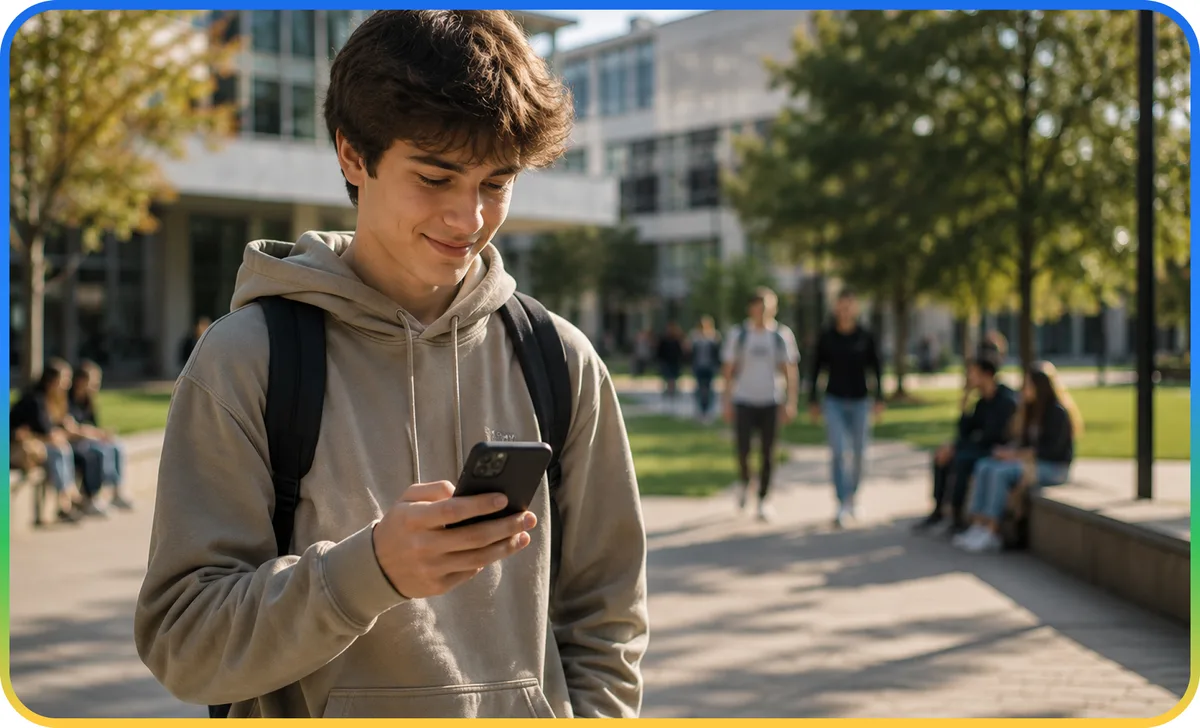
Once the program starts, Explorer becomes the participant's daily companion.
What's happening today and what comes next, a personal timetable that updates the moment plans change, instead of a printed schedule that's wrong by Tuesday.
Their cabin, class, cohort, or group, and the people they're sharing the program with. Everyone knows where they belong.

Courses, quizzes, homework, submissions, learning the participant does themselves, connected to their own record, not a content library they log into once.

Points, badges, completed activities, milestones. Effort becomes visible, and the program starts to feel like a journey rather than a checklist.

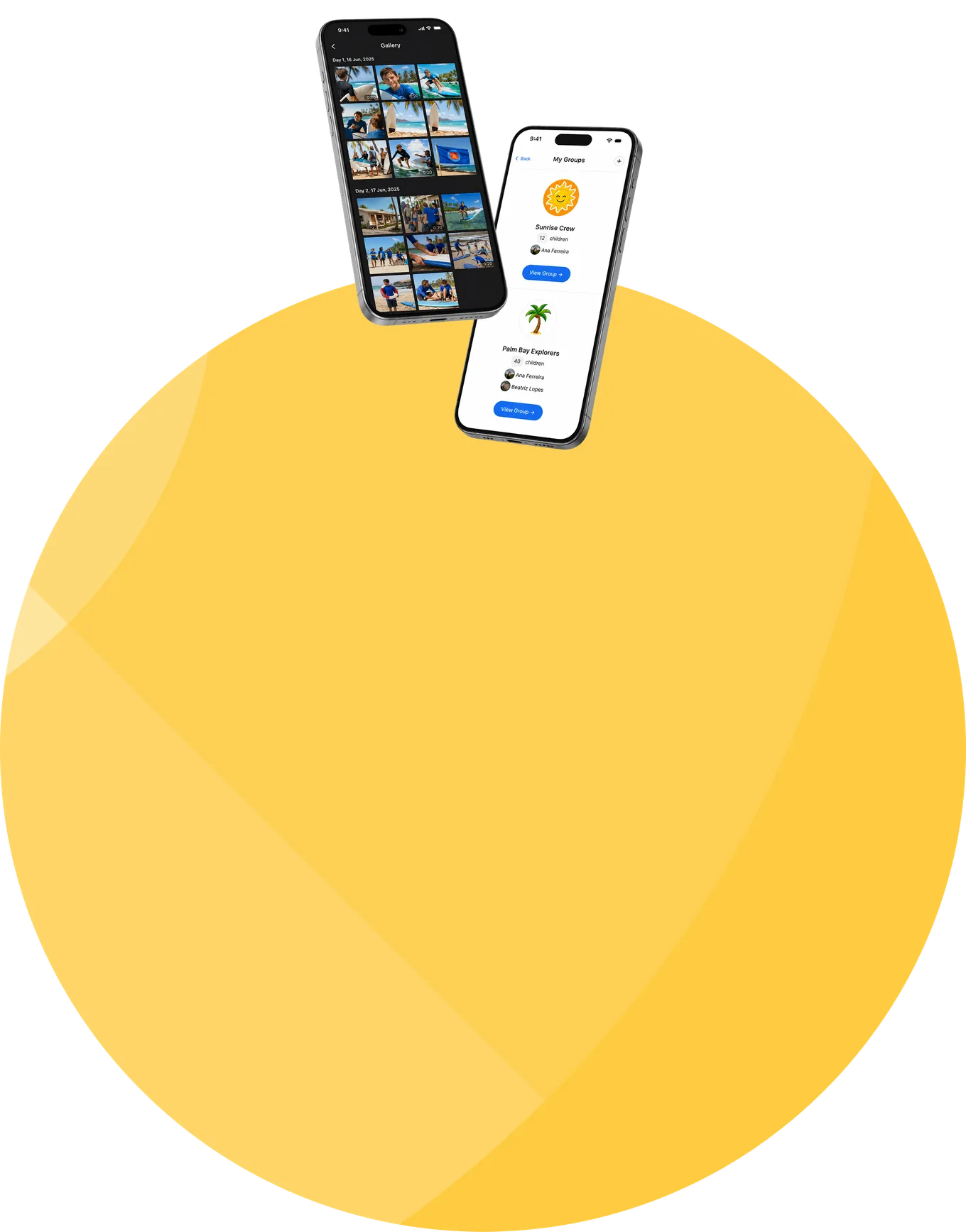
The program's feed, the chats open to them in a communication space kept appropriately safe, and the photos and video from their session, their own memories, ready to revisit.

The activities and offers open to them, bookable directly, plus everything about the session in one place.
One account, two surfaces. The web is where the depth lives, coursework, assignments, the full picture of progress. Explorer Mobile carries the day itself: what's next, the feed, quick actions, wherever the participant is.
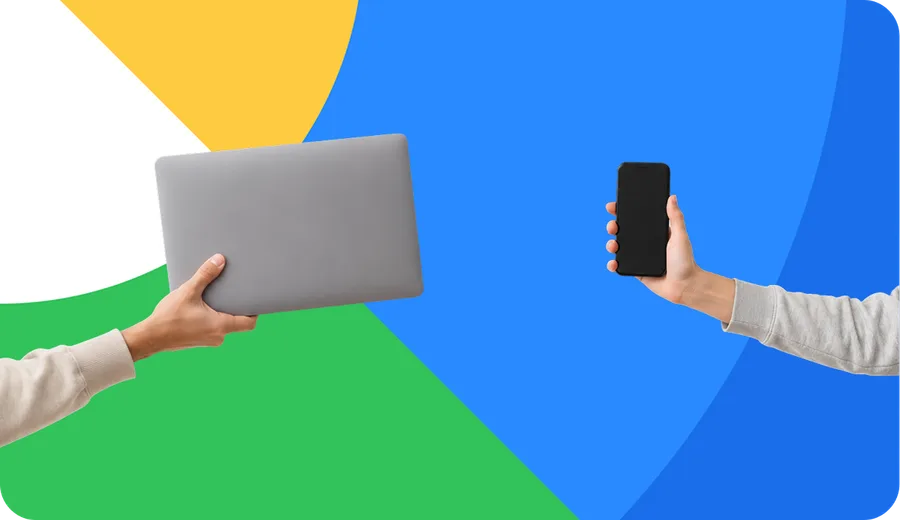
courses, assignments, progress, and the full picture.
what's next, the feed, and quick actions, on the go.
what they do on one shows up on the other.
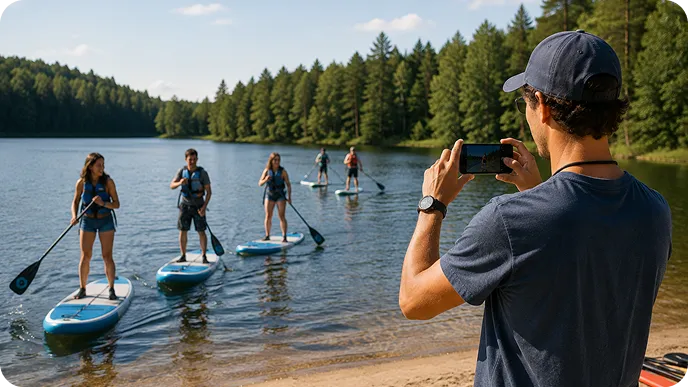
Explorer is at its strongest where participants engage directly: older students and teens, pre-college and university youth programs, academies, and learning-oriented or hybrid programs, anywhere the participant applies, onboards, learns, and runs their own day. And for a young summer camp? It's a choice, not a requirement. A camp that wants children outside and off screens can keep Explorer light, or leave it to staff and families entirely, the platform still runs the whole camp. Explorer is there when a participant experience adds value, and out of the way when it doesn't.

Explorer doesn't create a second system to maintain. It runs on what the camp already configures, and shows each participant their slice of it.
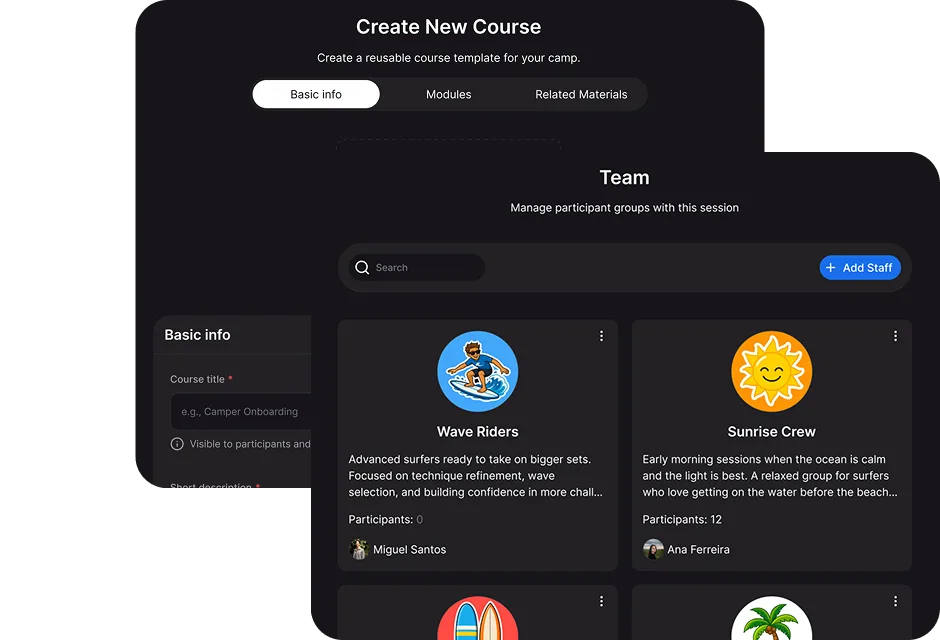
the schedules, courses, teams, and updates the camp sets up become the participant's own view here.
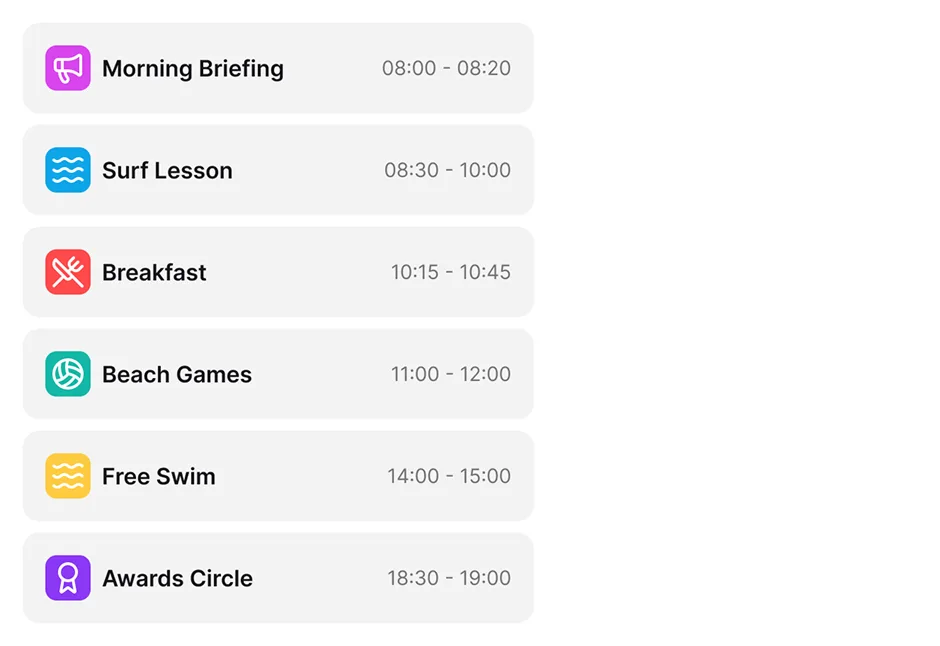
each participant sees their own schedule, team, learning, and content, theirs, and only theirs.
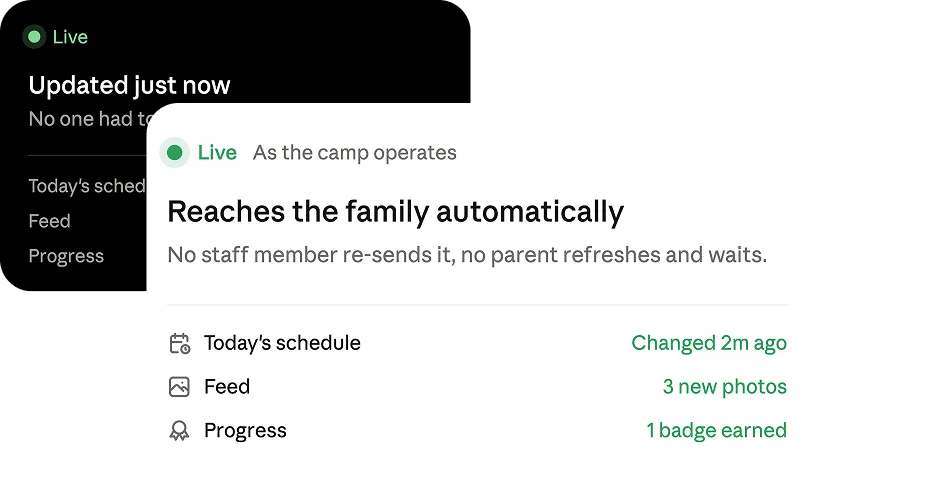
a schedule or assignment change reaches the participant as the program operates.
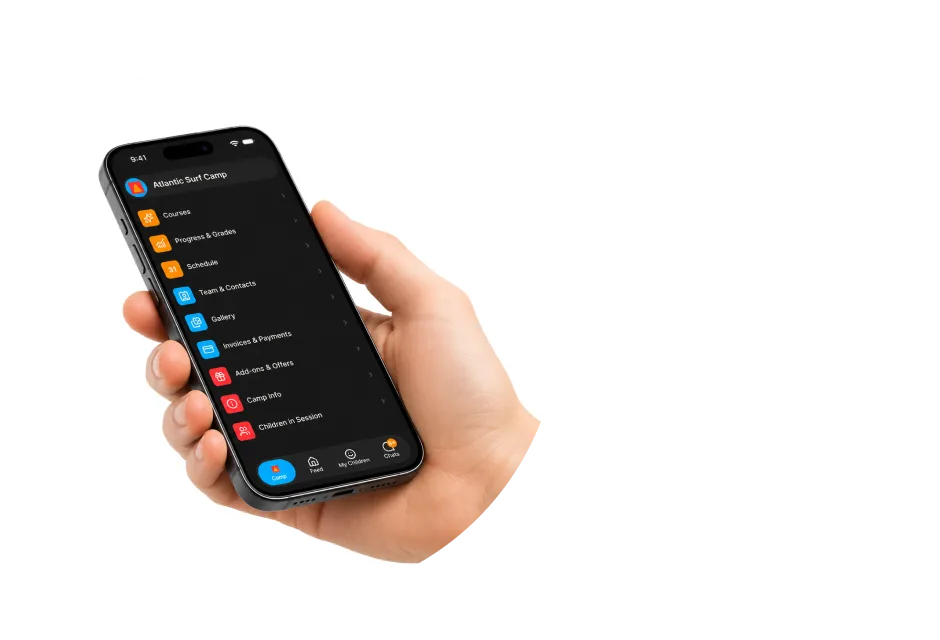
what a participant submits and achieves is the same record staff and families see. Their journey is one story, not three copies.
Older participants run their own day, learning, and bookings, the way young adults actually operate, instead of being managed through a parent's inbox.

When every participant can see what's next and what still needs action, staff stop answering the same question forty times and stop chasing missing forms.

Courses, badges, and achievements turn the program into a visible journey. Participants see how far they've come, and want to keep going.
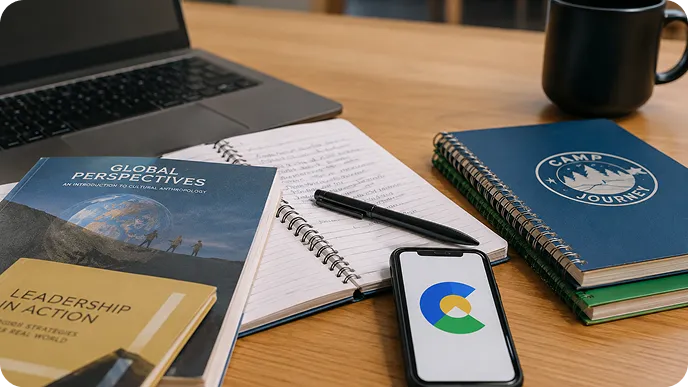
Invaluable for student and learning programs. Easy to keep light for a young camp that wants children outside.
© 2026 CampOrganizer. All rights reserved.