Family Mobile: your child's camp, in your pocket

The quick daily check, in your pocket

Family Mobile is the everyday companion to Family on the web. The web app is where a parent prepares properly: registration, long forms, document uploads, detailed account management. Family Mobile is where a parent checks in, an action-first daily timeline that shows the next thing to do and the latest thing to see, in a few seconds. Both share one account and the same information. A form completed on the web disappears from the phone's task list; a photo that appears on the phone is the same one waiting on the web. One truth, in two forms, each built for its moment. Preparation belongs on a big screen. Reassurance belongs in your pocket.

Everything a parent needs, day to day

  • My day, action-first A daily timeline of what needs your attention and what is happening now. Open the app and you immediately know your next action, no hunting for it.
  • My children, one account Parents with several children switch between them, and between sessions, from a single account. Every child's tasks, updates, and schedule stay clearly separated.
  • The feed and photos Official updates and the photos and video the camp shares, so you see your child's day as it happens, in a private feed, not a noisy group chat.
  • Onboarding and tasks Complete forms, consents, and pre-arrival tasks in a guided flow on your phone, and see exactly what is left. Preparation fits into a spare five minutes.
  • Schedule and logistics A compact view of where your child will be and what is coming next, so nothing takes you by surprise.
  • Learning progress Follow your child's progress and achievements on the go, where the program makes them available.
  • Billing and add-ons View invoices, handle payments, and book optional add-ons and offers, right from your phone.
  • Contacts and the emergency line The people to reach, support, and the session's emergency line in one place. If you ever need someone, you are not searching for a number.
  • Session info The session's reference details, dates, what to bring, safety references, wherever you are.

Family on the web, Family Mobile in your pocket

Family comes in two forms that share one account and the same information, each built for a different moment.

Family Mobile app on a phone

Web for preparation

registration, onboarding, long forms, billing, everything you want a full screen for.

Mobile for the daily check

today's timeline, the feed and photos, and a quick tap to clear a task or pay a bill.

One account, one truth

what you do on one shows up on the other, instantly.

One app for the whole journey

Before: prepare without the last-minute rush

Complete onboarding, submit forms, review agreements, and get reminders about what is still outstanding, so arrival day starts calm, not chaotic.


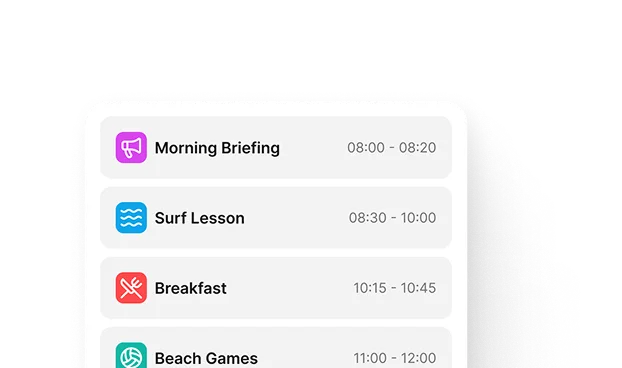
During: see the session as it happens

The feed, the gallery, the schedule, notifications, and the camp's contacts keep you informed directly by the organization. Instead of wondering what is happening, you see it.
After: keep the memories, come back next season

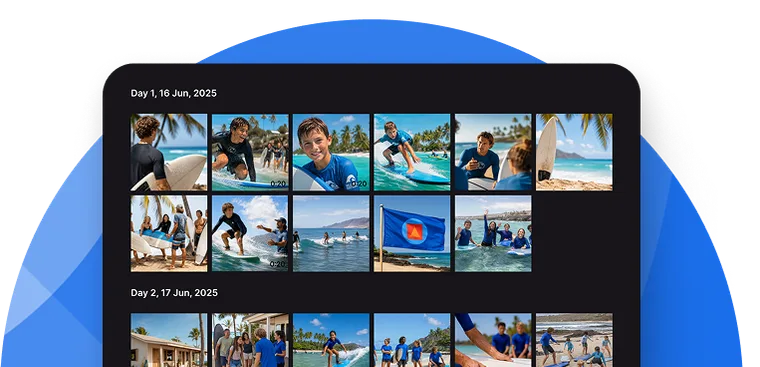
Review shared galleries, complete surveys, and register for the next session, with the same family account, year after year.
Your child's camp, kept private and safe

  • You see your own child, and only your own Family Mobile is scoped by verified family relationships: you see the session, updates, and information for your own child, never another family's.
  • Private, not a group chat Your feed, photos, and conversations are yours, not a shared thread where every parent sees every other family.
  • Official, accountable communication Messages come from the organization, not personal staff phones. You can reach the staff caring for your child, and, where the program allows it, your child, through the app. Contact with children on the platform is a controlled, recorded permission, never open to anyone.
  • Certified security management Your child's data is encrypted in transit and at rest, and CampOrganizer's information security management system is certified according to ISO/IEC 27001:2022 by an independent certification body, covering both standard and white-label deployments.

One connected family journey

Camp Hub prepares the family journey. Session Console runs the live session. Counselor Mobile helps staff publish updates. Explorer gives participants their own experience. Family Mobile presents to parents exactly the slice they need. Everyone works from the same connected operational data, so what a parent sees is always what the camp knows.
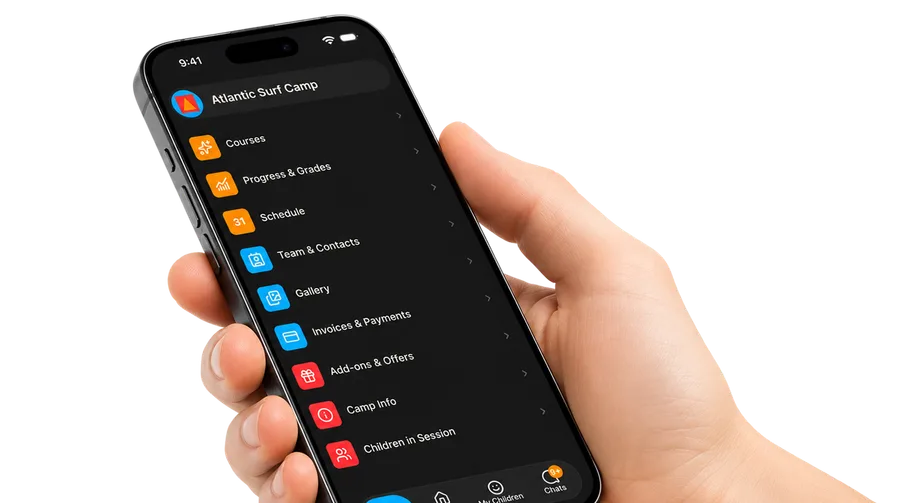
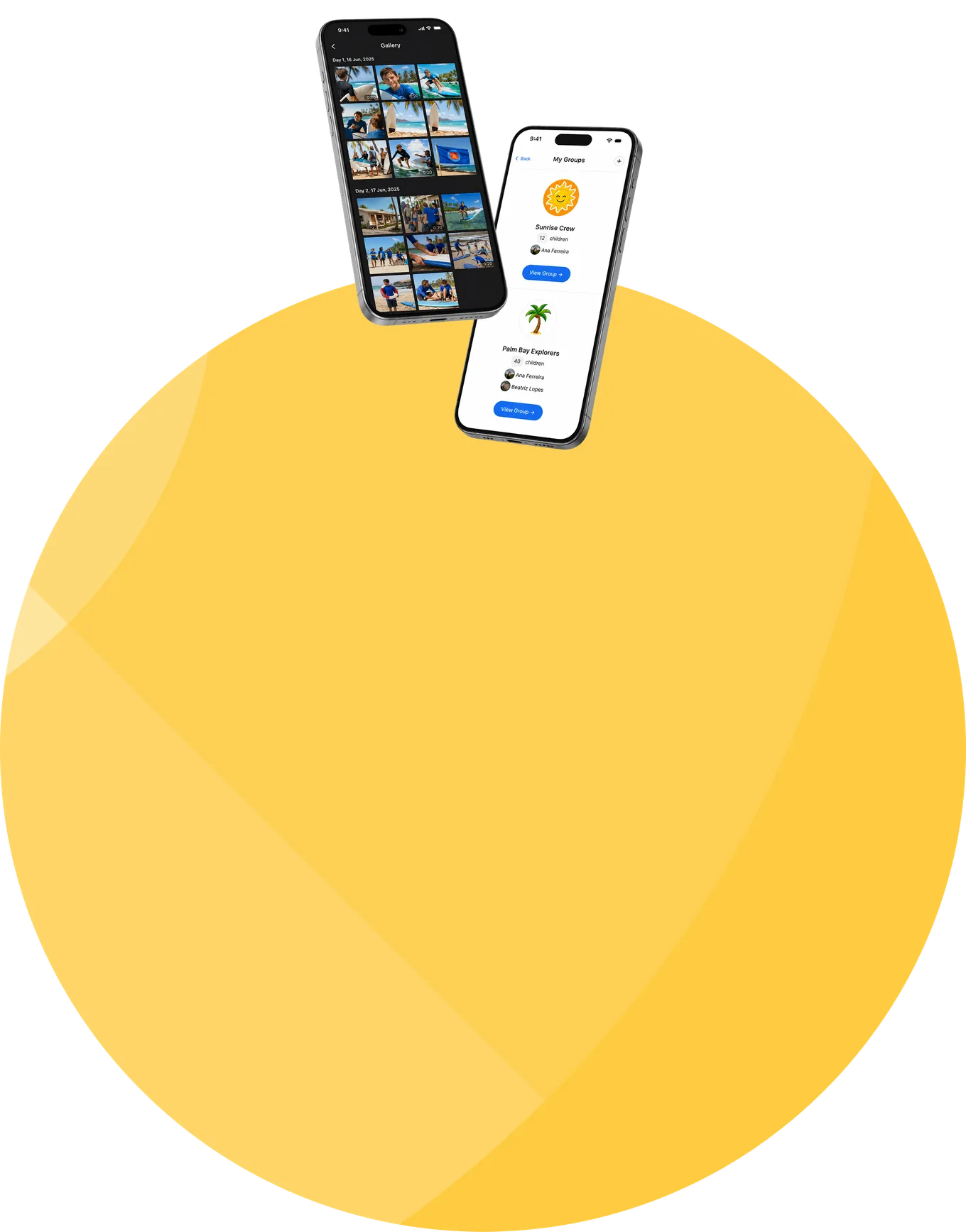
Family Mobile app in a parent's hand

Frequently asked questions about Family Mobile

What is Family Mobile?
Family Mobile is CampOrganizer's parent app: an action-first daily timeline, the update feed and photos, onboarding and tasks, the schedule, learning progress, billing, and the contacts a parent needs, in your pocket.
How is it different from Family on the web?
They share one account and the same information. Family web is the detailed surface for registration, onboarding, and billing; Family Mobile is the quick daily check, today's timeline, the feed, and the photos.
Do parents need the mobile app?
No. The same family account also works in the Family web app. The mobile app simply makes the daily check faster.
Can one account manage several children?
Yes. Parents switch between children and sessions from one account.
Can I complete forms and tasks on my phone?
Yes. Family Mobile guides you through onboarding, forms, and pre-arrival tasks, and shows what is still outstanding.
Can I see updates and photos of my child's day?
Yes. The feed brings official updates and the photos and video the camp shares, in a private stream rather than a group chat.
Can parents chat with counselors or their child?
Communication follows the permissions configured by the organization. Where the program allows it, parents can message authorized staff, and their child, directly in the app.
Can I pay and book add-ons from the app?
Yes. You view invoices, handle payments, and book optional add-ons and offers from your phone.
What if I need to reach someone urgently?
The contacts screen keeps the people to reach, support, and the session's emergency line in one place.
Are push notifications supported?
Yes, where enabled, for onboarding reminders, schedule changes, and important operational announcements.
Do I see other families' information?
No. Family Mobile is scoped so you see only your own child's session, updates, and information.

Put your child's camp in every parent's pocket

© 2026 CampOrganizer. All rights reserved.